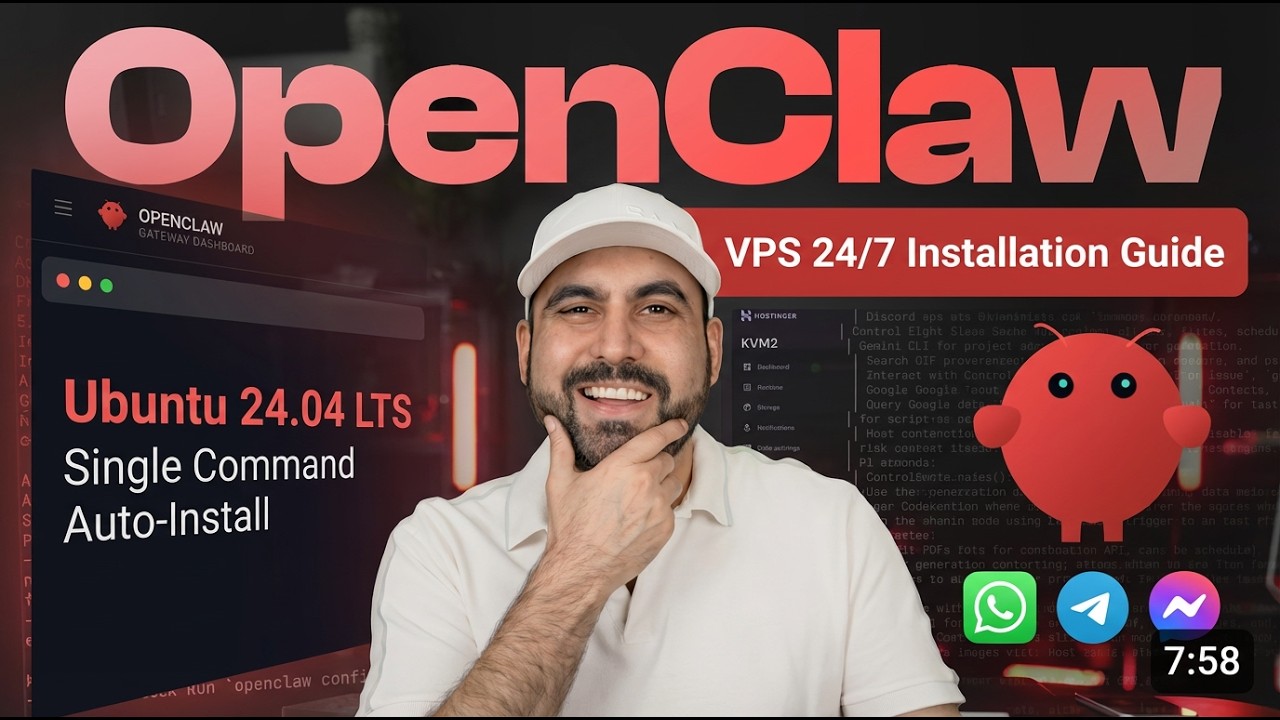
Install OpenClaw on Any VPS in 5 Minutes (No Mac Mini Needed)
Автор: SaaS Master
Загружено: 2026-02-20
Просмотров: 34
Описание:
Grab this Web Hosting Plan: https://saasmaster.link/hostingervps
Hostinger Coupon: SAASMASTER
OpenClaw: https://openclaw.ai/
Terminal OpenClaw install: curl -fsSL https://openclaw.ai/install.sh | bash
Turn any VPS into a 24/7 AI assistant with OpenClaw. In this step-by-step guide, you’ll install OpenClaw on Ubuntu 24.04, configure the latest version via a one-line script, plug in your OpenAI API key, and hook it to WhatsApp, Telegram, or Discord—all without buying a Mac Mini or any dedicated hardware. I’m using Hostinger VPS (KVM2) to keep it ultra-affordable, and you can lock in a low rate with their long-term plan and coupon. You’ll see the full terminal flow, quick vs manual setup, enabling session memory hooks, linking WhatsApp with a QR, and what to do when web search needs a Brave API key. If you want a simpler route, Hostinger even offers an OpenClaw-ready VPS, but this method works on any provider. What messaging channel will you connect first—WhatsApp, Telegram, or Discord? Drop your pick and why.
Pro tip: Choose quick start first to get running in minutes, then revisit manual config for fine-tuned channels, hooks, and model settings once it’s live.
Common mistake to avoid: Skipping API key setup and then assuming web search “just works.” Configure OpenAI and Brave (or your preferred search) keys during onboarding to avoid confusing “can’t fetch” errors mid-chat.
Original insight: If you plan to chat on mobile a lot, set up your messaging channel (e.g., WhatsApp) before you pick your model—lighter models like GPT-5 Nano-style options can make responses feel instant on mobile, boosting perceived speed and retention.
00:00 Why VPS over hardware (save $$$ vs Mac Mini)
01:07 The Hostinger VPS deal (KVM2 pricing, coupon, renewal tips)
01:56 One-line install: latest OpenClaw on Ubuntu 24.04
02:30 Install progress and version check
02:55 Risk prompt explained: why VPS is safer than your personal machine
03:20 Quick Start vs Manual: which one should you pick
03:50 API keys: OpenAI option, model selection, and best budget choice
05:26 Connect channels: WhatsApp, Telegram, Discord (skip vs set now)
06:01 WhatsApp link: QR, device naming, and number entry
07:07 Hooks: enable session memory for smarter chats
07:37 TUI vs Web UI: which interface fits your workflow
08:07 First test: health check and real-world prompts
08:39 Web search setup: Brave API key and optional capabilities
09:38 Using OpenClaw via messaging for on-the-go commands
10:04 Alternative: Hostinger’s OpenClaw-ready VPS vs DIY on any provider
10:40 Wrap-up and what to try next
▬▬▬▬▬▬▬▬▬▬▬▬▬▬▬▬▬▬▬▬▬▬▬▬▬▬▬
My top links: https://saasmaster.net/links/
Subscribe to my newsletter: https://saasmaster.net/subscription/
▬▬▬▬▬▬▬▬▬▬▬▬▬▬▬▬▬▬▬▬▬▬▬▬▬▬▬
Повторяем попытку...
Доступные форматы для скачивания:
Скачать видео
-
Информация по загрузке: