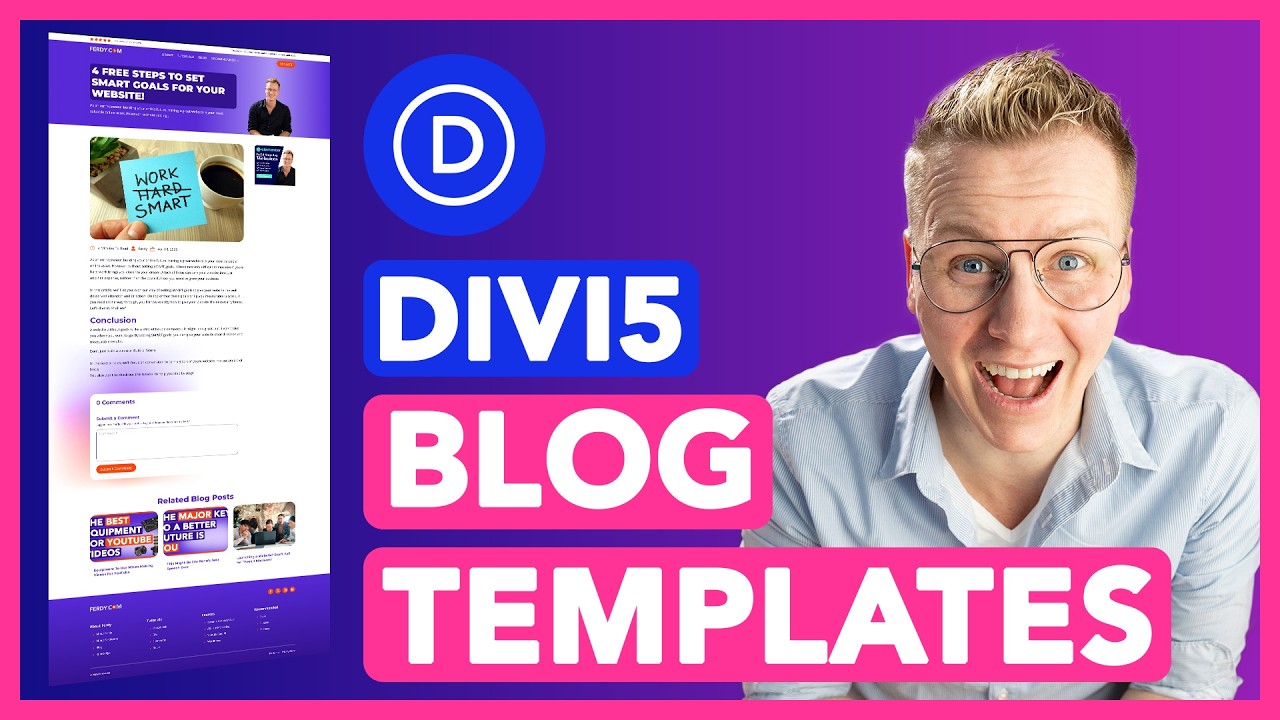
How To Create a Custom Blog & Post Layout in Divi 5 (Theme Builder + Dynamic Content Tutorial)
Автор: Ferdy․com | Ferdy Korpershoek
Загружено: 2026-02-18
Просмотров: 725
Описание:
Want full control over how your blog and blog posts look on your WordPress website? In this complete Divi 5 tutorial, I’ll show you step-by-step how to create a fully custom blog page and a professional blog post layout using the powerful Divi 5 Theme Builder and dynamic content.
🔗 Useful Resources
👉 Get Divi: https://ferdy.com/divi
👉 Full Divi 5 Website Tutorial: https://ferdy.com
👉 Free Images & Resources: https://ferdy.com/images
Most WordPress websites use the default blog layouts that come with a theme. They work… but they look generic. In this tutorial, you’ll learn how to break free from the default design and build a blog layout that looks unique, professional, conversion-focused, and perfectly aligned with your brand.
We’ll design:
A beautiful blog overview page
A fully custom single blog post template
A sticky sidebar for ads or affiliate links
Dynamic content like author name, publish date, featured image, excerpt, and more
A comments layout that doesn’t scream “made with Divi”
Related blog posts
A scalable system so every new blog post automatically follows your design
This tutorial is perfect if you:
Want your blog to look more professional
Want more control over your blog layout
Want to monetize your blog with affiliate links or ads
Want to improve user experience and time on site
Want to build scalable website layouts with Divi 5
🚀 What You’ll Learn in This Video
In this tutorial, we go through the entire workflow of creating a professional blog system in Divi 5. You’ll learn how to:
1. Create a Custom Blog Page Layout
We start by designing a blog overview page using the Divi 5 Builder. Instead of using the default WordPress blog layout, you’ll learn how to:
Add a blog module
Control how many posts are shown
Choose which elements to display (featured image, excerpt, title, pagination)
Adjust typography using global styles
Improve spacing and layout for better readability
Style images and hover effects
Create a clean, modern blog grid
2. Import Demo Blog Posts (Optional)
If you don’t have blog posts yet, I’ll show you how to:
Import demo content
Export posts from another website
Quickly create content to design with
This is super useful when building client websites or demo projects.
3. Build a Custom Blog Post Template with Divi 5 Theme Builder
Instead of designing every blog post manually, we use the Divi Theme Builder to create a global blog post template. This means every blog post will automatically follow the same layout and design.
You’ll learn how to:
Create a custom post template for all blog posts
Use dynamic content for:
Post title
Featured image
Post content
Author name
Publish date
Excerpt
Control spacing, typography, and layout
Make your blog posts look consistent and professional
4. Create a Sticky Sidebar for Affiliate Links or Ads
If you want to monetize your blog, this part is gold.
We create a sticky sidebar that stays visible while people scroll. Perfect for:
Affiliate banners
Advertisements
Lead magnets
Promotions
You’ll learn how to:
Create sticky elements in Divi 5
Control sticky limits so elements don’t scroll too far
Use groups to avoid layout glitches
Create short tracking links with redirects
Track clicks on affiliate links
5. Improve Readability & Design with Global Styles
We apply global typography and spacing so that:
Headings look consistent
Body text is easy to read
Images get rounded corners
Line height improves readability
The website looks modern and clean
This makes your website feel premium and professionally designed.
6. Customize the Comments Section
The default Divi comments layout looks very “Divi”. In this tutorial, I show you how to:
Replace the default comment layout
Import a custom comments module
Style comments to match your website
Improve trust and engagement
7. Add Related Blog Posts Automatically
To increase page views and session duration, we add related blog posts below each article. This helps with:
SEO
User engagement
Lower bounce rates
More ad and affiliate clicks
8. Prepare for Advanced Features (Future Tutorials)
I also explain how you can later add:
Reading time
Advanced metadata
Custom fields
More dynamic blog information
This tutorial is part of a bigger Divi 5 series, so you can keep expanding your website with more advanced features later.
🧠 Who This Tutorial Is For
This tutorial is perfect if you:
Use WordPress + Divi
Want more control over your blog design
Want to build client websites
Want to monetize your content
Want to future-proof your website with Divi 5
I assume you already have some basic knowledge of Divi 5. If you’re new to Divi 5, make sure to first watch the complete Divi 5 website tutorial on my website.
#wordpress #divi5 #acf
Повторяем попытку...
Доступные форматы для скачивания:
Скачать видео
-
Информация по загрузке: