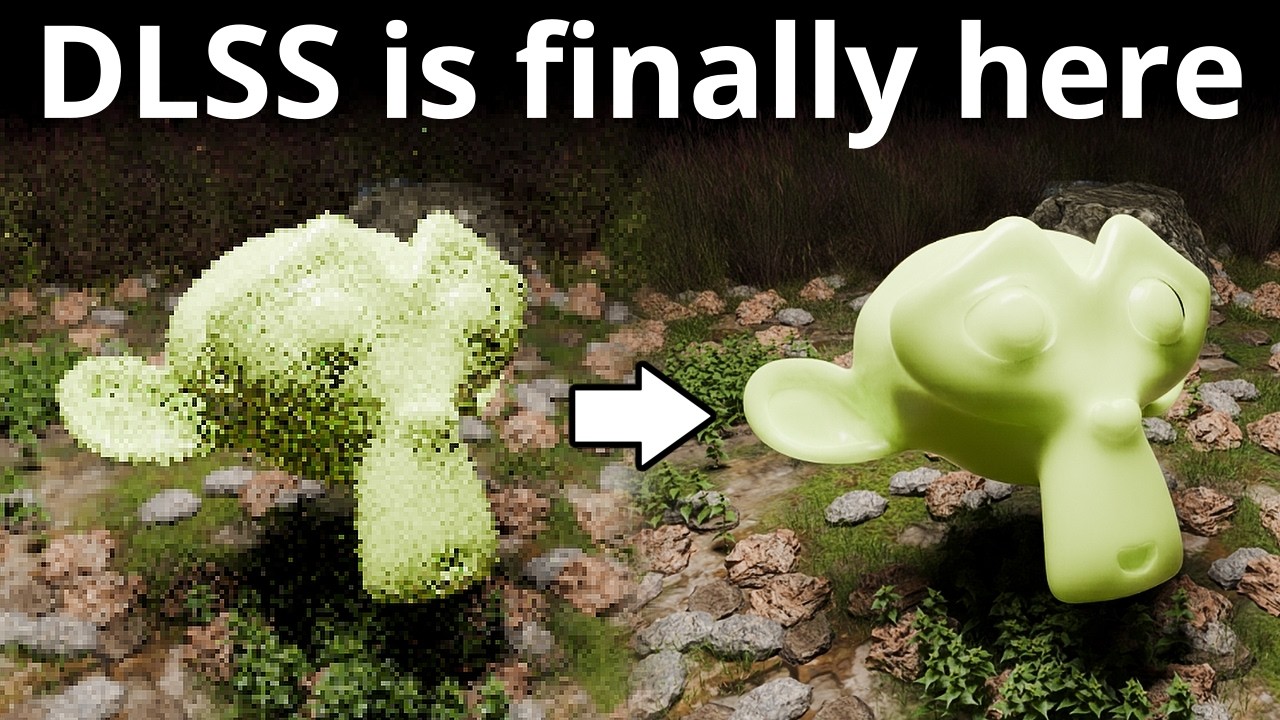
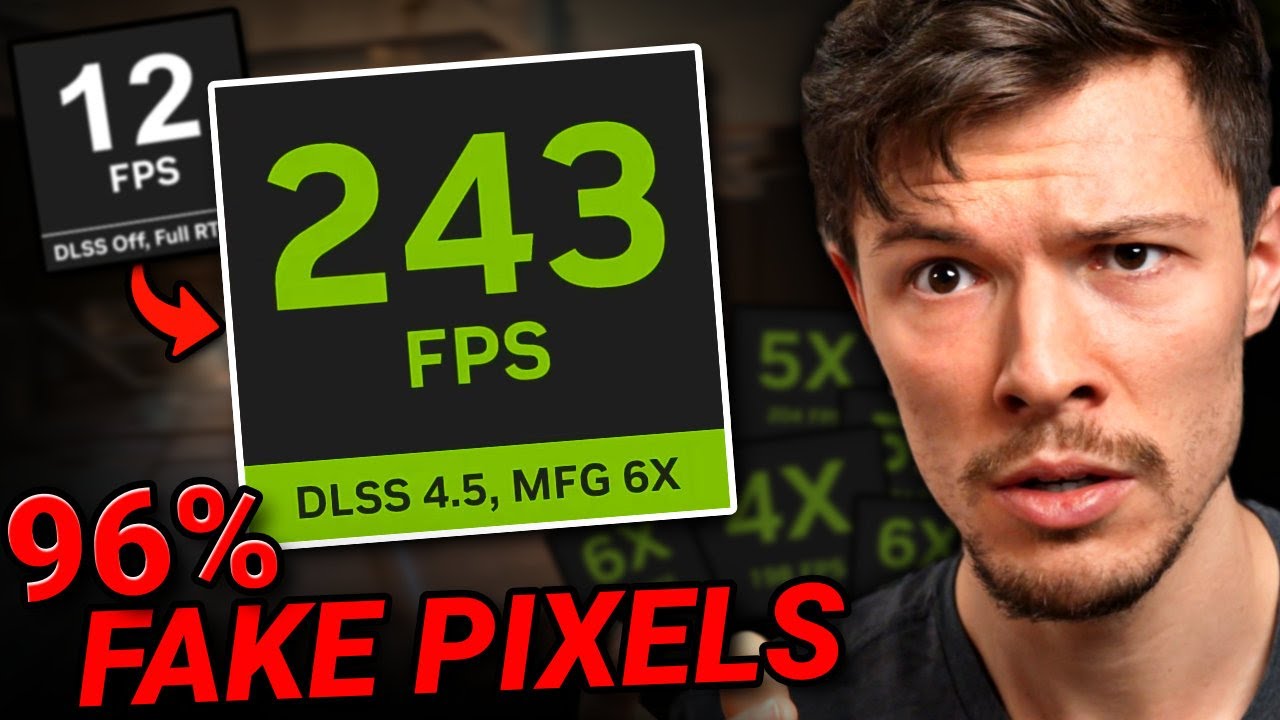
How to Install DLSS in Blender (In Under 5 Minutes)
Автор: Simphony
Загружено: 2026-02-17
Просмотров: 3988
Описание:
📌 DOWNLOAD LINKS (In Order of Installation)
Visual Studio 2022: https://aka.ms/vs/17/release/vs_commu...
CUDA Toolkit: https://developer.nvidia.com/cuda/too...
OptiX SDK: https://developer.nvidia.com/designwo...
(Note: After installing this, move the folder to your C:\ drive and rename it to "OptiX_SDK")
Git for Windows: https://git-scm.com/download/win
DLSS SDK: https://github.com/NVIDIA/DLSS
⚠️ REPOSITORIES (Don't click these, just use the commands below)
Blender (Official): https://projects.blender.org/blender/...
Blender (NVIDIA Branch): https://projects.blender.org/pmoursnv...
💻 PART 1: PREPARATION
1. Install the DLSS SDK to your C: Drive
Open a standard Command Prompt (cmd.exe) and run these two commands:
cd C:\
git clone https://github.com/NVIDIA/DLSS.git DLSS_SDK
🚀 PART 2: THE BUILD
Close the standard cmd. Open "x64 Native Tools Command Prompt for VS 2022" (Search "x64" in Start Menu).
1. Download Blender Source:
mkdir C:\blender-git
cd C:\blender-git
git clone https://projects.blender.org/blender/...
2. Get the NVIDIA Code:
cd C:\blender-git
cd blender
git remote add nvidia https://projects.blender.org/pmoursnv...
git fetch nvidia
git checkout -b dlss nvidia/dlss
3. Download Libraries (Takes ~20 mins):
make update
(Type 'y' and hit enter if asked)
4. Create Build Folder:
cd C:\blender-git
mkdir build
cd build
5. Configure the Build (Copy this ENTIRE block as ONE line):
cmake ../blender -DWITH_CYCLES_DEVICE_CUDA=ON -DWITH_CYCLES_CUDA_BINARIES=ON -DWITH_DLSS=ON -DDLSS_SDK_ROOT="C:\DLSS_SDK" -DWITH_CYCLES_DEVICE_OPTIX=ON -DOPTIX_ROOT_DIR="C:\OptiX_SDK"
6. Compile Blender (Takes ~30 mins):
cmake --build . --target INSTALL --config Release
⚠️ FINAL STEP (Don't Forget!)
Without this, the DLSS button won't appear.
1. Go to: C:\DLSS_SDK\lib\Windows_x86_64\rel
2. Copy the file: nvngx_dlssd.dll
3. Paste it into: C:\blender-git\build\bin\Release
4. Launch blender.exe and enjoy!
Повторяем попытку...
Доступные форматы для скачивания:
Скачать видео
-
Информация по загрузке: