Get Tender Alerts as per your Business Needs
Автор: OfBusiness B2B
Загружено: 2018-11-26
Просмотров: 2993
Описание:
BidAssist
Easily manage your BidAssist account all by yourself.
Just go to preferences and configure notification settings to receive tender alerts as per your need.
How it works!
1. Go to preferences
Click "Profile" in the header. Then, select preferences within Profile section.
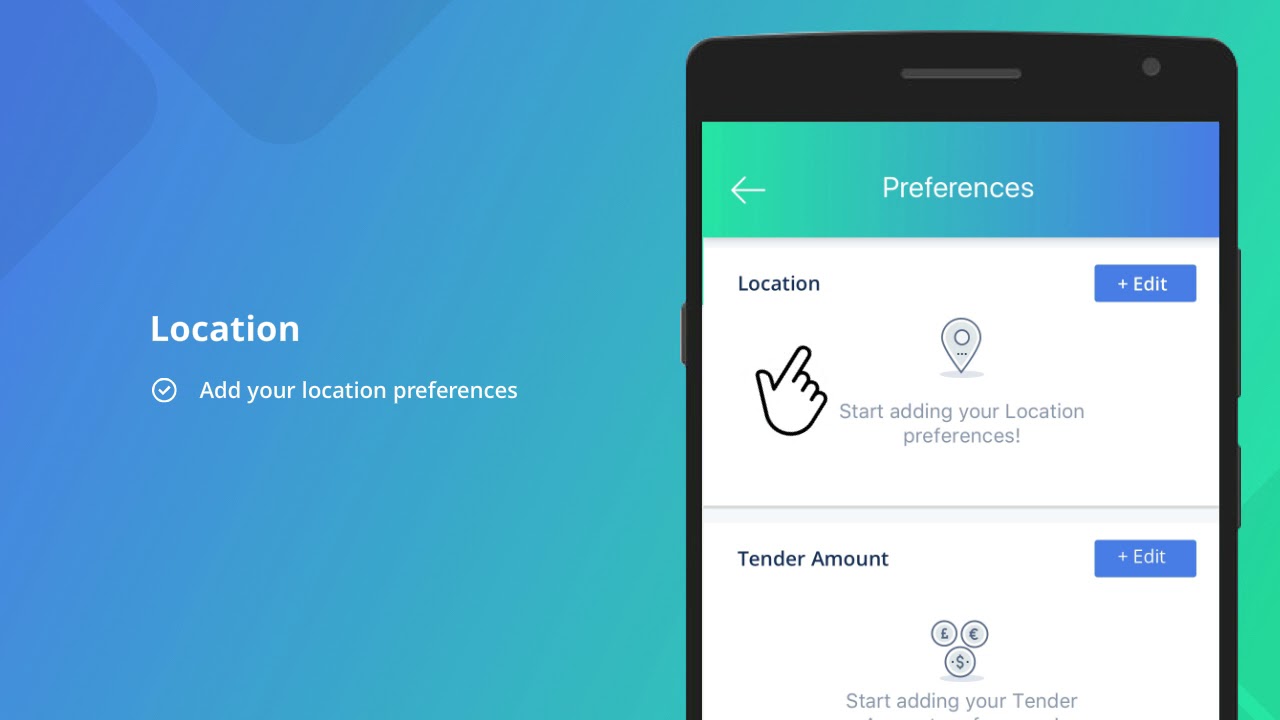
2. Set Preferences
Set Location, Tender amount, EMD and Keyword preferences and Save to receive personalised tender alerts.
3. Set Notification Settings*
Set frequency (Daily / Weekly / Monthly) and medium (SMS / Email / Both) for tender notification alerts.
*Daily notification alerts are applicable for users on paid subscription plans.
To enjoy benefits we offer free Enterprise plan for a month. If not subscribed yet, please visit http://bit.ly/2zsrbLy to get started.
Повторяем попытку...
Доступные форматы для скачивания:
Скачать видео
-
Информация по загрузке: