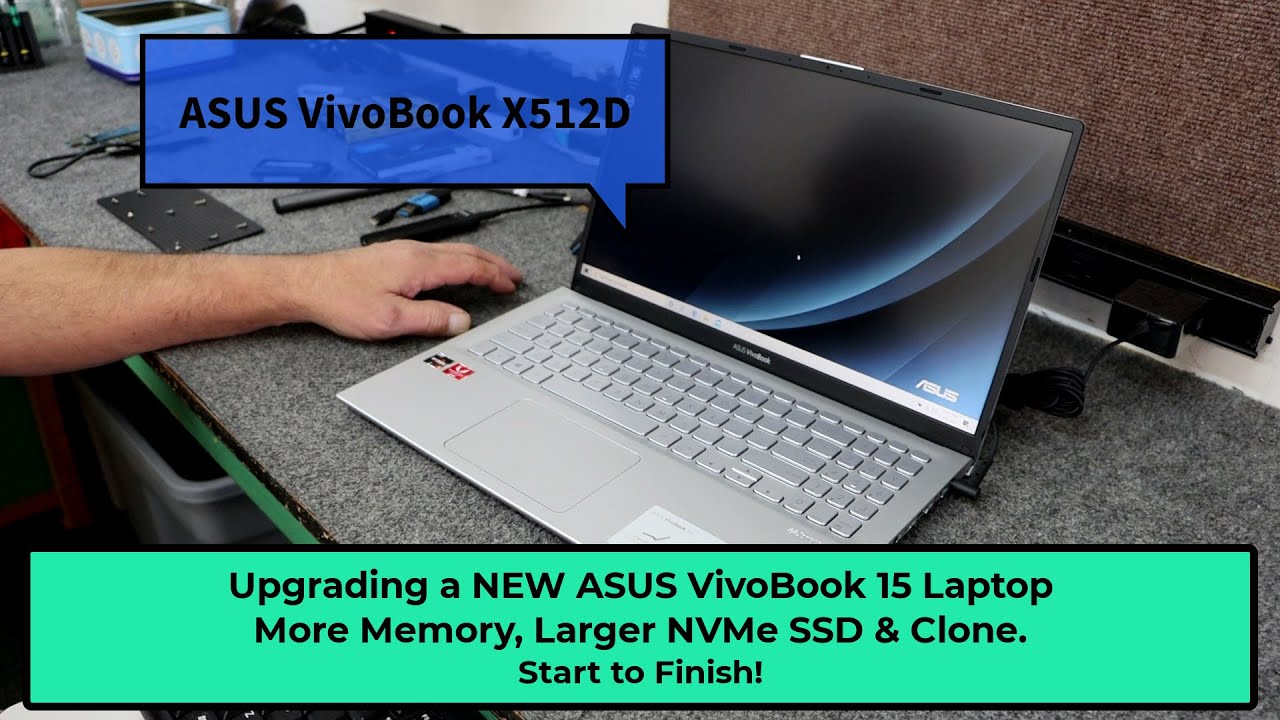
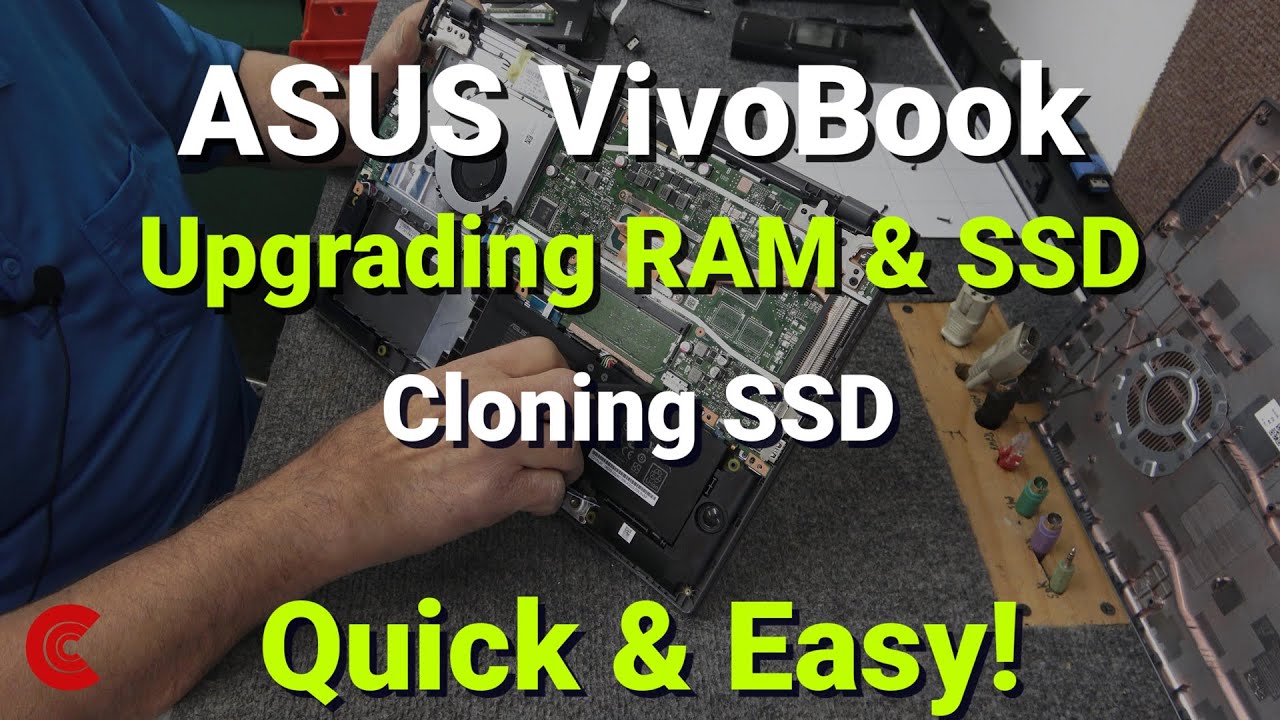
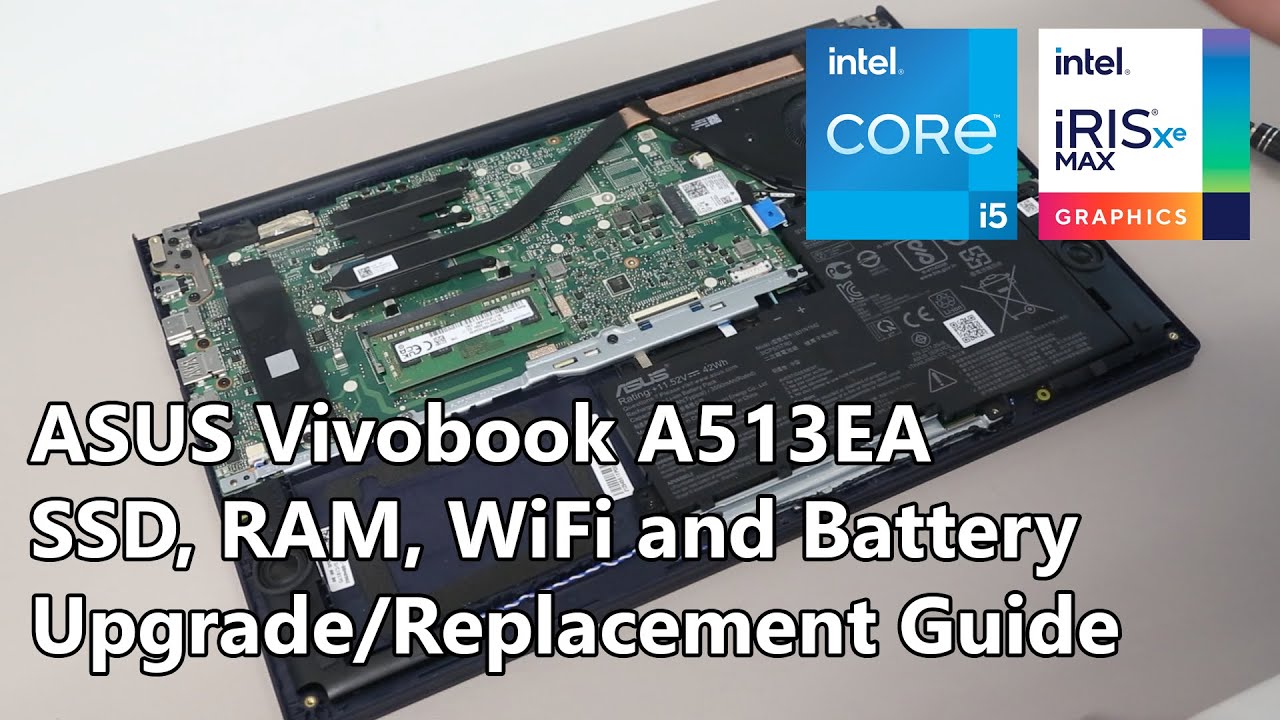
ASUS Vivobook A513EA/X513EA - SSD, RAM, WiFi and Battery Upgrade/Replacement Guide
Автор: Brue Computing
Загружено: 2021-12-07
Просмотров: 51096
Описание:
A guide to upgrading or replacing the M.2 SSD, WiFi module and battery in the ASUS Vivobook A513EA with Intel Core i5-1135 "Tiger Lake" processor. Part links in description.
This is a relatively simple process requiring just a small Philips head screwdriver and a plastic pry tool.
Related parts, via Amazon Associate links:
Screwdriver set: https://amzn.to/2H8yS1x
Pry tools: https://amzn.to/3kEJyT0
16GB DDR4-3200 SO-DIMM: https://amzn.to/3lJy7gg
1TB NVMe M.2 2280 SSD: https://amzn.to/3lv1D8T
Intel AX210: https://amzn.to/30Zg5PD
B31N1842 Battery: https://amzn.to/3dvmrcC
HDD Mounting Rubber: https://www.asusparts.eu/en/asus-13nb...
HDD Cable and PCB: https://www.asusparts.eu/en/asus-0402...
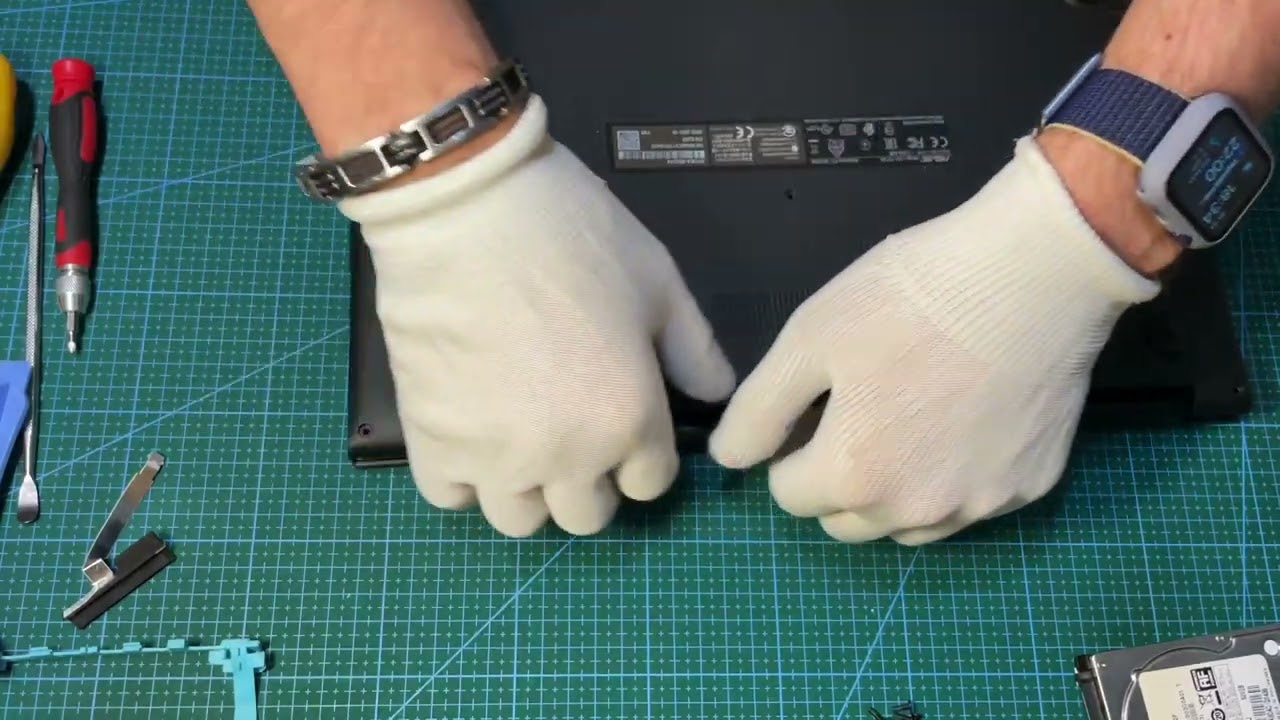
0:00 Base Removal
3:50 Battery Disconnection and replacement
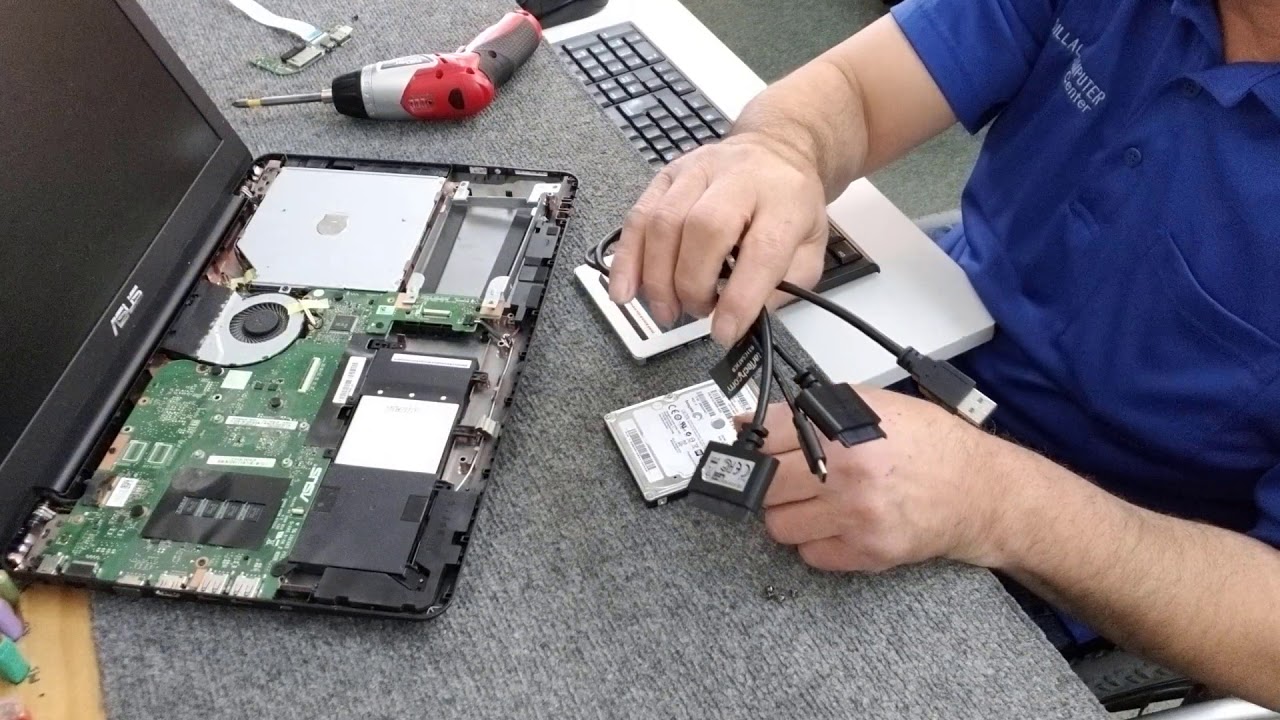
6:06 2.5" SATA HDD Options
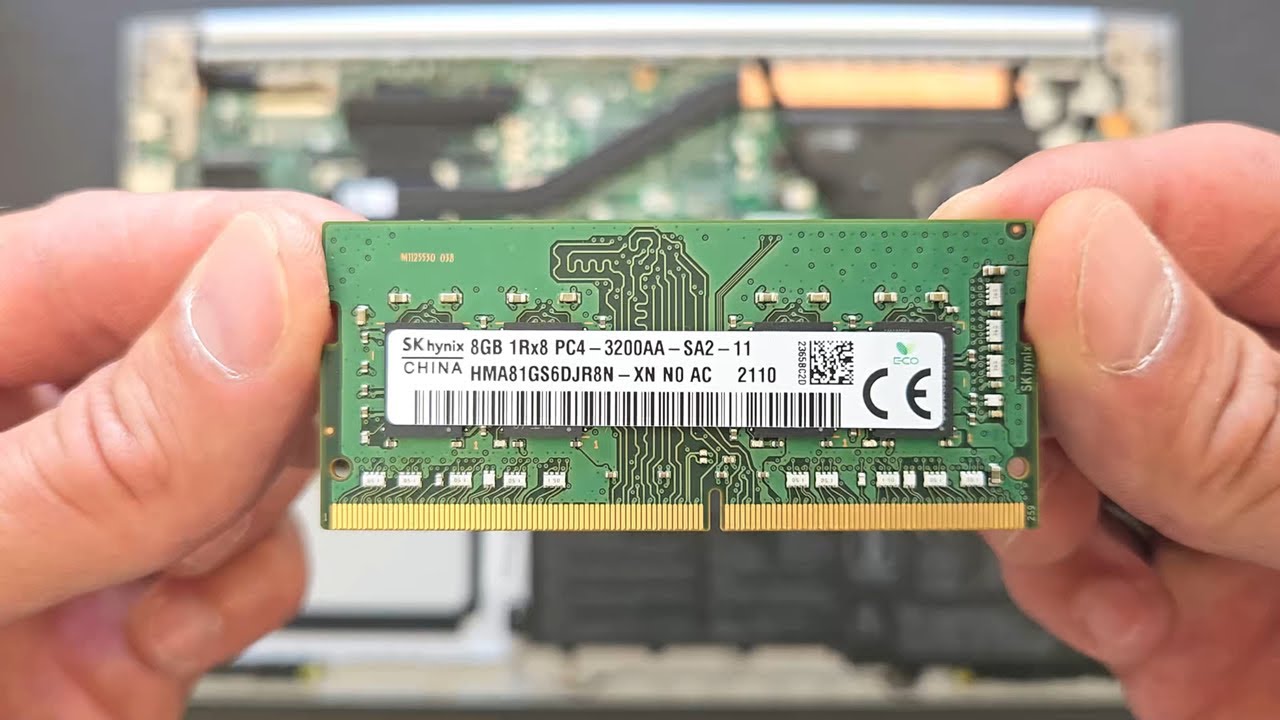
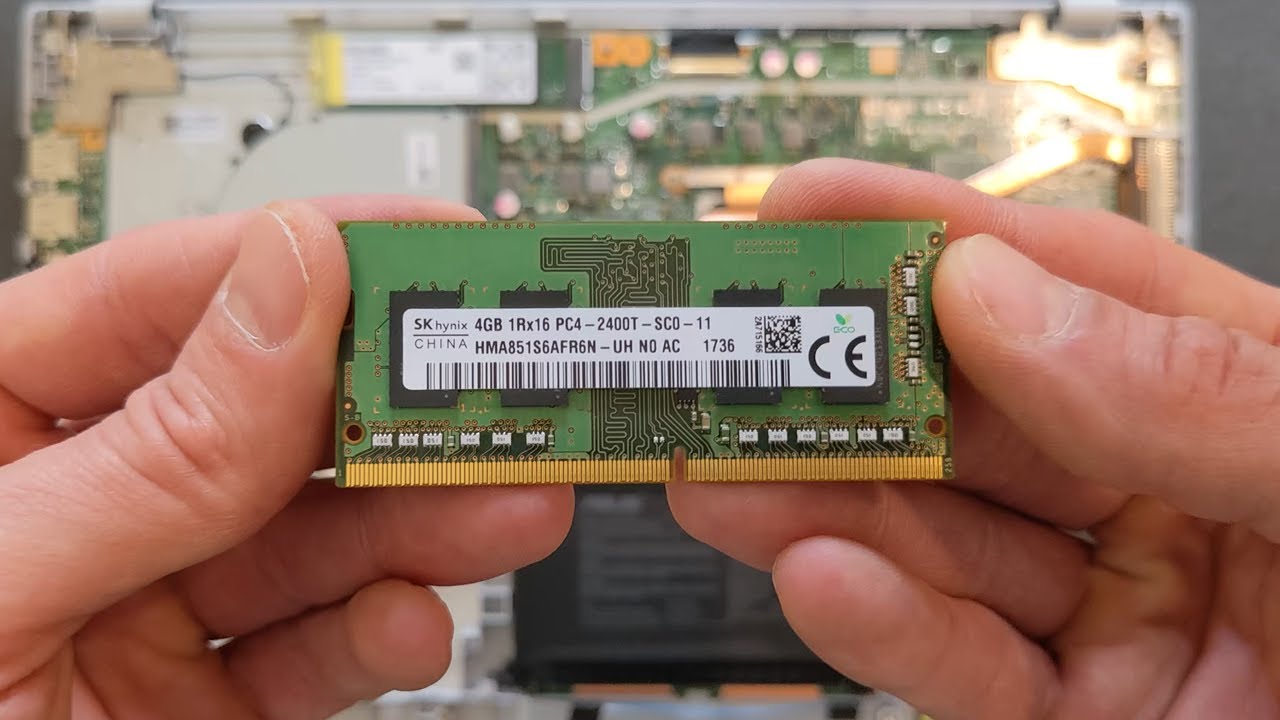
7:02 DDR4 RAM Upgrade
7:47 M.2 2280 SSD Upgrade
9:05 WiFi Module Replacement
10:43 Battery Reconnection and Base Fitting
Повторяем попытку...
Доступные форматы для скачивания:
Скачать видео
-
Информация по загрузке: