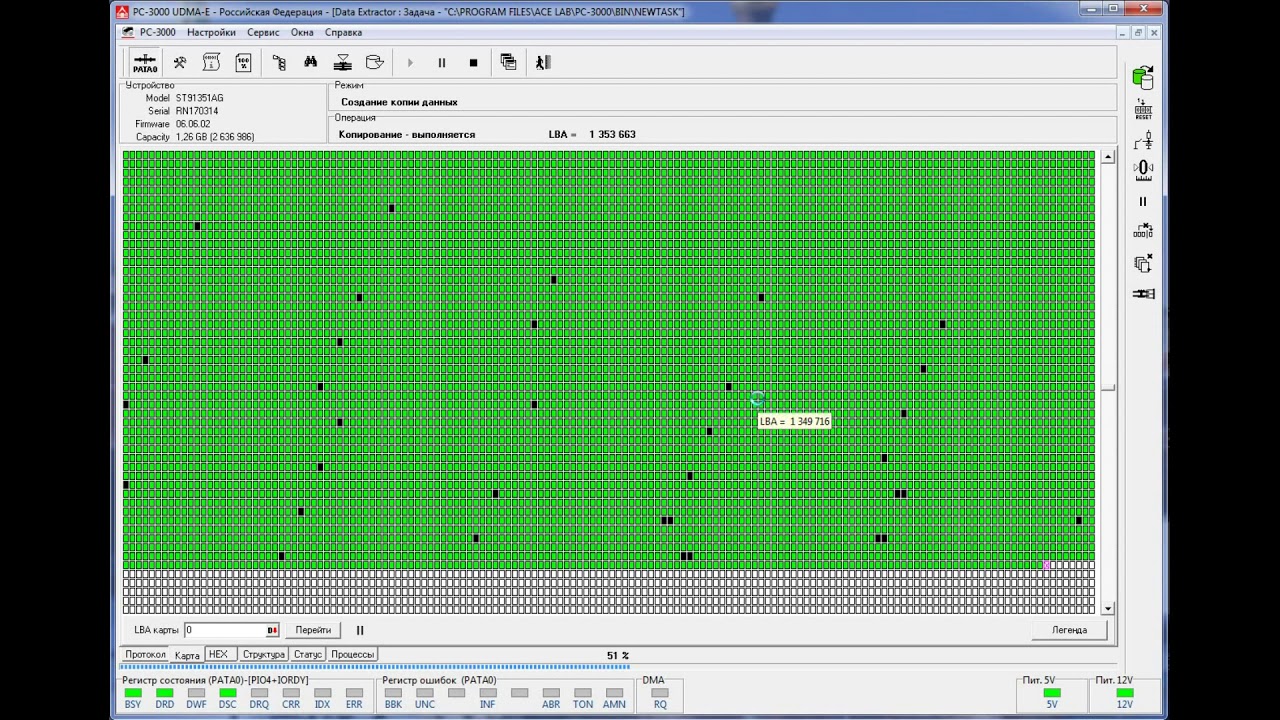
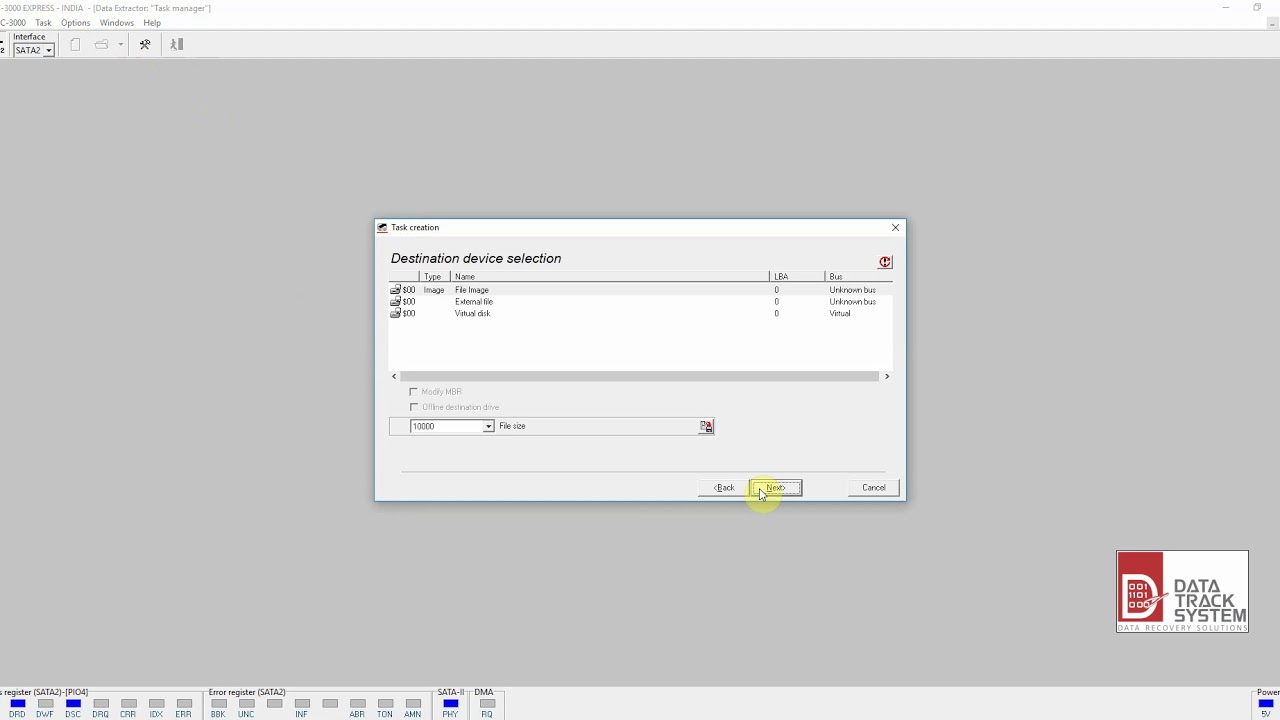
PC3000 Data Extractor: selective imaging, work with selection maps
Автор: HDD Recovery Services
Загружено: 2016-08-08
Просмотров: 21726
Описание:
For data recovery call: 855.366.4232
request service online: http://www.hddrecovery.ca/contact-us/
One of my followers had contact me asking for some basic tips on how to use Data Extractor for selective imaging. I figured it would be a great opportunity to show you the tool I use on daily bases for imaging and data extraction. This tool is called Data Extractor and it comes as an option for PC3000 recovery complex.
This is not software that can just be bought online, it only works if you have PC3000 to go with it, which makes it a very expensive toy. However, this is the most one of the most effective tools I have ever worked with.
In this quick episode I will demonstrate how a to build a head map, create a virtual image of the file system, and perform selective imaging on specific folders as oppose to imaging the entire hard drive. This procedure can significantly increase efficiency, productivity, as well as increase chances for successful recovery for actual “desired” data that the customer is actually willing to pay for.
This procedure is the safest way to extract data from the hard drive, and should be used as a template by anyone who has access to these tools IMHO.
Currently I am not offering any remote assistance, but that may change if the demand is there. For enquiries regarding that topic feel free to contact us here:
http://www.hddrecovery.ca/contact-us/
HDD Recovery Services
666 Kirkwood Ave, Suite B101
Ottawa, ON
K1Z 5X9
Canada
If you are interested in learning more about the data recovery in the future subscribe to our channel: https://www.youtube.com/subscription_...
Facebook: / hddrecoveryservices
Youtube: / hddrecoveryservices
This video: • PC3000 Data Extractor: selective imaging, ...
Повторяем попытку...

Доступные форматы для скачивания:
Скачать видео
-
Информация по загрузке: