Winlator for Android Can Run Windows Apps & Games with Wine & Box86/64
Автор: Explaining Android
Загружено: 2023-09-13
Просмотров: 16982
Описание:
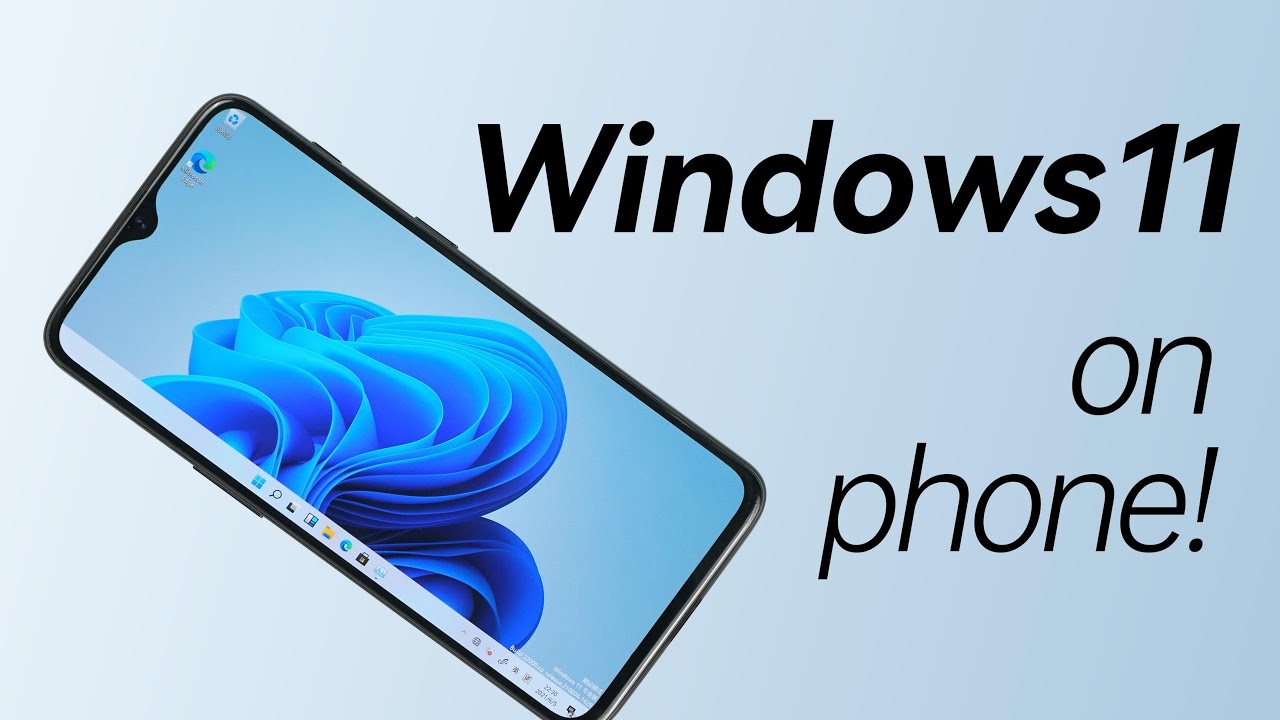
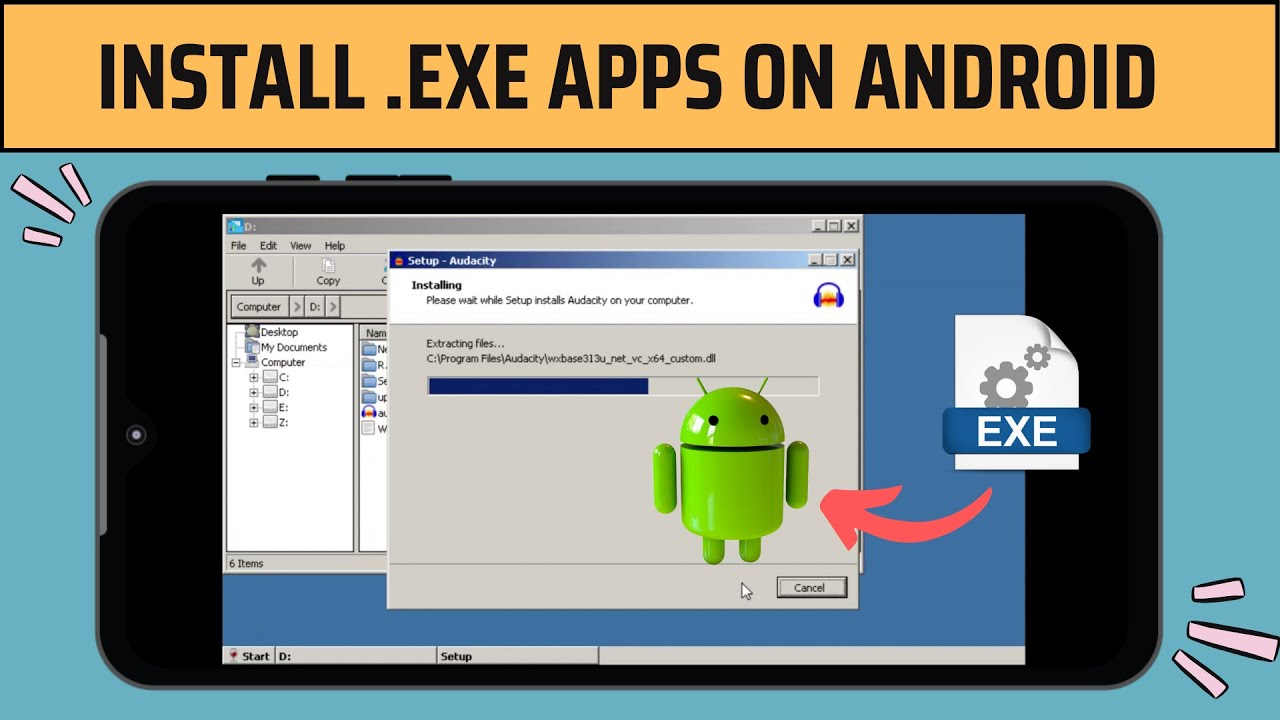
With the help of Wine and Box86/64, the Winlator app can emulate Windows x86_64 applications and games on an Android smartphone or tablet.
~~~~~
Hi! Don't forget to like the video, subscribe to the channel, and hit the "Thanks" button on this video, if you can, and join our channel community here - / @explainingandroid
Video Description
~~~~~~~~~~~~~~~~~
I have the Samsung Galaxy S23 here and in today's video I'll be showing you how to install and setup the Windows emulation application called Winlator.
#android #samsunggalaxy #googlepixel #galaxys23 #galaxys22 #emulation #samsunggalaxys23 #samsunggalaxys22
Winlator is an application from brunodev85 that uses Wine and Box86/64 to let you run Windows applications on an Android smartphone or tablet.
It was initially released in July of 2023 and since then it has had one major update to version 1.1 that brought improved input controls, improved cursor support, experimental Turnip Adreno support for the 700 series, and other minor improvements.
With this application, you will be able to play Windows games like Fallout, Deus Ex, Mass Effect, and more.
To begin, we need to download the Winlator APK from GitHub.
I'm downloading this from the brunodev85 GitHub page and you can find this linked down in the video description below.
You can see that when we try to open up Winlator for the first time, we're told that the application was "unable to extract the obb image" file for us.
So if you're getting this error, then you'll need to go back to GitHub page and download the main.1.com.winlator.obb file from the releases page. If you can't find it, I'll be sure to include a link to a direct download page in the video description below as well.
This is a rather large file so it may take you some time to download all of it.
After the obb image file has been downloaded, it needs to be saved in the /storage/emulated/0/Android/obb/com.winlator folder
I use an application called Solid Explorer as my file manager of choice but you can likely use your favorite app for this task.
If you don't see this folder in your internal storage then you will need to create it yourself.
Once that obb image file has been stored in the proper folder, we can then open up the Winlator application and let it go through the installation process.
This starts out by installing the obb image file.
And then you will be taken to the Containers page, which is where your Windows apps or games will be stored.
You can create new containers here, set up some shortcuts, configure your input controls, and check out all of the projects that have made this app possible.
So with the help of an application called Winlator, we are able to run Windows apps and games directly on our Android device.
This is likely a good place to stop, so we'll leave this video as an introduction to Winlator so that everyone knows how to download it, install the application, and then set it up properly so that it can be launched.
This will be in a newly created playlist here on the channel as I would like to create separate videos showing how to install games like Fallout 3 or Deus Ex Human Revolution so that you can play them directly on your smartphone or tablet.
Mentioned Links
~~~~~~~
Winlator on GitHub - https://github.com/brunodev85/winlator
Download main.1.com.winlator.obb - https://dlupload.com/filedetail/16273...
Step by Step Tutorial
~~~~~~~~~~~~~~~~~
1. Intro [00:00]
2.
As an Amazon associate, I may earn a commission on sales from the links below.
The Gear I Use
~~~~~~~~~~~~~~~~~
5W "Slow" Charger - https://amzn.to/2OaUMV8
Fast Charger - https://amzn.to/3rtBsC6
MicroUSB Cable - https://amzn.to/38dkpeM
USB-C Cable - https://amzn.to/2OqlTvi
TPU Cases - https://amzn.to/38g9b9w
USB-C to 3.5mm Dongle - https://amzn.to/3rVt7c3
USB-C to 3.5mm DAC - https://amzn.to/3CyksSJ
NVIDIA Shield TV - https://bit.ly/3KA17RV
Повторяем попытку...

Доступные форматы для скачивания:
Скачать видео
-
Информация по загрузке: