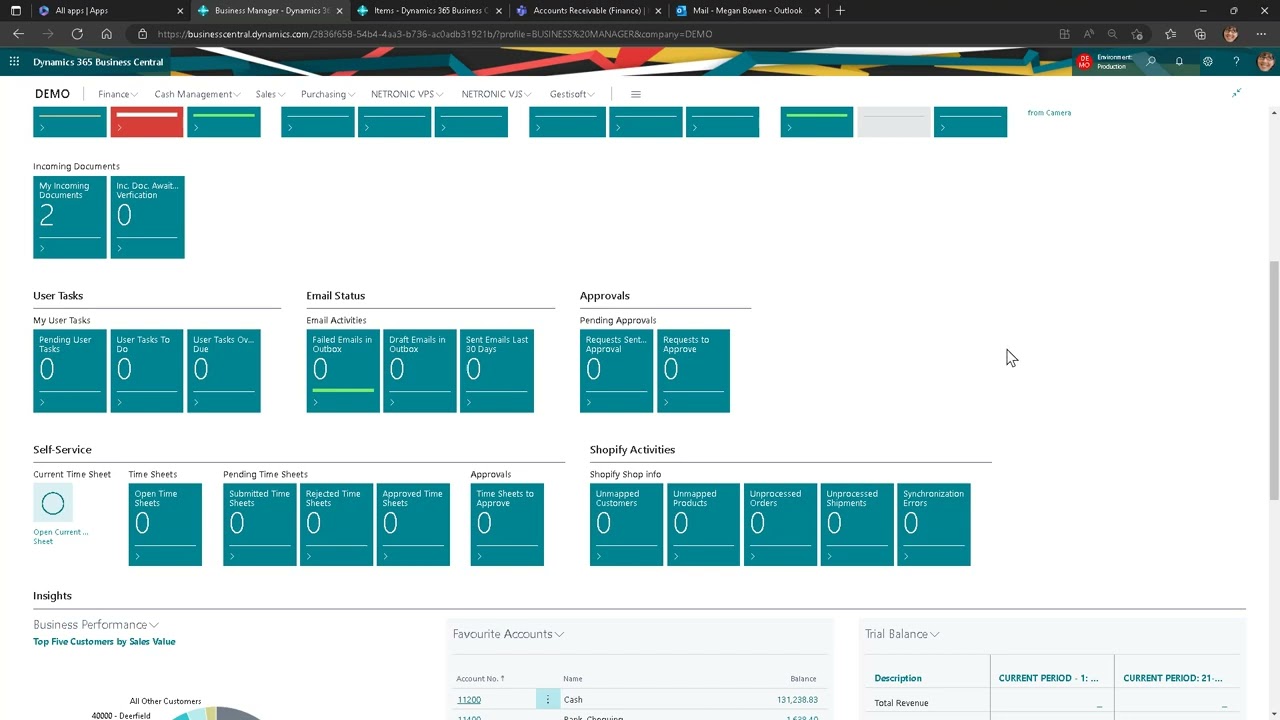
Conquer Dynamics 365: Step-by-Step Login Tutorial!
Автор: Valto Microsoft Specialists
Загружено: 2024-09-04
Просмотров: 3175
Описание:
In this Dynamics 365 Login Tutorial, we will cover all the essential steps to access Dynamics 365, a powerful tool for managing various business processes. Our aim is to make your login experience seamless across different platforms.
** Need Help with Dynamics 365? **
Contact us: www.Valto.co.uk/YouTube
Logging into Dynamics 365 via Browser
To start using Dynamics 365 through your web browser, follow these steps:
Open your preferred web browser.
Navigate to the Dynamics 365 login page.
Enter your username and password.
Click on the "Sign In" button.
If prompted, complete any additional security verification steps.
Once logged in, you will have access to the Dynamics 365 dashboard where you can manage your business data and applications.
Logging into Dynamics 365 via Power Apps on Desktop
Logging into Dynamics 365 via the Power Apps desktop application is straightforward:
Download and install the Power Apps app from the official Microsoft website.
Open the Power Apps app on your desktop.
Click on the "Sign In" button.
Enter your Dynamics 365 credentials.
Follow any additional security prompts.
After successfully logging in, you can access your Dynamics 365 environment directly from the desktop app.
Logging into Dynamics 365 via Power Apps on Mobile Phones
To access Dynamics 365 on your mobile phone using the Power Apps app, follow these instructions:
Download the Power Apps app from the App Store (iOS) or Google Play Store (Android).
Open the Power Apps app on your mobile phone.
Tap on the "Sign In" button.
Enter your username and password.
Complete any additional security verification if required.
This will give you access to Dynamics 365 on the go, making it easy to manage your business processes from anywhere.
Logging into Dynamics 365 via Power Apps on Tablets
For tablet users, logging into Dynamics 365 through Power Apps is similar to the mobile phone process:
Download the Power Apps app from the App Store or Google Play Store.
Open the Power Apps app on your tablet.
Tap on the "Sign In" button.
Input your Dynamics 365 login details.
Follow any additional security verification steps if prompted.
You can now enjoy the larger screen and enhanced usability of Dynamics 365 on your tablet.
Troubleshooting Common Login Issues
If you encounter any issues while trying to login to Dynamics 365, here are some common solutions:
Ensure your internet connection is stable.
Double-check your username and password for any typing errors.
Clear your browser's cache and cookies.
Update your Power Apps app to the latest version.
Try using a different browser or device.
Contact your system administrator if you continue to face issues.
Tips for Secure Login
To ensure your Dynamics 365 login process is secure:
Use strong, unique passwords.
Enable multi-factor authentication (MFA) for an extra layer of security.
Regularly update your passwords and keep them confidential.
Avoid using public or shared devices for accessing sensitive business data.
Log out from Dynamics 365 when not in use.
Повторяем попытку...

Доступные форматы для скачивания:
Скачать видео
-
Информация по загрузке:










![Что такое Microsoft Dynamics 365? [Введение в D365 Finance and Operations, Business Central]](https://imager.clipsaver.ru/N_86TleMjC8/max.jpg)