How to create the ULTIMATE multiboot flash drive using Ventoy!
Автор: Alfredo Sequeida
Загружено: 2022-01-10
Просмотров: 3567
Описание:
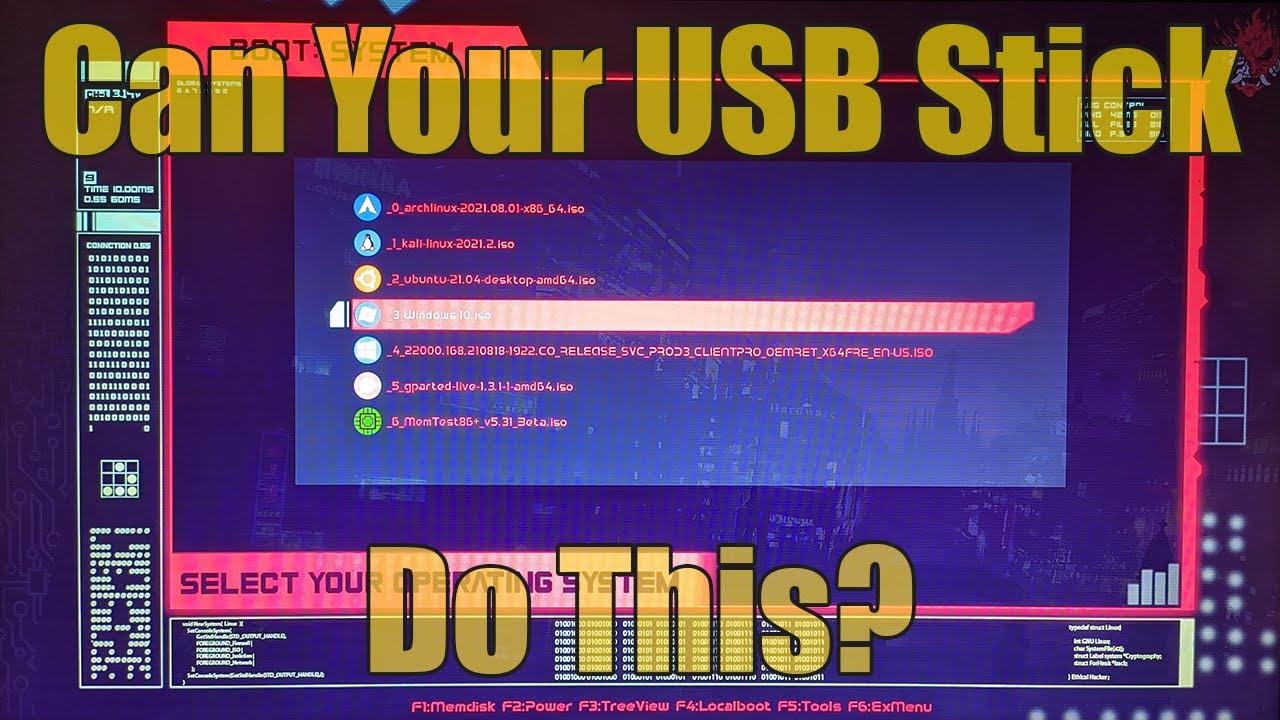
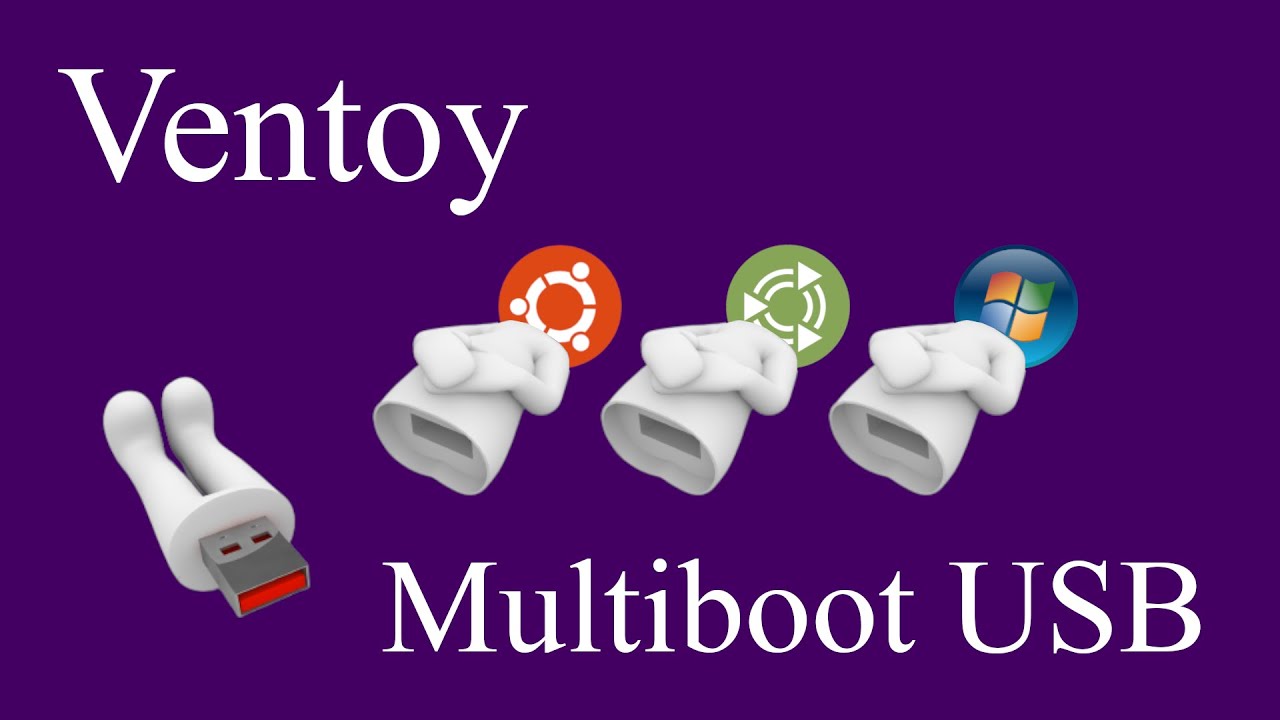
I'm going to show you how to create a bootable multiboot USB flash drive using Ventoy on both Windows and Linux-based operating systems. Ventoy is an open-source program that lets you easily manage multiple bootable images with support for multiple image formats (ISO/WIM/IMG/VHD(x)/EFI files). Compared to other image writing software like Rufus or BalenaEtcher, Ventoy lets you easily add and remove images by simply copying over image files or removing image files to the drive. In addition, this also means that you don't have to keep formatting a drive to switch between images. This might be useful for testing Linux distributions, having multiple bootable installers such as Windows and Linux installers, and even managing bootable testing and diagnostic tools.
download Ventoy: https://github.com/ventoy/Ventoy/rele...
download Rufus: https://rufus.ie/
download grub themes: https://www.gnome-look.org/browse?cat...
download 7-zip: https://www.7-zip.org/download.html
0:00 intro
1:21 installing ventoy using windows
2:38 installing ventoy using the live cd
5:33 installing ventoy using linux
6:52 installing ventoy using linux - command line option
8:26 installing ventoy using linux - gui option
9:19 installing ventoy using linux - web interface option
10:22 using ventoy on linux
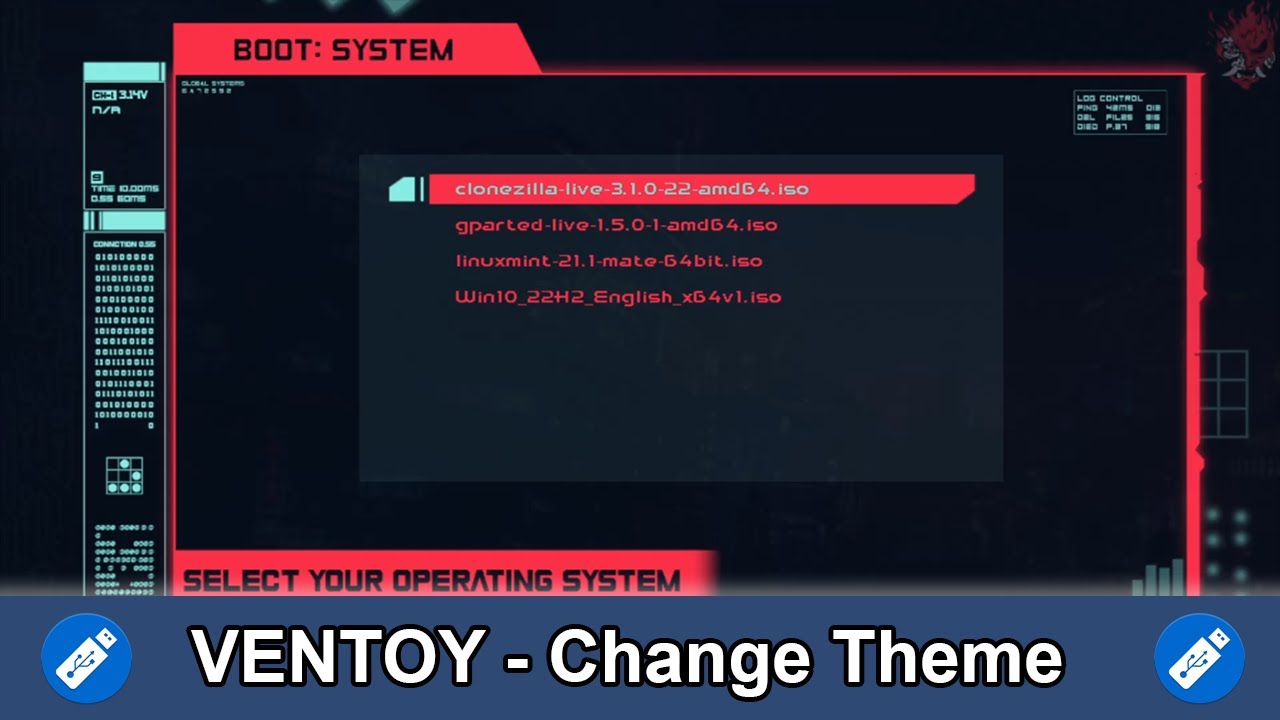
10:54 customizing ventoy
11:17 using ventoyplugson on windows
11:57 using ventoyplugson on linux
12:23 installing themes
14:52 adding menu icons
#ventoy #linux #bootableusb
🤳🏼 Follow me on Social: https://alfredo.lol/social
✉️ For business inquiries/collabs: [email protected]
Повторяем попытку...

Доступные форматы для скачивания:
Скачать видео
-
Информация по загрузке: