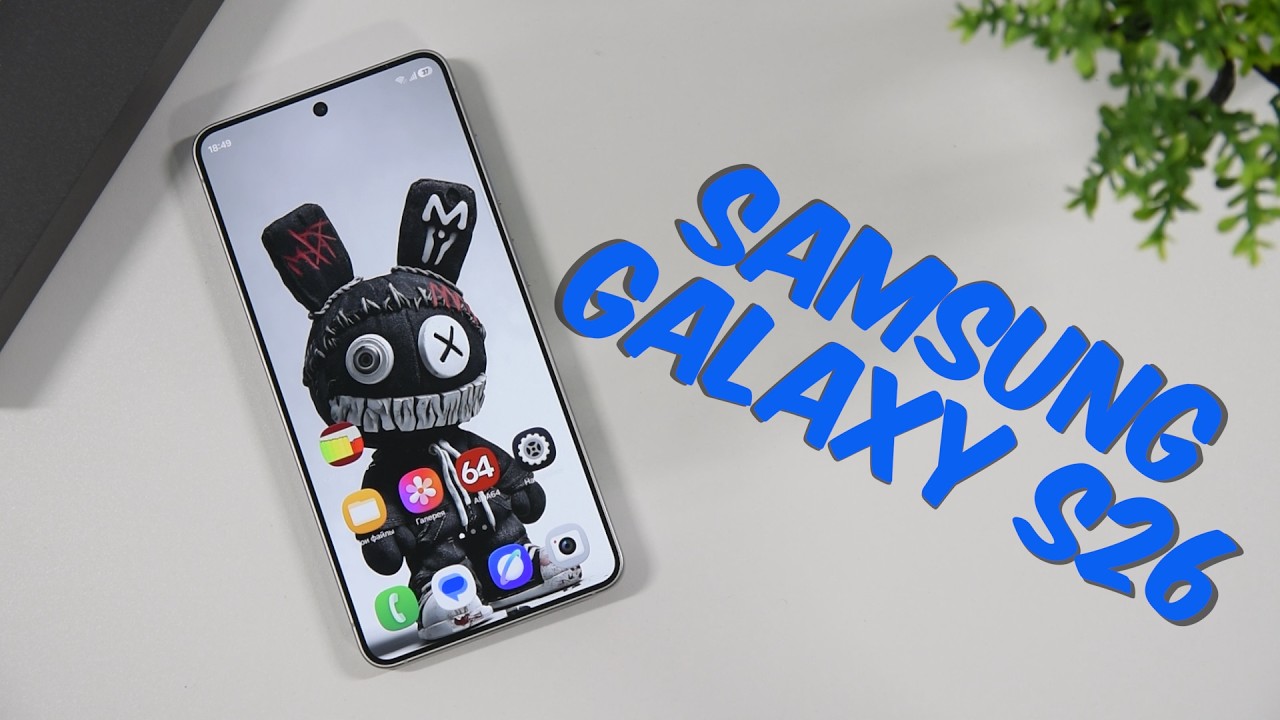
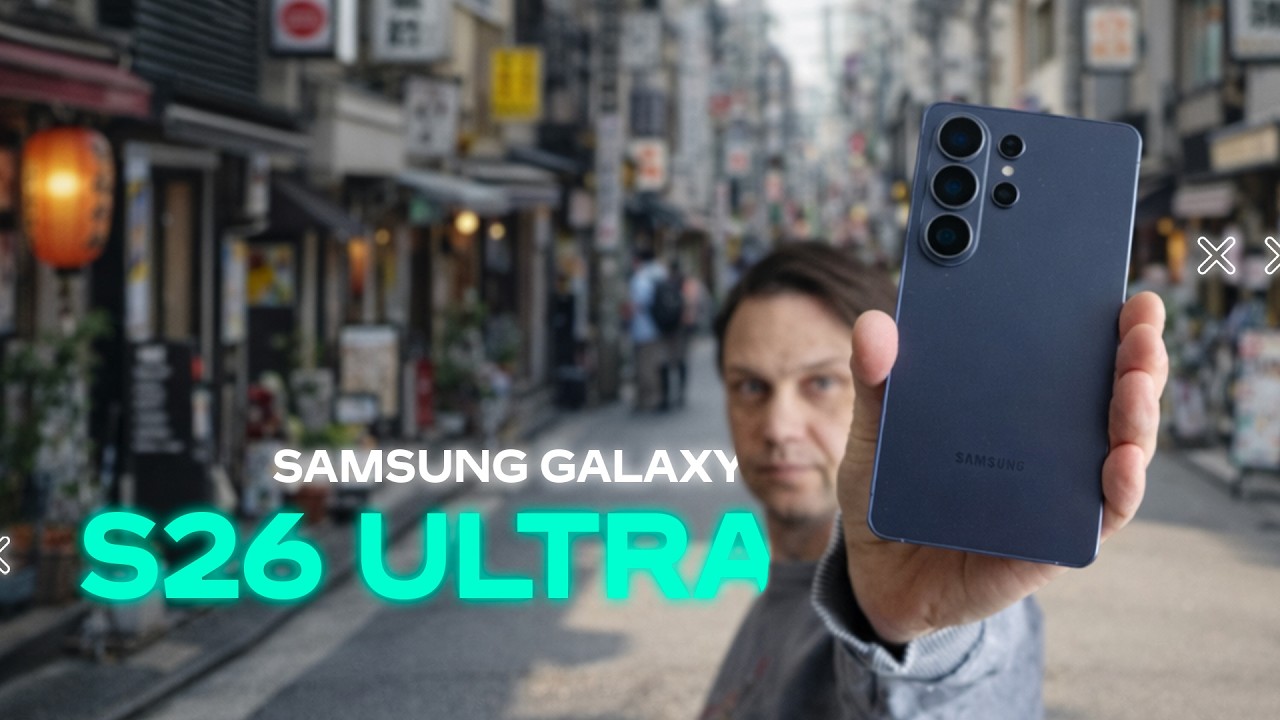
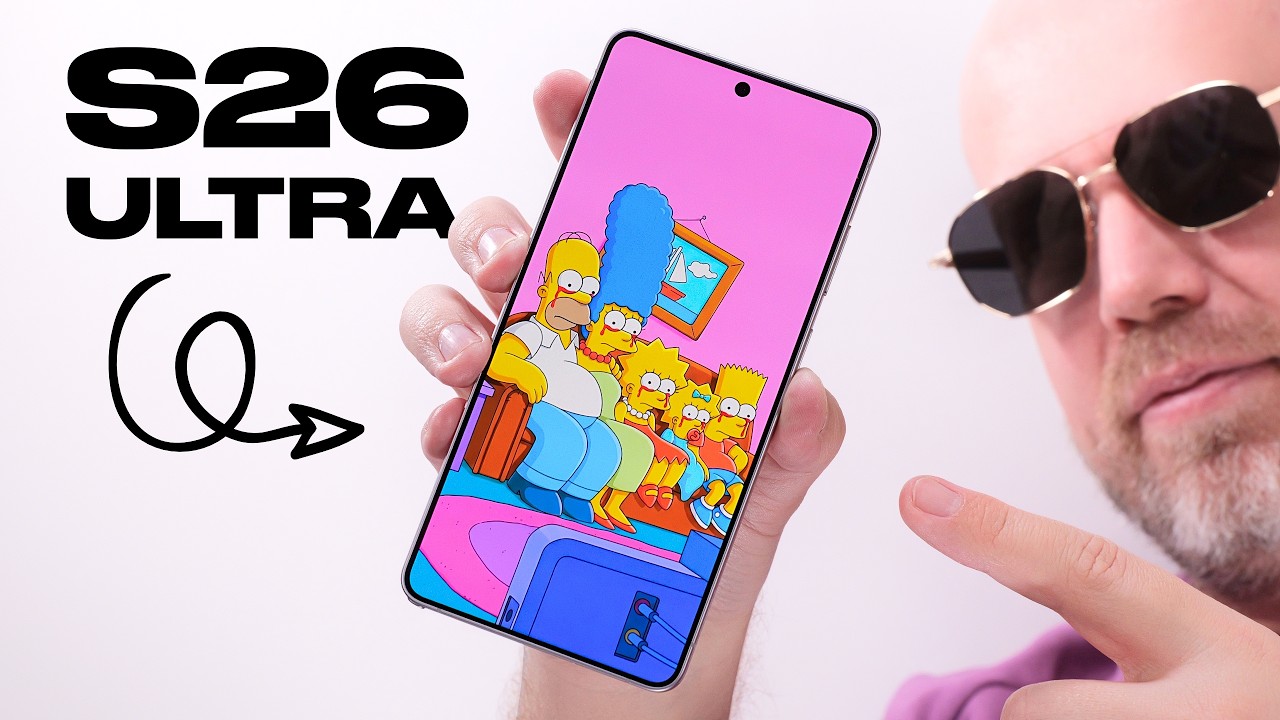
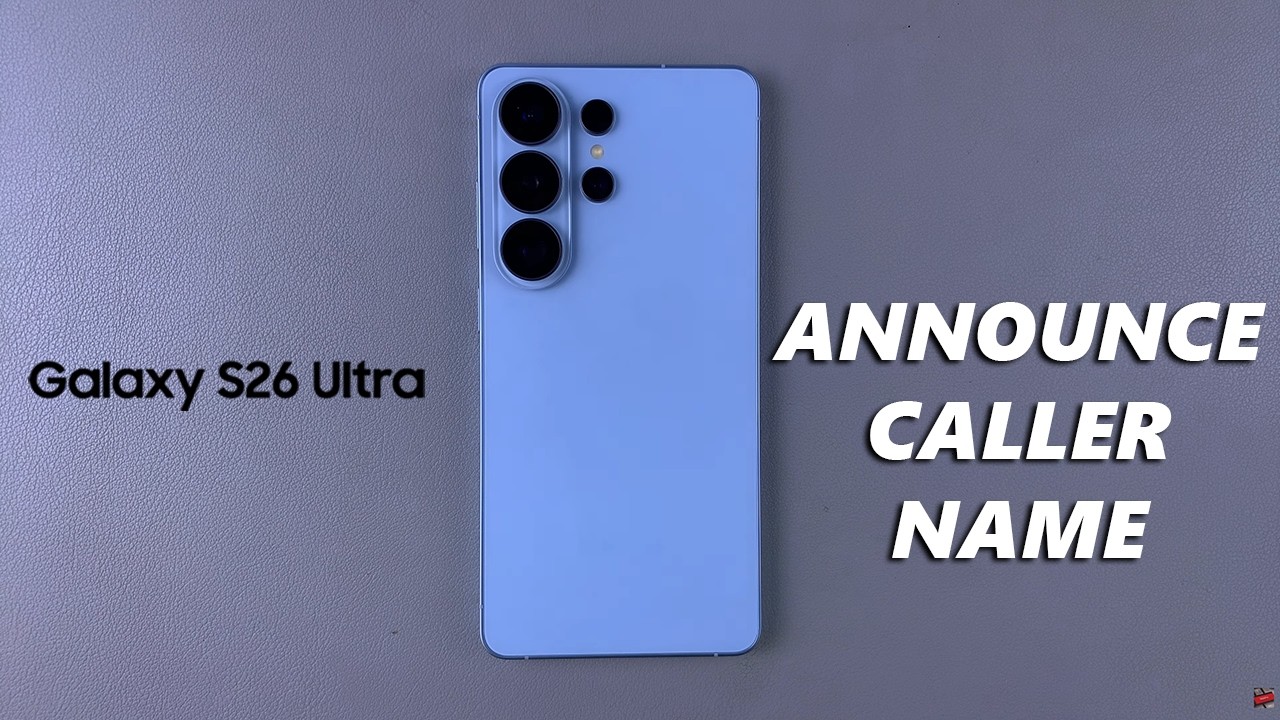
Samsung Galaxy S26 / S26 Ultra: How To Enable Caller Name Announcer
Автор: WebPro Education
Загружено: 2026-03-16
Просмотров: 27
Описание:
Learn how to turn on Caller Name Announcer on Samsung Galaxy S26 Ultra so your phone can read out the caller’s name or number when someone calls you.
This helpful accessibility feature lets your device announce incoming callers through your speaker, headphones, or Bluetooth devices, making it easier to know who is calling without looking at your screen.
Once enabled, your phone will speak the caller’s name (if saved in contacts) or the phone number whenever you receive a call. This is especially useful while driving, working, or when your hands are busy.
How To Use Caller Name Announcer Samsung S26 Ultra
Access Call Settings
Select Answering & ending calls
Choose Read Caller names aloud
Enable it
#samsunggalaxys26 #galaxys26ultra #samsungs26plus
----My Gear for YouTube videos----
Main Camera (iPhone 13 pro): https://amzn.to/3GZztve
Tripod: https://amzn.to/35acqRa
Cell Phone Tripod Adapter: https://amzn.to/3v3wFuI
Lights: https://amzn.to/3vkoGK7
As full disclosure, I use affiliate links on this channel and purchasing through these links earns me a small commission. The price you pay will be the same!
Website: https://www.webproeducation.org
Facebook: / webproeducation.org
Twitter: / webpro_e
Instagram: / webproeducation
Повторяем попытку...
Доступные форматы для скачивания:
Скачать видео
-
Информация по загрузке: