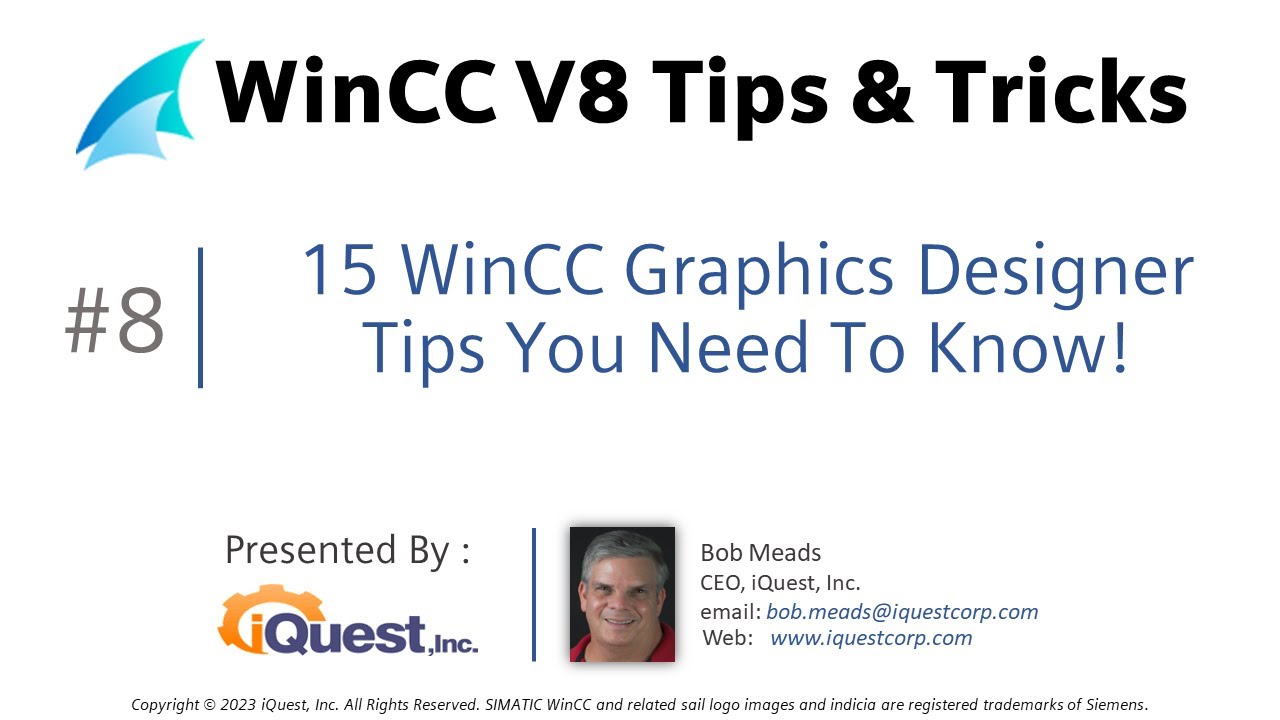
WinCC V8 Tip 8: 15 AWESOME Graphics Designer Tips! 🧙♂️ Learn SCADA Programming!
Автор: WinCCGURU
Загружено: 2023-10-17
Просмотров: 2321
Описание:
In this video I'll show you my favorite tips, tricks and shortcuts I use in WinCC V8 Graphics Designer. These tips will shorten SCADA screen development time, help in debugging, and create better user interfaces. Learn SCADA Programming from the best!
00:00 Introduction
01:01 Duplicate Objects
01:17 Copy & Paste Object Properties
02:04 Set Object Property Defaults
03:18 Save Object Defaults to another project
03:44 Drag Objects into Project Library
05:01 Save project library to a new project
05:35 Use SHIFT + ARROW Keys to place objects
06:05 Set TAB Sequence On Screen
06:56 Add multiple lines to text properties
07:40 Multiple lines in tooltip text
08:11 Select all objects of a type on screen
08:58 Show screen name and object name in RT
09:27 Format Code in C Script Editor
10:11 Set Default Tag Update Cycle
10:58 Set Object Selection Behavior
11:26 Search & Replace Tag assignments
Повторяем попытку...
Доступные форматы для скачивания:
Скачать видео
-
Информация по загрузке: