How To Setup Blackmagic Video Assist for Nikon Z 6 and Z 7
Автор: Nikon India
Загружено: 2020-12-18
Просмотров: 1784
Описание:
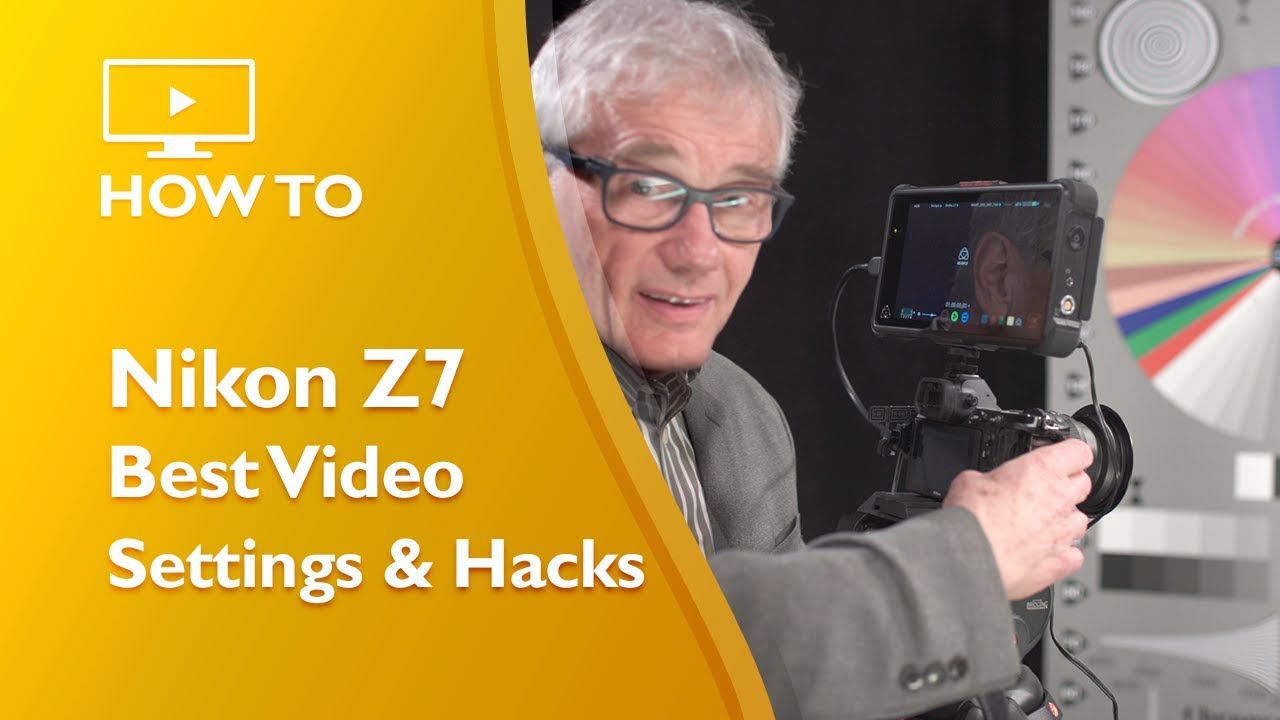
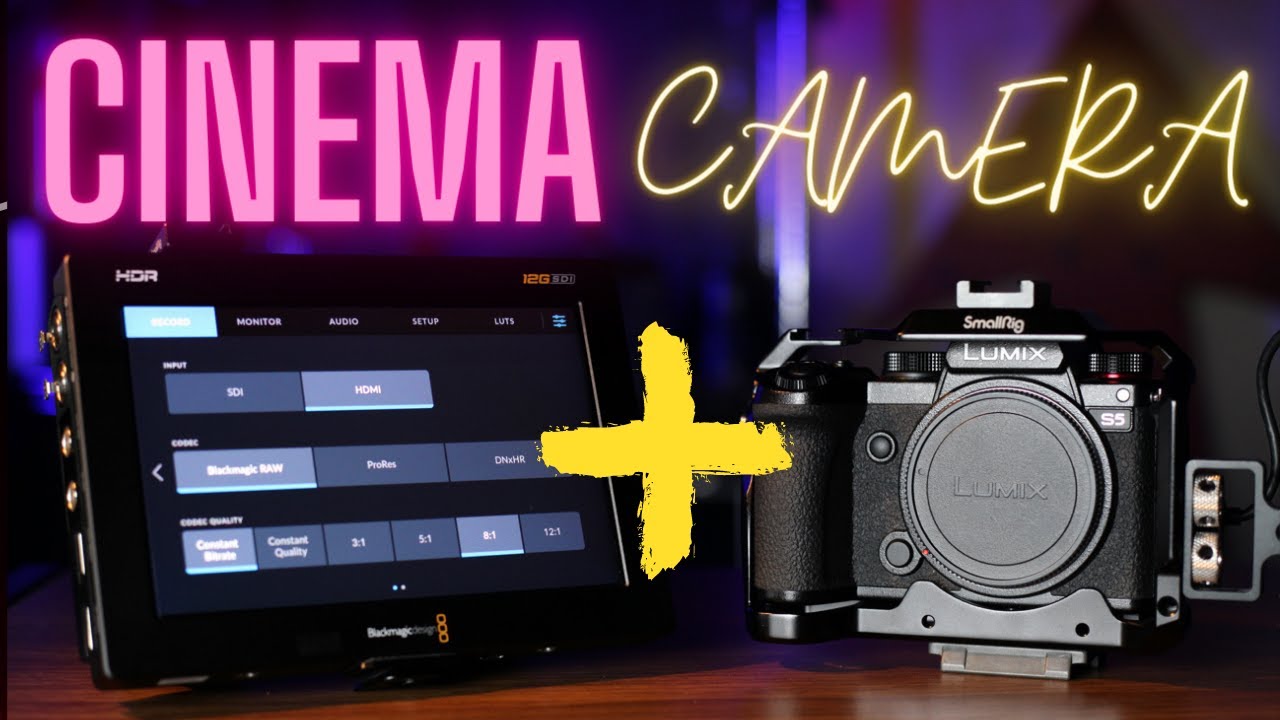
Enhance and transform your filmmaking experience with Blackmagic Video Assist. Find out how to set up your Nikon Z 6 or Z 7 to record in Blackmagic RAW in this video.
The added production of Blackmagic RAW offers tremendous workflow speed, as well as high dynamic range filmmakers, such as colour grading, exposure control and maximising the output of your Nikon Z 6 or Z 7.
Before filming RAW video, choose an option for HDMI - Advanced - RAW output options - RAW output type in the SETUP MENU based on the type of recorder connected: select Type A for NINJA V recorders and Type B for Video Assist recorders.
For more information on upgrading to RAW video output, reach out to a Nikon-authorised service representative here: http://bit.ly/NindService or get started and download the latest firmware update here: nikn.ly/DownloadCentre
Повторяем попытку...

Доступные форматы для скачивания:
Скачать видео
-
Информация по загрузке: