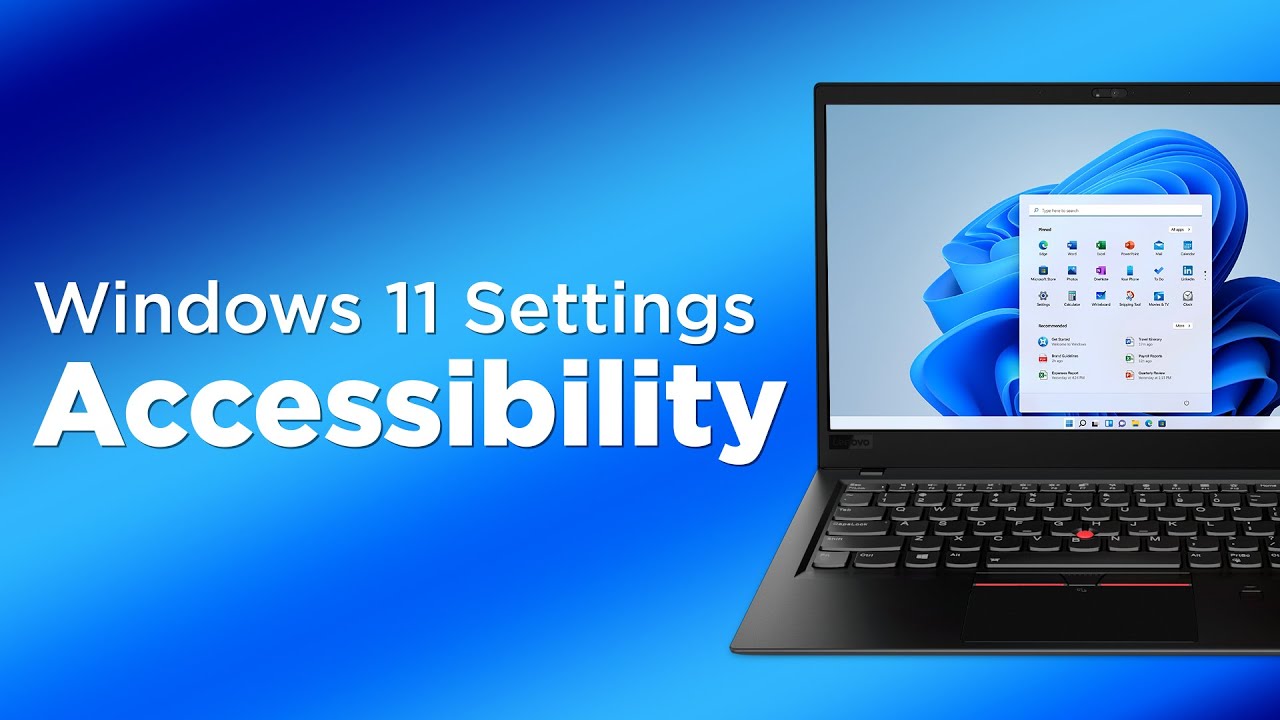
Accessibility Settings on Computers and Mobile Devices
Автор: Disability Network Eastern Michigan
Загружено: 2024-02-28
Просмотров: 907
Описание:
Computers, phones, and tablets have accessibility features built into them and are free. The accessibility settings can help many people overcome barriers with their devices. This video gives a brief explanation of accessibility settings and where to find them on computers and mobile devices.
Chapters:
0:21 Intro
0:47 Accessibility Settings Info
1:32 Common Categories in Accessibility Settings
2:12 How to Find Accessbility Settings on a PC
2:52 How to Find Accessibility Settings on an Apple Computer
3:35 How to Find Accessibility Settings on Androids
3:49 How to Find Accessibility Settings on Apple iOS Devices
4:05 Variations between Features of Accessibility Settings
4:40 Conclusion
Transcript:
(Jeffrey) How can I help you? What's the matter?
(Pharaoh) I'm just sick and tired of my phone. It’s the screen on the computer is much better and bigger and there's more accessibility features. I'm just thinking I'm gonna throw my phone.
What did you do for? You ruined my fun today.
(Jeffrey) I know you're frustrated and you're not alone.
When you first get a computer, smartphone, or a tablet; they’re not always accessible. If you’ve owned one these devices for a while, you may not have known that there’s also accessibility settings that are built into the devices.
These accessibility settings are sometimes hard to find. However, once you find them they can help you overcome many barriers. The fact that these are sometimes hidden can be very frustrating. Or as Pharaoh would say:
(Pharaoh) No kidding.
(Jeffrey) So when you first enter the accessibility settings on any of your devices, it’s divided into categories. So there’s accessibility settings for people with the vision loss. There’s accessibility settings for people with the hearing loss.
There’s also accessibility settings for people with physical and motor disabilities. So for example, some accessibility settings under that may be touch settings, mouse control, even speech to text.
So I'll show you how to find the accessibility settings on PCs or Apple devices as well as Androids. If you have a PC, typically what you’re going to do, is you're going to look for the window icon and that’s usually at the bottom left corner of your screen. And upon clicking on the Windows icon, you're then going to look for settings. And settings will have an icon of a gear. And upon clicking on settings, you're then going to scroll down until you find accessibility. And then upon clicking on accessibility, you'll see various features that are available your PC.
For Mac, it’s pretty much the same. The difference here is you're going to look again gear icon that may be at the bottom of your screen. And once you open that, you're going to look for the accessibility settings.
Another way you can do you it, is you can go to the upper left corner of your screen and you can click on the Apple icon. And then you'll click on System Settings. And then you'll scroll down until you find accessibility.
For Android phones and tablets. You’re going to look for the gear again and select accessibility you want.
If you have an iPhone, also you can check for the gear or you can even search for accessibility and then choose what you want.
So there are for the most part, similar features that PCs and Android device have, as well as Apple iOS devices and Mac computers. The thing to note, they may vary a little bit. However; for the most part, they are pretty similar.
Hopefully this can help you overcome many barriers. You’ll have to play around a little bit until you find what works best for you. Let's go back to Pharaoh and see what Pharaoh has to say.
So, did you find the accessibility features helpful?
(Pharaoh) Yes. They really, really changed my life right now. I can see better I can hear the things I want to hear. Thank you so much!
Повторяем попытку...

Доступные форматы для скачивания:
Скачать видео
-
Информация по загрузке: