HUAWEI Nova 14 Pro – How to Fix Battery Percentage Not Showing
Автор: HardReset.Info
Загружено: 2026-02-23
Просмотров: 40
Описание:
In this video I show simple steps to fix battery percentage not showing on your HUAWEI Nova 14 Pro. First we restart the phone to reset the battery sensor, then check Settings → Battery to make sure "Show battery percentage" is enabled. If the system option is missing or still not working, I demonstrate how to install Battery Widget Reborn from the Aurora Store and add a battery widget to display the percentage. Finally I explain when you should contact authorized service — a faulty battery sensor may require professional repair. These steps work for most users and are easy to follow even if you are not technical.
How to fix battery percentage not showing on HUAWEI Nova 14 Pro?
How to enable battery percentage on HUAWEI Nova 14 Pro?
How to use Battery Widget Reborn to show battery percentage on HUAWEI Nova 14 Pro?
0:00 Intro – problem overview
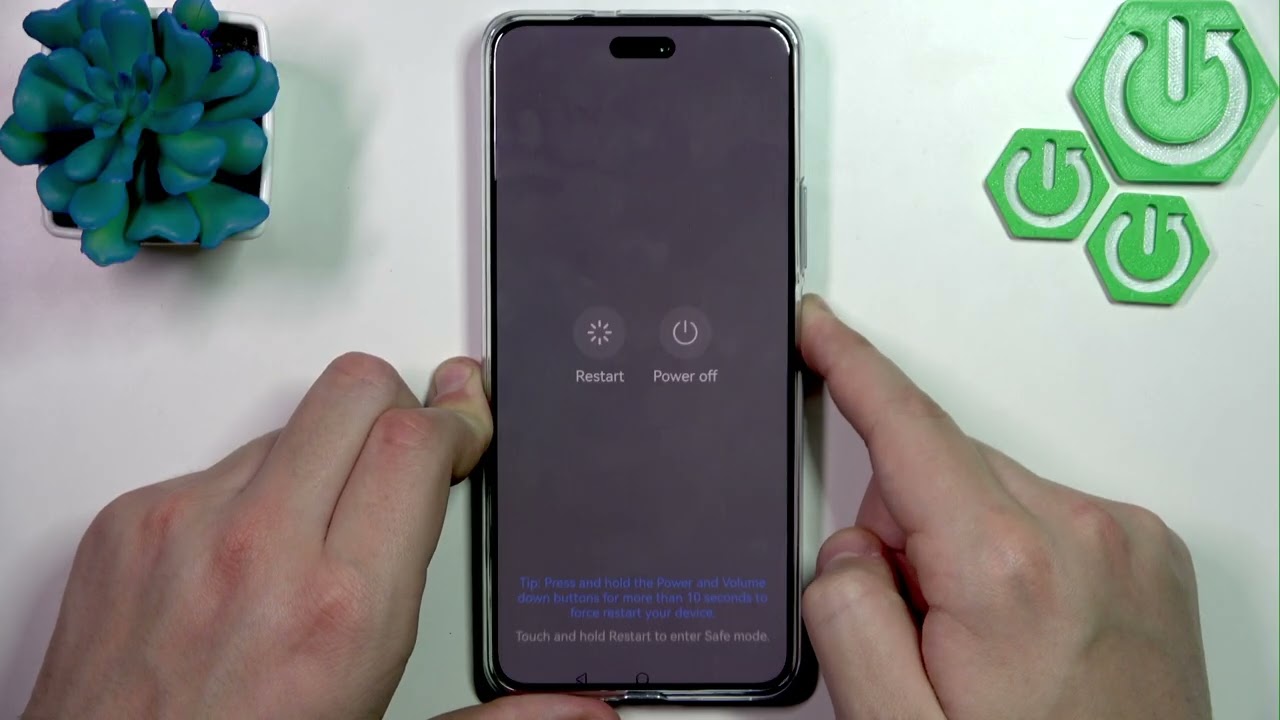
0:08 Restart the device to reset battery sensor
0:23 Press and confirm Restart
0:36 Enter password after reboot
0:48 Open Settings → Battery and check "Show battery percentage"
1:09 Open Aurora Store to download Battery Widget Reborn
1:35 Install and open Battery Widget Reborn
1:56 Add a battery widget (example: battery chart)
2:22 Place widget on home screen and check percentage display
2:36 When to contact authorized device service
2:45 Outro and next steps
#Huawei #Nova14Pro #BatteryPercentage #AndroidTips
Find out more:
https://www.hardreset.info/devices/hu...
Follow us on Instagram ► / hardreset.info
Like us on Facebook ► / hardresetinfo
Tweet us on Twitter ► / hardreseti
Support us on TikTok ► / hardreset.info
Use Reset Guides for many popular Apps ► https://www.hardreset.info/apps/apps/
Повторяем попытку...

Доступные форматы для скачивания:
Скачать видео
-
Информация по загрузке: