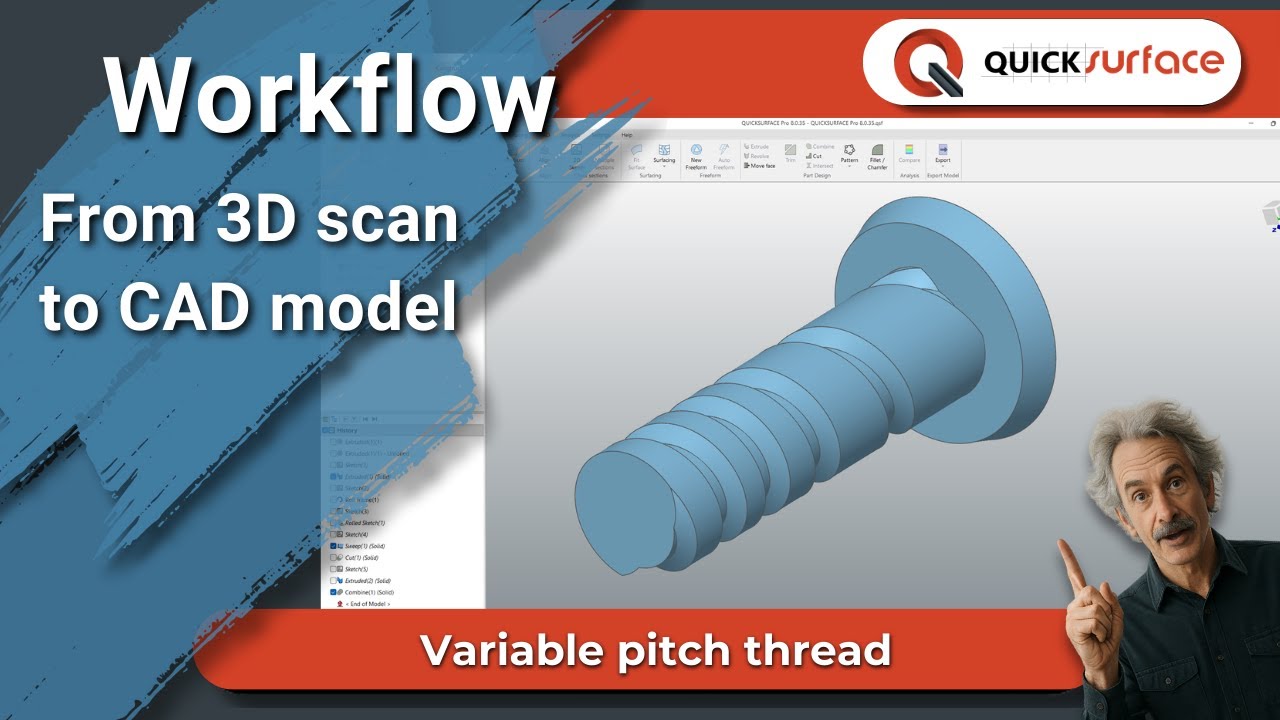
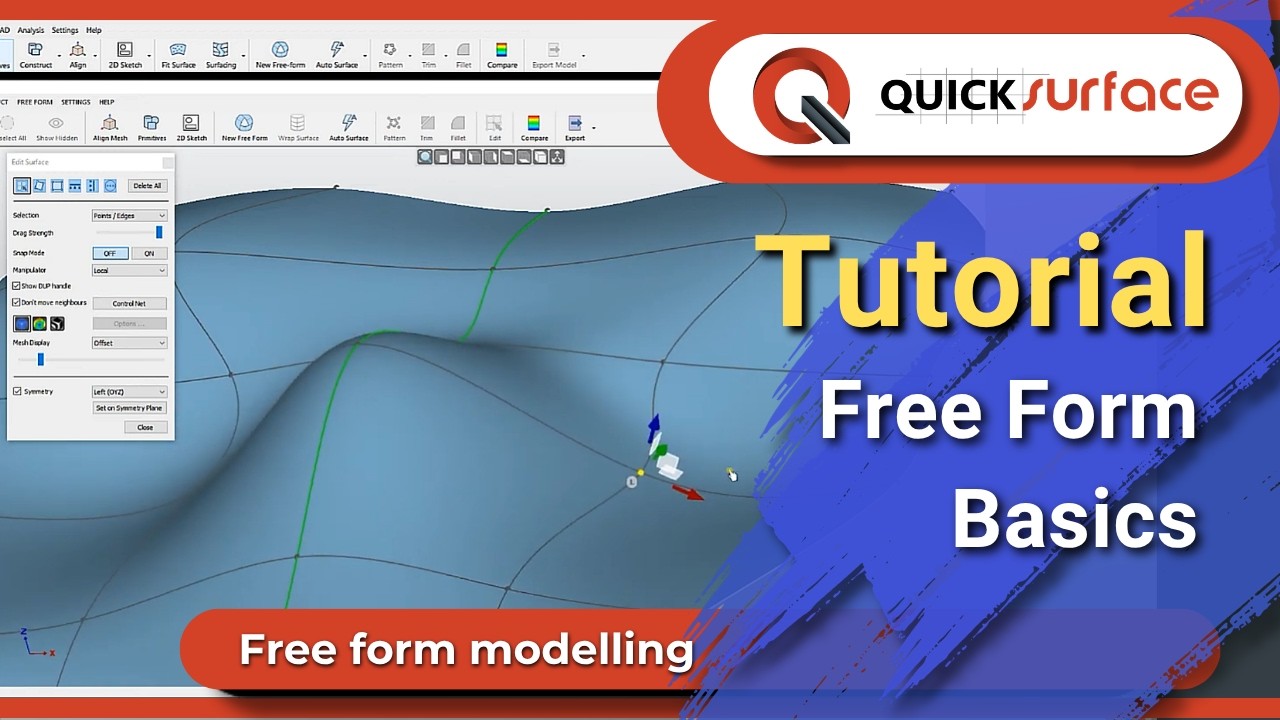
QS Tutorials: Free Form Basics - How to do Reverse Engineering with QUICKSURFACE
Автор: QUICKSURFACE
Загружено: 2020-03-27
Просмотров: 4422
Описание:
Learn the basics of quad (Free Form) surface, how to manipulate the surface and main options.
1.What is QUICKSURFACE?
A complete reverse engineering solution that complements any 3D scanners that can export STL, OBJ and PTY mesh data or PTX point clouds. Export your results into standard IGES or STEP file formats or build fully parametric history tree directly into other CAD packages.
2.How it works?
Once you have your object scanned, export it from your scanning software as STL, OBJ or PLY mesh or PTX point cloud and load in QUICKSURFACE.
As the software is fully optimised, there is no limitation of the size of the mesh you import. Reduce the number of triangles if needed.
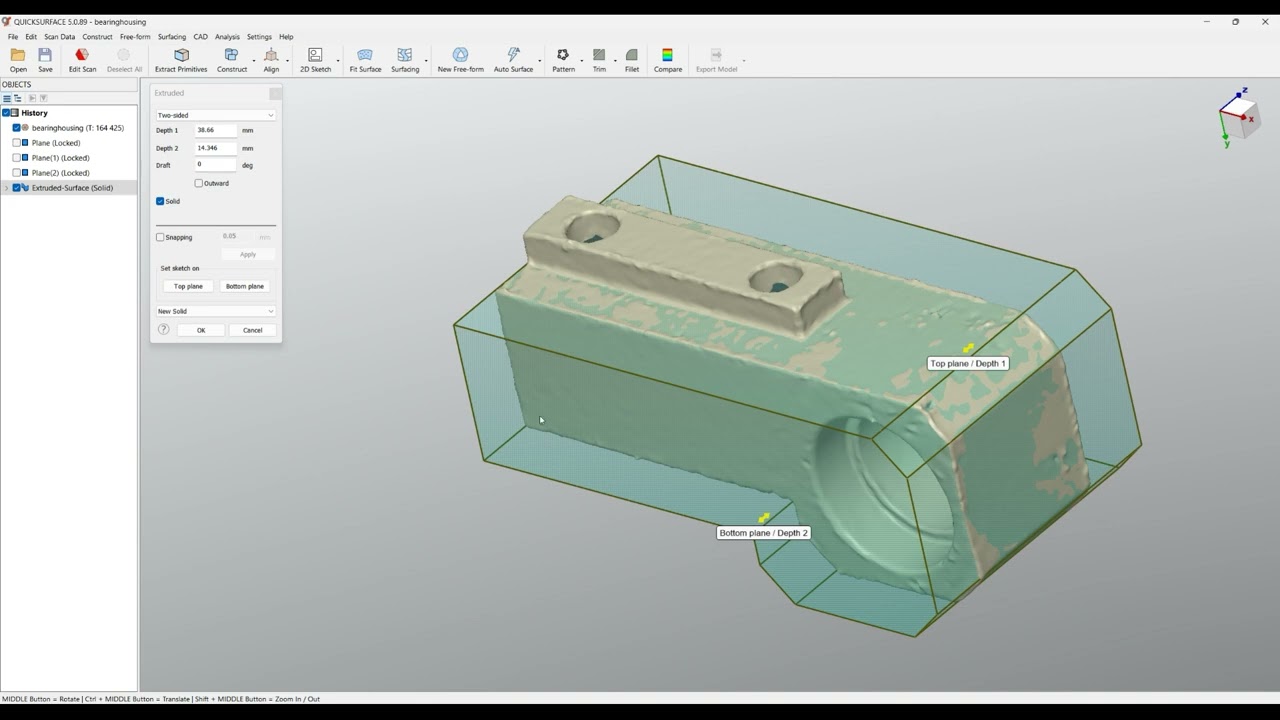
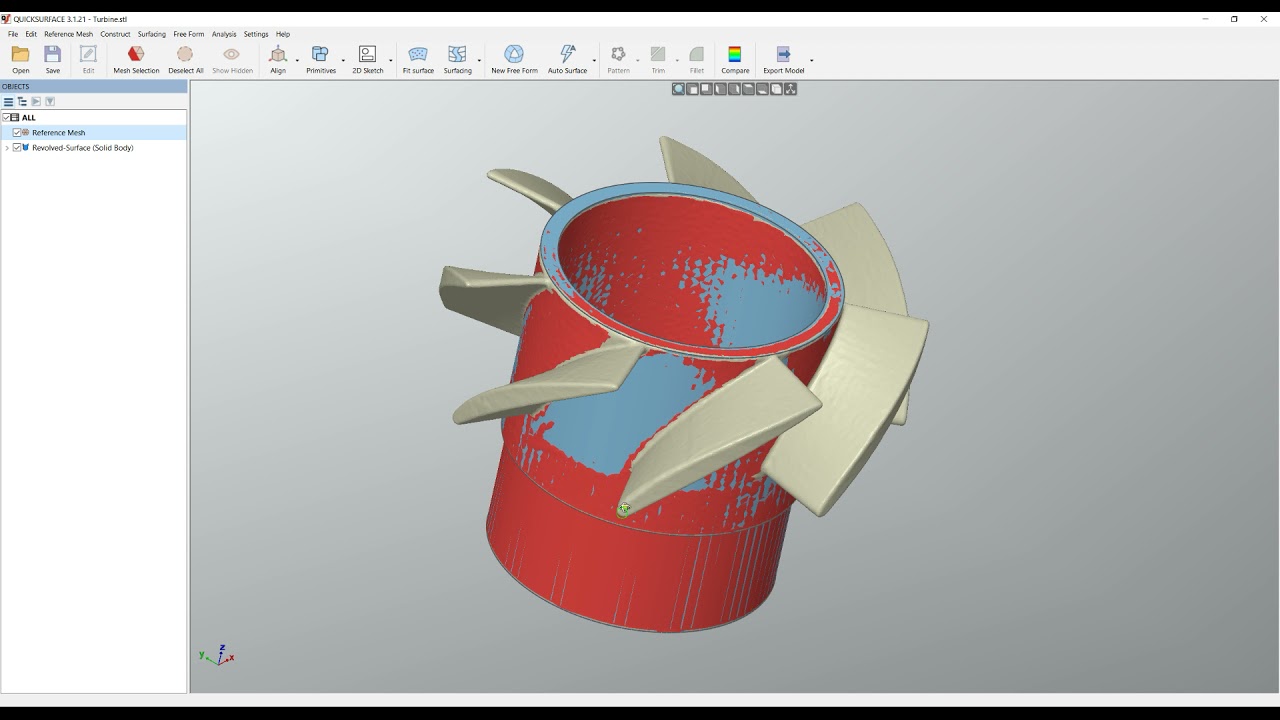
Use QUICKSURFACE's simple and powerful tools to create 2D sketches, extruded and revolved surfaces and free form surfaces. Apply standard CAD operations like trimming, booleans and patterns. Finish your work with adding fillets and chamfers.
Keep control over your work with state-of-the-art deviation control at any time of your work. Create a hybrid model with the best accuracy and design intent.
Once you are ready export as industry standard STEP or IGES file or transfer directly the full parametric tree into SOLIDWORKS.
3. Why QUICKSURFACE?
We don’t compare our solution to other packages, but we simply highlight some of the features that make QUICKSURFACE different:
Interactive selection by the user instead of automatic segmentation on reference mesh;
Constrained best fit (for example the ability to constrain the direction of the cylinder to be parallel to an axis, while still getting the best fit to the points);
Relations between extracted primitives – parallelism, perpendicular, coincidence, offset;
Quick alignment based on extracted primitive (datum) prioritization;
Realtime deviation colour map in 2D Sketch mode;
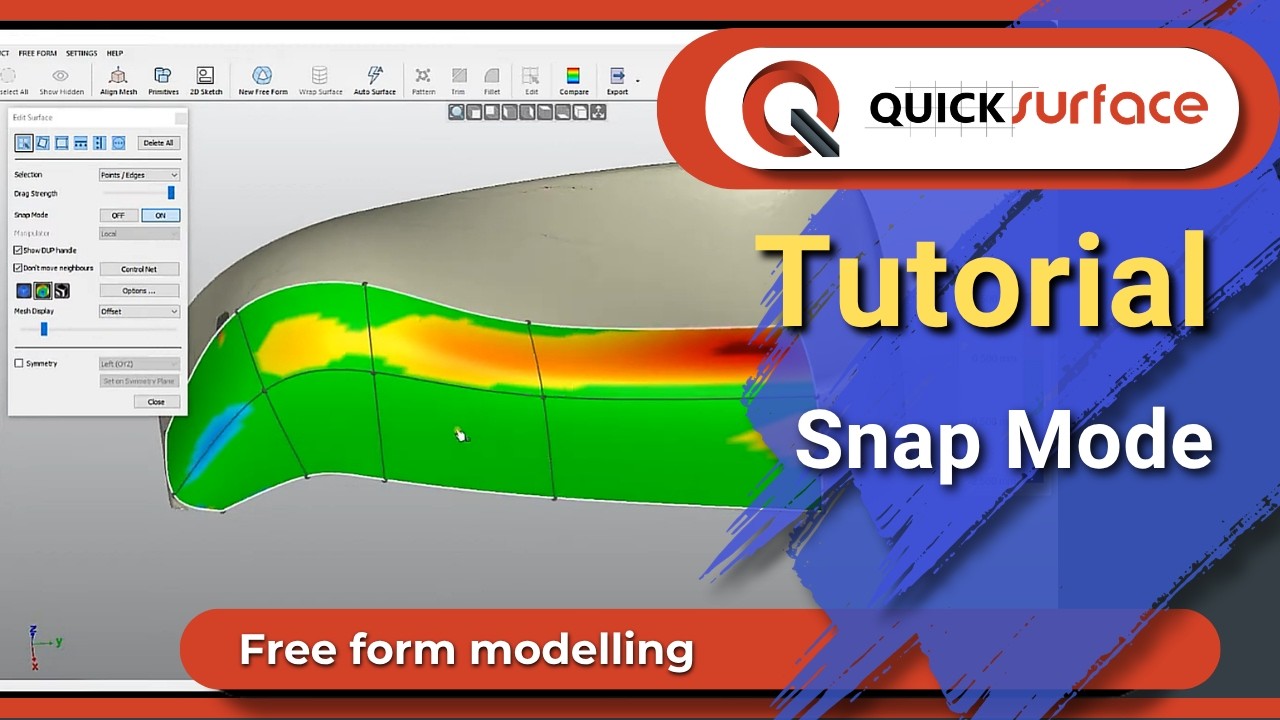
Proprietary snap-to-mesh technology for free form modelling;
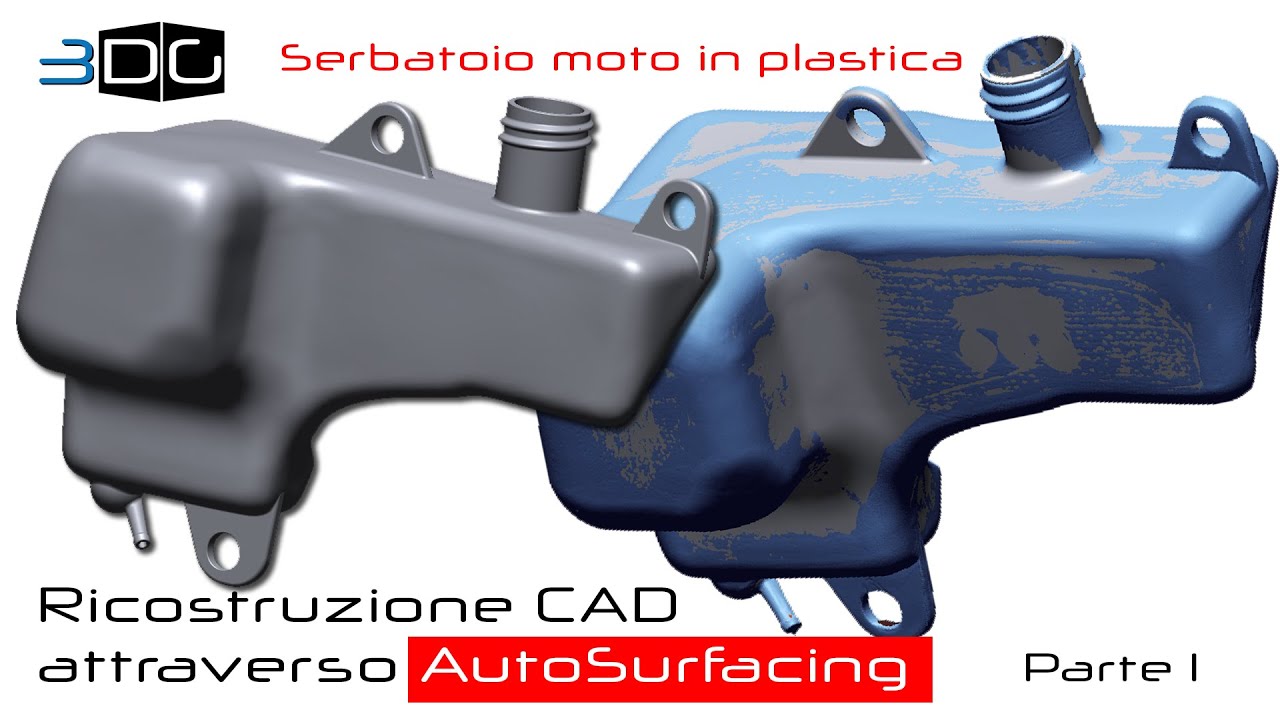
The ability to modify the automatic surface, if the design intent requires it;
QUICKSURFACE Free Form is not only exact surfacing, the user can manually adjust the resolution and position of control points to avoid mapping of the surface to the reference mesh which may have outliers and noise;
Realtime deviation in Free Form, helping to create lighter surfaces with less control points;
Parametric hybrid modelling – starting with free form and basic primitives, the user can build a complex CAD model by trimming them and can later change the surfaces based on the design intent;
QS Connect module for SOLIDWORKS never ends with “Transfer failed”. The software guides the user to create an error-free model in SOLIDWORKS;
QUICKSURFACE has neither hardware integration with scanners nor mesh processing tools which the modern 3D scanners provide. As a result of this, the user does not have to pay extra for tools already included in the 3D scanners’ software;
Subscribe to the QUICKSURFACE You Tube Channel:
/ @quicksurface
Contact us:
E-mail: [email protected]
Website: https://www.new.quicksurface3d.com
Our products:
QUICKSURFACE Free Form: https://www.new.quicksurface3d.com/qu...
QUICKSURFACE FULL: https://www.new.quicksurface3d.com/qu...
Follow us:
Instagram: / quicksurface3d
Facebook: / quicksurface
Tweeter: / quicksurface
LinkedIn: / quicksurface
Повторяем попытку...
Доступные форматы для скачивания:
Скачать видео
-
Информация по загрузке:






![Эффект Джанибекова [Veritasium]](https://imager.clipsaver.ru/N9HlQ-XVnFk/max.jpg)