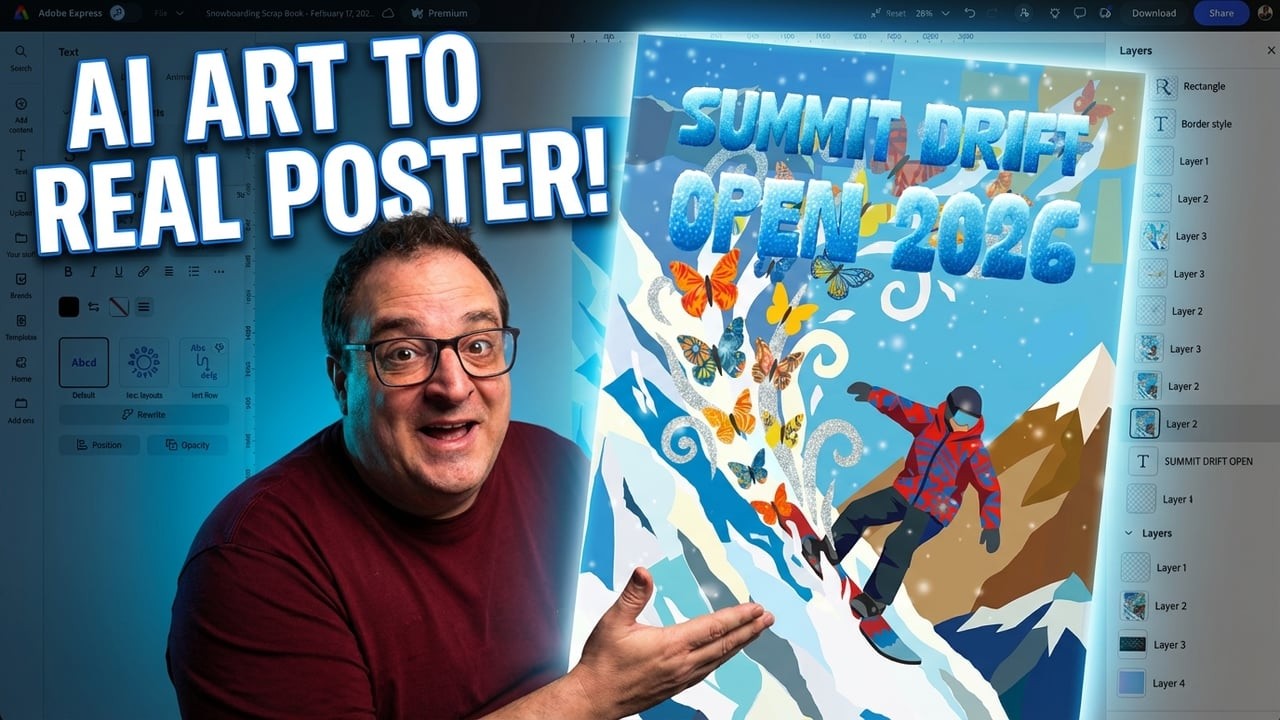
Plan, Draft & Post Your Content Once | Adobe Express Scheduler
Автор: Darren Meredith
Загружено: 2026-03-09
Просмотров: 48
Описание:
Struggling to stay consistent with your social media? In this beginner-friendly walkthrough, I'll show you exactly how to use the Adobe Express Scheduler to plan, draft, and post your content across multiple platforms — all from one place.
Whether you're new to Adobe Express or just want a smarter way to manage your social media content calendar, this video covers everything you need to get started.
UK Offer https://geni.us/expressukoffer (ends 26 April 2026)
Non UK Try Here https://geni.us/adobeplans
▶ Subscribe: https://geni.us/SubscribeHere
Join the community on Patreon for extras and behind-the-scenes tools: / bettercontentcreators
All my links in one place: https://geni.us/myquicklinks
Try Adobe Express for free: https://geni.us/adobeexpress
Creator Gear & Tools I use: https://geni.us/MyKitLink
00:00 - Introduction
00:22 - Adobe Express UK Free Trial (ends 26 April 2026)
00:47 - How to Find the Adobe Express Schedule Area
01:28 - Schedule Area Menu Overview
02:03 - How to Generate Social Media Captions with AI
03:20 - Saving Draft Content Ideas in Adobe Express
03:31 - Clip Maker - Turn Long Videos into Short Clips
04:07 - Social Media Analytics & Metricool Integration
04:30 - Connecting Social Media Accounts to Adobe Express
04:54 - How to Add & Manage Post Ideas
07:18 - Week View, Month View & Instagram Grid View
08:43 - Scheduling, Previewing & Drafting Posts
12:22 - How to Post to Multiple Social Media Platforms
13:06 - Adding Your Content to Scheduled Posts
14:37 - Final Thoughts
Affiliate Disclaimer: Some links may be affiliate links, meaning I earn a small commission at no extra cost to you. Your support genuinely helps me make more helpful content.
—
Be Awesome, Be Creative, Be You.
Darren Meredith • Better Content Creators
#AdobeExpressAmbassadors #Ad #HowToAdobeExpress
Повторяем попытку...

Доступные форматы для скачивания:
Скачать видео
-
Информация по загрузке: