Trespa Pura NFC Vertical Installation | Monarch Metal Cladding Rain Screen System
Автор: Monarch Metal Inc.
Загружено: 2025-10-18
Просмотров: 102
Описание:
Learn how to install Trespa Pura NFC panels in a vertical layout using the Monarch Metal MFTP System. This step-by-step video shows how our rail and clip system simplifies vertical installation while delivering durability and a clean finish.
Installation Steps
1: Start with the MFTP Starter Rail (MFTPVS)
2: Use a laser or chalkline to create control lines around the perimeter of the building
3: Place the starter rail against the wall and fasten at each stud (16–24" O.C.)
4: Install trim profiles (MFTPIC, MFTPET, MFTPOC) in their locations using #10 self-drilling screws
5: Place the Trespa Pura planks onto the flat horizontal surface of the starter rail
6: Secure planks with MFTP2.0 clips spaced 16–24" vertically, aligned with studs or furring
7: Each plank requires a fixed location; use acrylic or polyurethane construction adhesive
8: Attach planks to clips to lock them in place
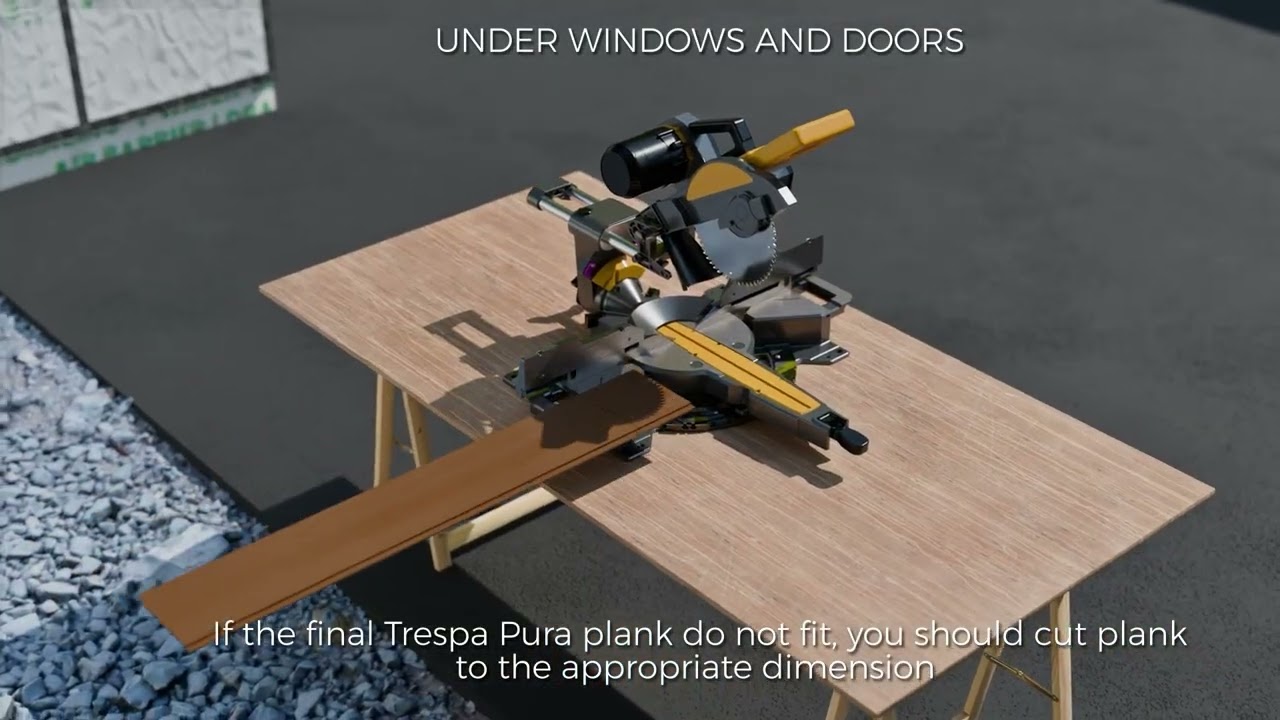
9: Under windows and doors: measure and install MFTPHR with #10 fasteners
10: If the final plank doesn’t fit, cut it to size and secure it with color-matched fasteners
11: For notched planks: use MFTPHR to secure, similar to the “Under Windows” step
12: Ensure a 7/8" ventilated cavity remains behind the cladding for moisture protection
System Benefits
• Simplifies vertical installation by eliminating wood furring strips and EPDM
• Reduces on-site labor and extra materials while maintaining a 7/8" drained and ventilated cavity required by Trespa
• Protects wall and cladding from trapped moisture for long-term performance
• Easily change the exterior look by installing Trespa Pura panels (sold separately)
Most orders ship the same day from our New York, Texas, and Nevada locations.
Easy & efficient online ordering.
Learn more: https://www.monarchmetal.com/trespa
Повторяем попытку...
Доступные форматы для скачивания:
Скачать видео
-
Информация по загрузке: