How to setup CAVS 205G Plus Karaoke player
Автор: CAVS USA Inc.
Загружено: 2024-05-22
Просмотров: 476
Описание:
Exciting news! Check out the new features of the CAVS 205G Plus Karaoke Player:
Built-in Network Server - Easily select, reserve, and play songs using your phones and tablets. Connect to CAVS 205G Plus using a simple QR code.
Simple to Play - Tap on a song and press Play. With the convenience of using phones and tablets, you can say goodbye to printing hundreds of pages of paper songbooks. Additionally, you have the option to play the songs using the front panel buttons or the remote control.
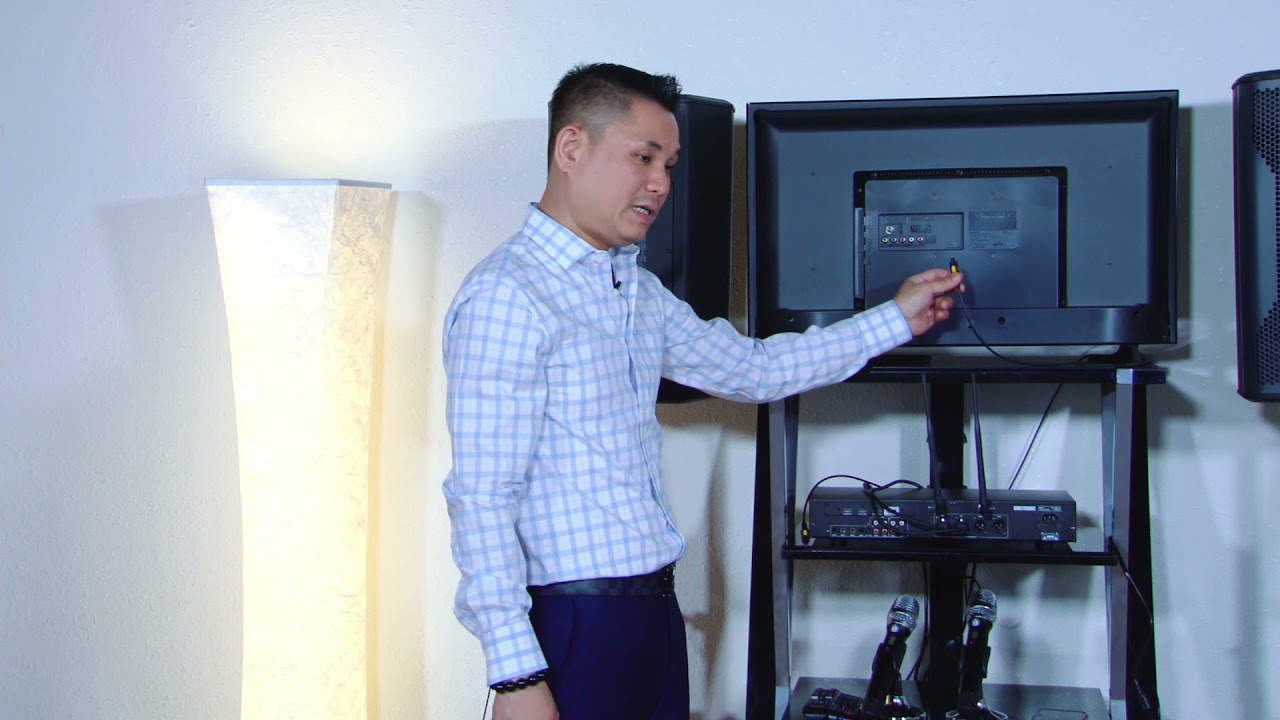
Simple to Setup - Connect a single HDMI cable for all video, audio, and microphone outputs. The player's internal digital mixer combines all outputs into one. Additionally, the player features RCA connectors for traditional Audio Video outputs.
Simple to Manage - Load up to 64,000 songs on a single USB flash drive or SD card, or up to 500,000 songs on a 2 TB hard drive. Use the MCG Manager freeware to add songs effortlessly, and play each song instantly without delays.
Upgrade your karaoke experience with the CAVS 205G Plus Karaoke Player today!
Повторяем попытку...

Доступные форматы для скачивания:
Скачать видео
-
Информация по загрузке: