What are JMeter Timers?
Автор: Testing Funda by Zeeshan Asghar
Загружено: 2023-06-20
Просмотров: 451
Описание:
#JMeter #PerformanceTesting #LoadTesting #Timers #ThinkTime #Pacing #Delay #ConstantTimer #GaussianRandomTimer #UniformRandomTimer #SynchronizingTimer #ConstantThroughputTimer #BeanShellTimer #RealisticUserBehavior #PerformanceAnalysis #TestScenarios #SoftwareTesting #PerformanceMetrics #TestingTools #RequestRate #ThinkTimesimulation
In JMeter, timers are elements that allow you to control the pacing or delay between requests or samplers. Timers help simulate realistic user behavior by introducing pauses or think times between consecutive requests, ensuring a more accurate representation of real-world scenarios during performance testing.
Here are some key points about timers in JMeter:
Pacing and Delay: Timers in JMeter enable you to add pacing or delay between requests. This helps in simulating user think times, network latency, or the time taken to perform certain actions on a website or application.
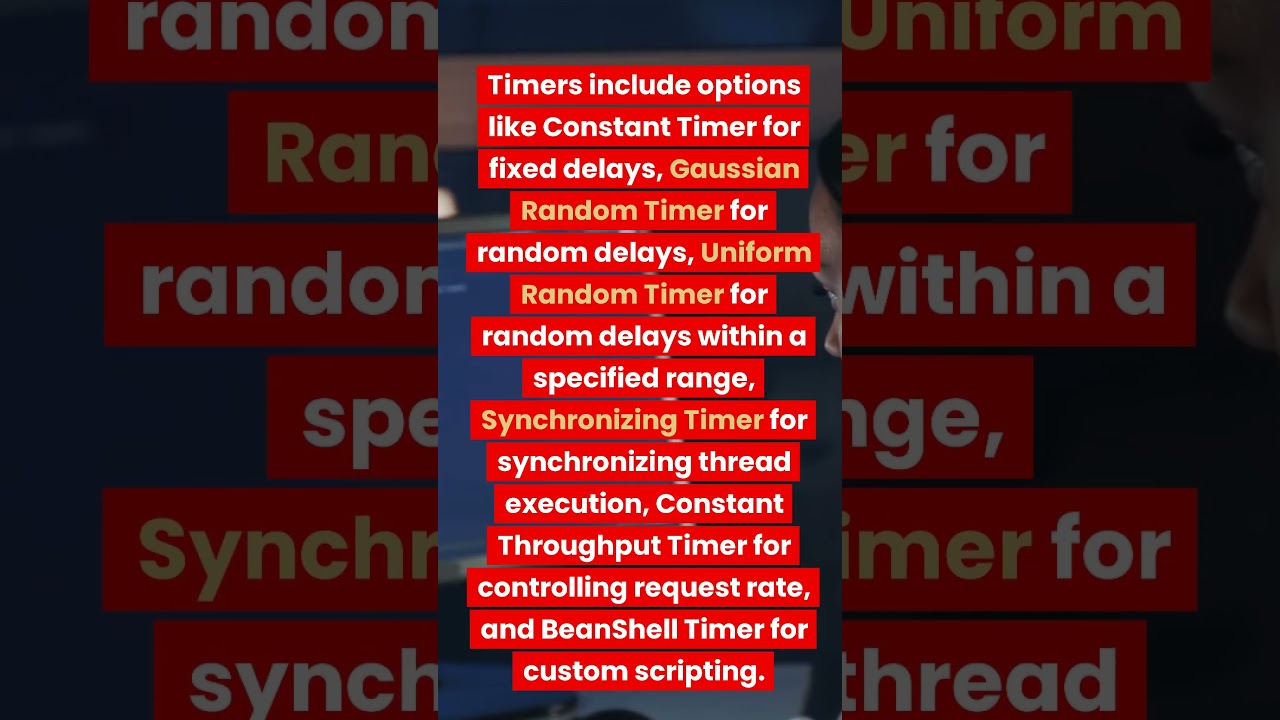
Constant Timer: The Constant Timer adds a fixed delay or pause before each sampler or request. You can specify the duration in milliseconds.
Gaussian Random Timer: The Gaussian Random Timer adds a random delay following a Gaussian distribution. You can specify the deviation and mean to control the randomness of the delay.
Uniform Random Timer: The Uniform Random Timer introduces a random delay between a specified range for each sampler. You can set the delay range in milliseconds.
Synchronizing Timer: The Synchronizing Timer allows you to synchronize the execution of multiple threads or virtual users. It ensures that a specified number of threads pause and then execute the next sampler simultaneously.
Constant Throughput Timer: The Constant Throughput Timer controls the rate at which requests are sent by introducing delays. It allows you to set the desired throughput in requests per minute or second.
BeanShell Timer: The BeanShell Timer provides flexibility by allowing you to write custom scripting logic to define the timer behavior.
Timers are often placed as child elements of samplers or controllers in the JMeter test plan. They help emulate realistic user behavior and control the pacing between requests, which is crucial for accurate performance testing. By using timers effectively, you can simulate different load scenarios and analyze the performance of your system under varying conditions.
Subscribe to our channel for the latest videos
==================================
/ testingfunda
#selenium #tutorials #free #2022 #training
Watch more free Selenium Tutorials
• Selenium Java #1 | Introduction to Selenium
#JMeter #performance #testing #tutorials #free #2022 #training
Step-by-step free JMeter performance tutorials
• Postman API Testing Tutorial #1: Introduct...
#postman #API #testing #tutorial #manual #automation #free #2022 #training
Step-by-step free postman API manual and Automation Testing tutorials
• 🚀 Postman API Testing Tutorial - FULL COURSE
#java #programming #tutorials #free #2022 #training
Step-by-step free Java programming tutorials
• Java tutorial 1 - What is Java | How to In...
#cypress.io #automation #testing #tutorials #free #2022 #training
Step-by-step free cypress.io automation testing tutorials
• Cypress tutorial #1 | Cypress Architecture...
#agile #Youtube #series #free #2022 #training
Learn about agile from the free YouTube series
• Agile
#learn #software #testing #innovative #animated #videos #free #2022
Learn software testing free from innovative animated videos
• Software Testing #1 | Boundary Value Analy...
Повторяем попытку...
Доступные форматы для скачивания:
Скачать видео
-
Информация по загрузке: