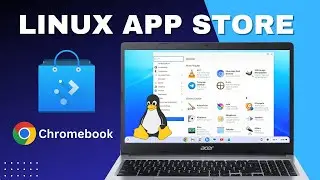
How to install Linux and Linux app-store on Chromebook using developer mode.
Автор: linuxCan
Загружено: 2024-12-25
Просмотров: 337
Описание:
The tutorial covers the following:
Installing Linux: The video shows how to find the Linux setup in the Chromebook settings, choose a disk size (20GB is sufficient for basic use), and complete the installation, which takes about 5 minutes [00:24].
Accessing Linux Settings: After installation, new settings for Linux become available [01:45].
Sharing Folders: The presenter demonstrates how to share the "Downloads" folder with Linux [02:00].
Installing the Linux App Store: The video explains how to install the "Plasma Discover" app store using the terminal command sudo apt install plasma-discover. This app store functions similarly to the Google Play Store [02:51].
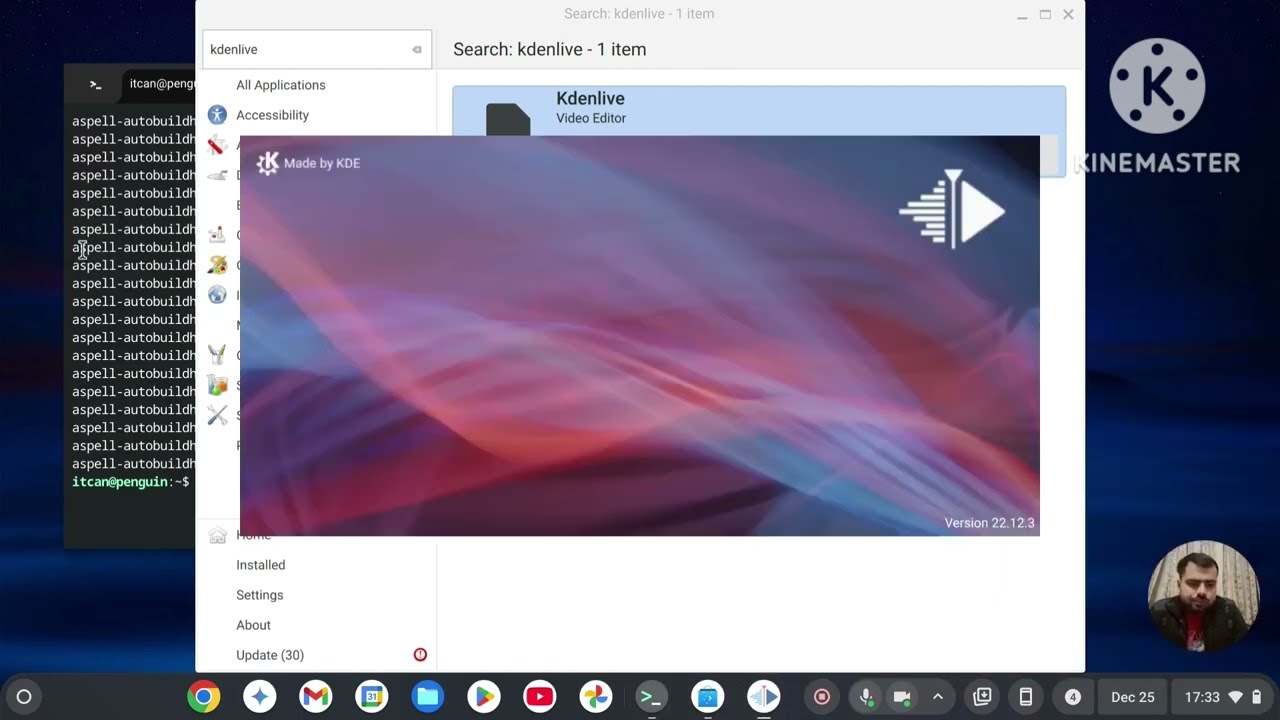
Installing a Linux App: The presenter installs the video editor Kdenlive from the "Discover" app store to show how it works [07:09].
The video also mentions that since Linux runs on the CPU, performance might be slower, especially during screen recording [05:11]. The presenter emphasizes that this installation method is secure and backed by Google [04:29].
Повторяем попытку...
Доступные форматы для скачивания:
Скачать видео
-
Информация по загрузке: