How To: Use Flatten Transparency, Expand Appearance, Divide and Unite in Adobe Illustrator CC
Автор: Mittun Creative
Загружено: 2018-08-29
Просмотров: 21378
Описание:
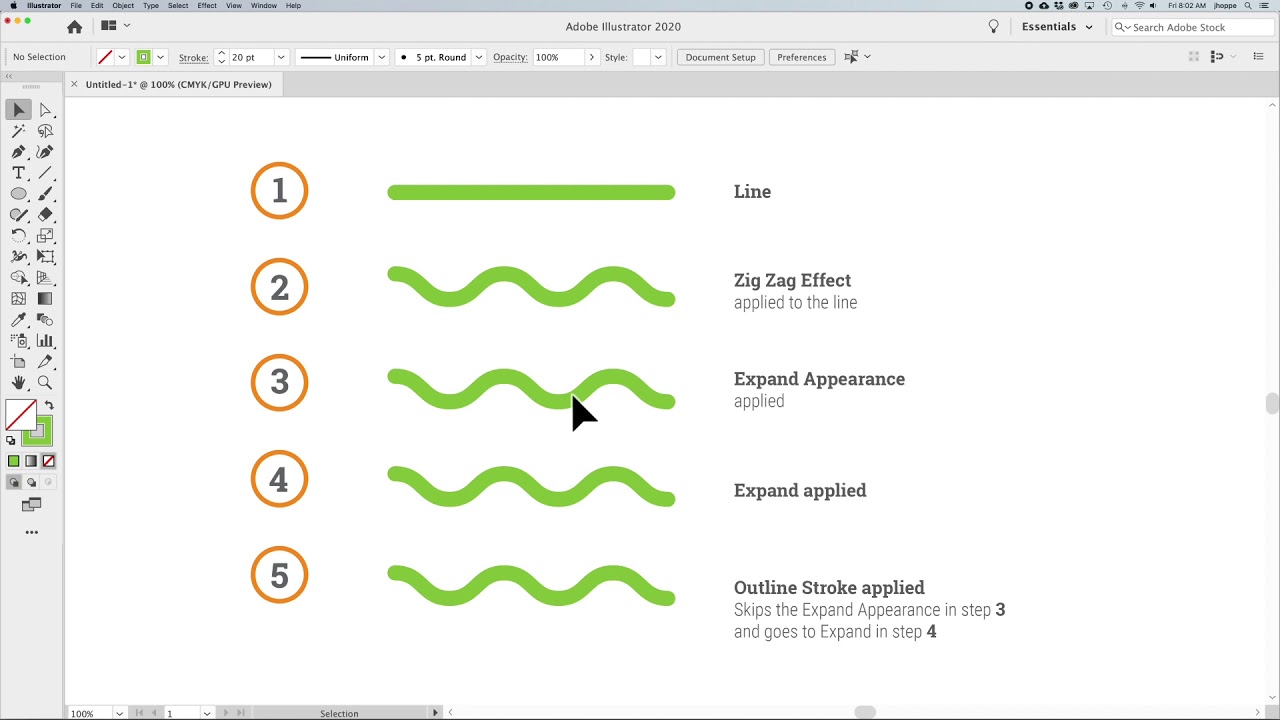
This video shows you the detailed steps on how to break apart a logo to become print-ready by using Flatten Transparency, Expand Appearance, Divide (pathfinder) and Unite (pathfinder).
This video shows you:
how to create an enterprise-ready logo
how to merge/unite shapes
how to use the divide tool
how to transform a logo into one shape- no matter how many outlines, shapes, or objects are in use
------
This video was brought to you by Mittun Creative - https://www.mittun.com — The Only Premium Website Provider for Nonprofits & Mission-Driven Brands.
Mittun specializes in nonprofit websites, nonprofit fundraising, nonprofit wordpress plugins and anything else web and social-good related.
----
Are you looking for a new logo for your nonprofit or fundraising campaign? Contact Mittun today to get started. https://www.mittun.com/contact/
View our Logo Portfolio here: https://www.mittun.com/logo-design/
Повторяем попытку...

Доступные форматы для скачивания:
Скачать видео
-
Информация по загрузке: