Exchange Server 2013 & Barracuda Antispam Part 2
Автор: CharteredMCSE
Загружено: 2014-12-02
Просмотров: 1680
Описание:
Installation and Configuration of Exchange 2013 Server. Also show configuration of Barracuda Antispam Firewall 100 to filter spams and virus.
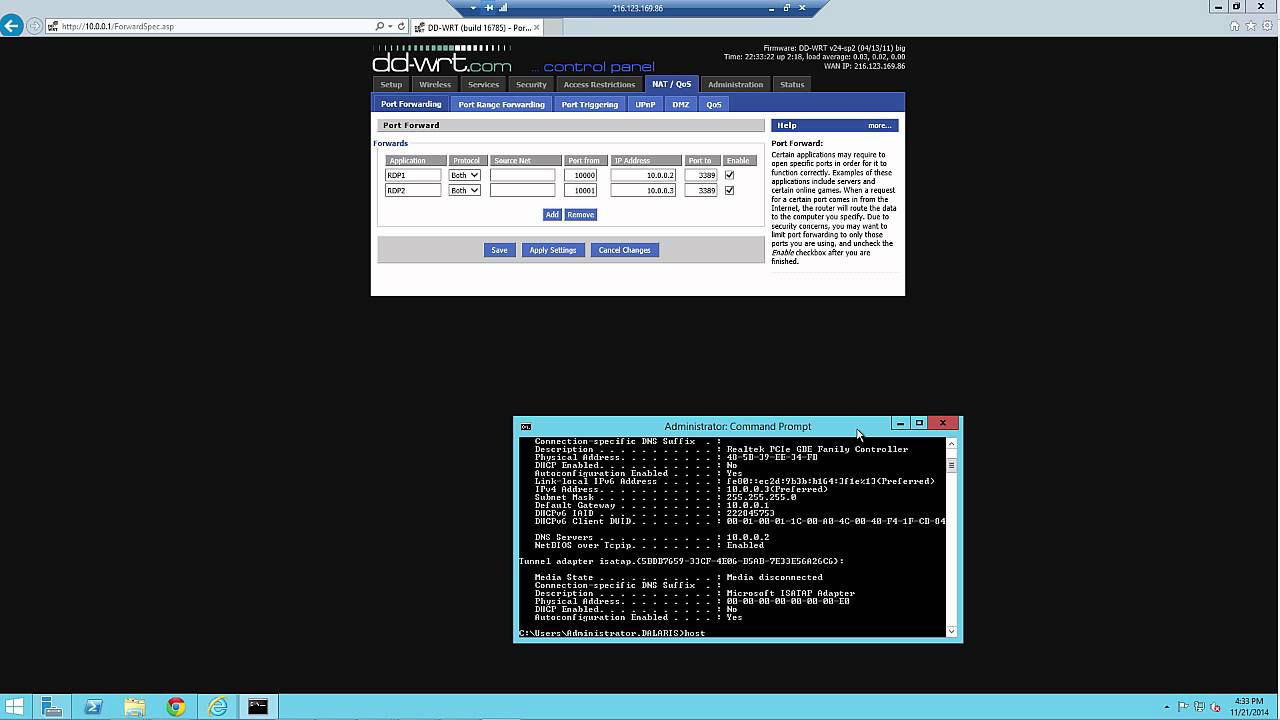
In this part 2 video, we assume that an Active Directory and DNS services have been deployed (Part 1). We will now join the Exchange Server (the second physical box) to the Dalaris.local domain. We will also perform some NAT rules on the Default gateway to allow Exchange environment to function properly.
The Active Directory and DNS services are installed on the Domain Controller (DC2012) whose IP address is 10.0.0.2/25.
This Exchange Server (EX2013) is installed on the same LAN with an IP address of 10.0.0.3/24.
The forest name / Domain name is Dalaris.local.
Note on Ports
25 (SMTP)
587 (SMTP Message submission for IMAP/POP)
465 (Secure SMTP)
443 (Secure HTTP)
2525 (Alternative port for SMTP to separate FET and Transport service)
717 (Outbound proxy connection)
3389 (RDP)
475 (Mailbox Transport Delivery Service)
Повторяем попытку...
Доступные форматы для скачивания:
Скачать видео
-
Информация по загрузке:


![Детектирование виртуальных машин: как оно работает и как его обходят [RU]](https://image.4k-video.ru/id-video/W-KGmGH_IZ4)


