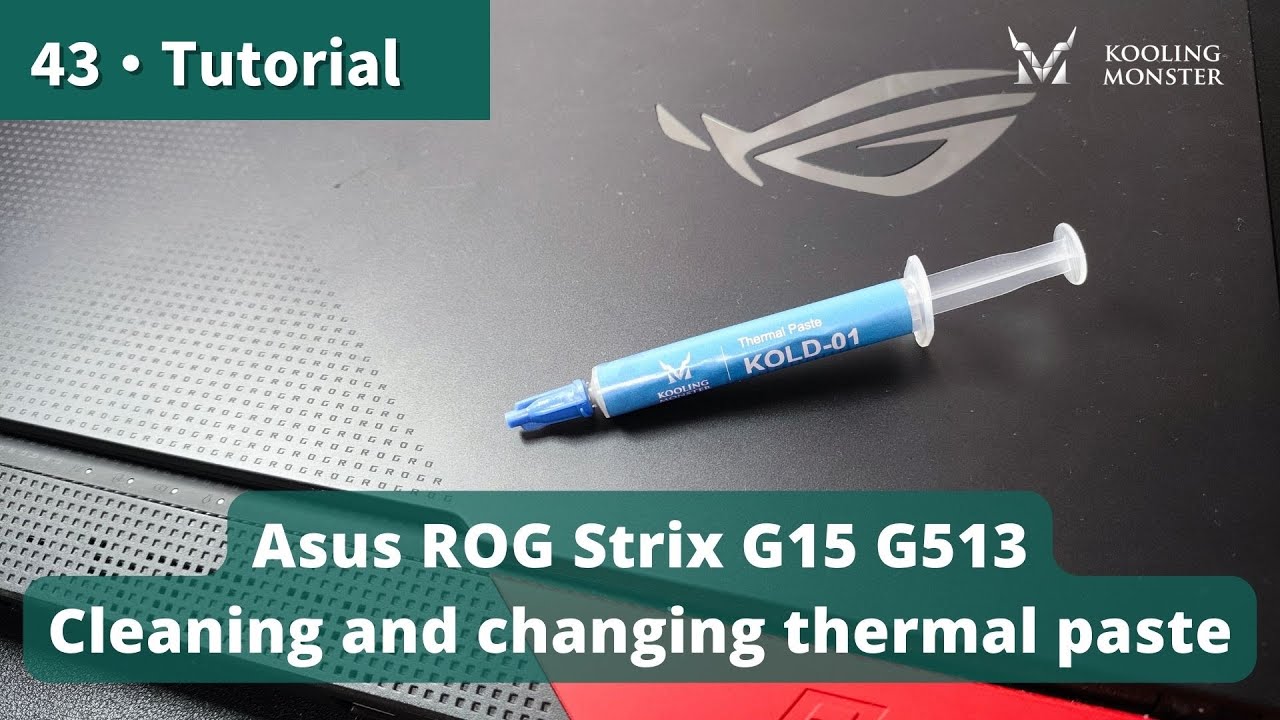
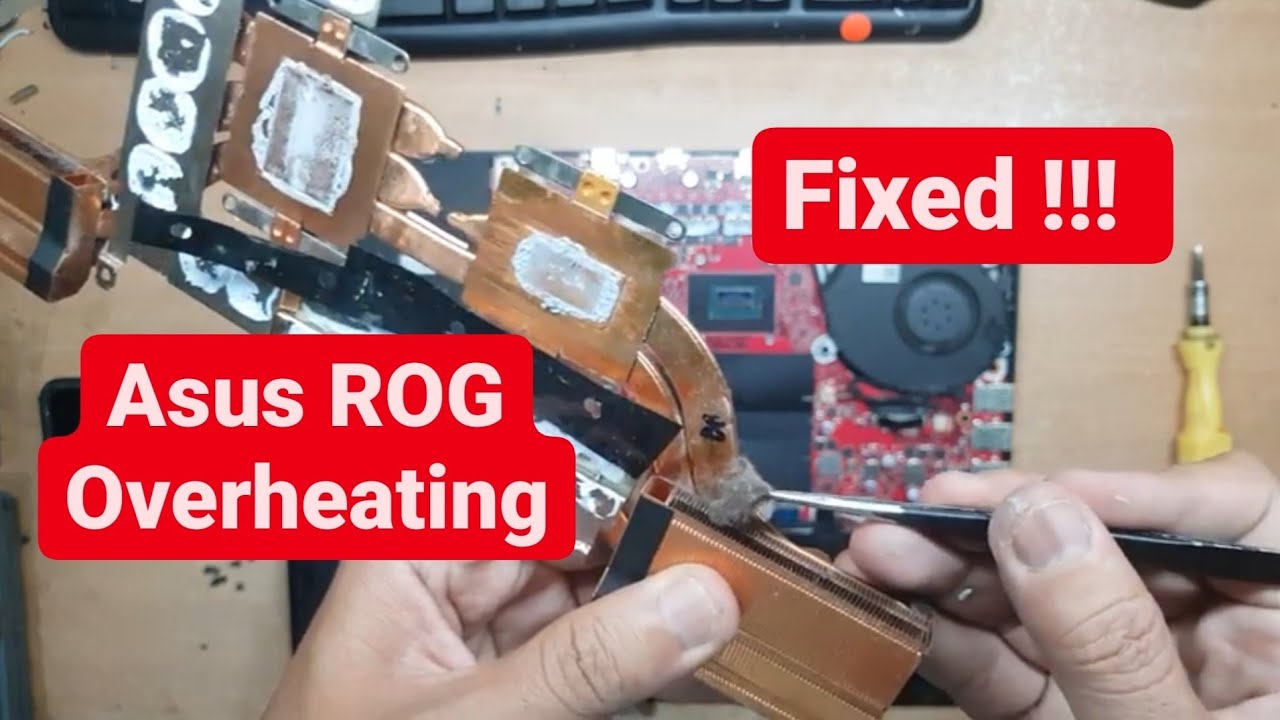
ASUS ROG Strix G Disassembly & Thermal Paste Replacement | Fix Overheating Laptop
Автор: Bongkar Laptop
Загружено: 2020-12-03
Просмотров: 32643
Описание:
🔧 ASUS ROG Strix G Disassembly & Thermal Paste Replacement Tutorial 🔧
Is your ASUS ROG Strix G gaming laptop overheating, loud, or throttling during gameplay? This step-by-step guide shows you how to disassemble your ASUS ROG Strix G and perform a thermal paste replacement to improve cooling performance and reduce heat.
👉 What you’ll learn in this video:
How to safely open and disassemble ASUS ROG Strix G
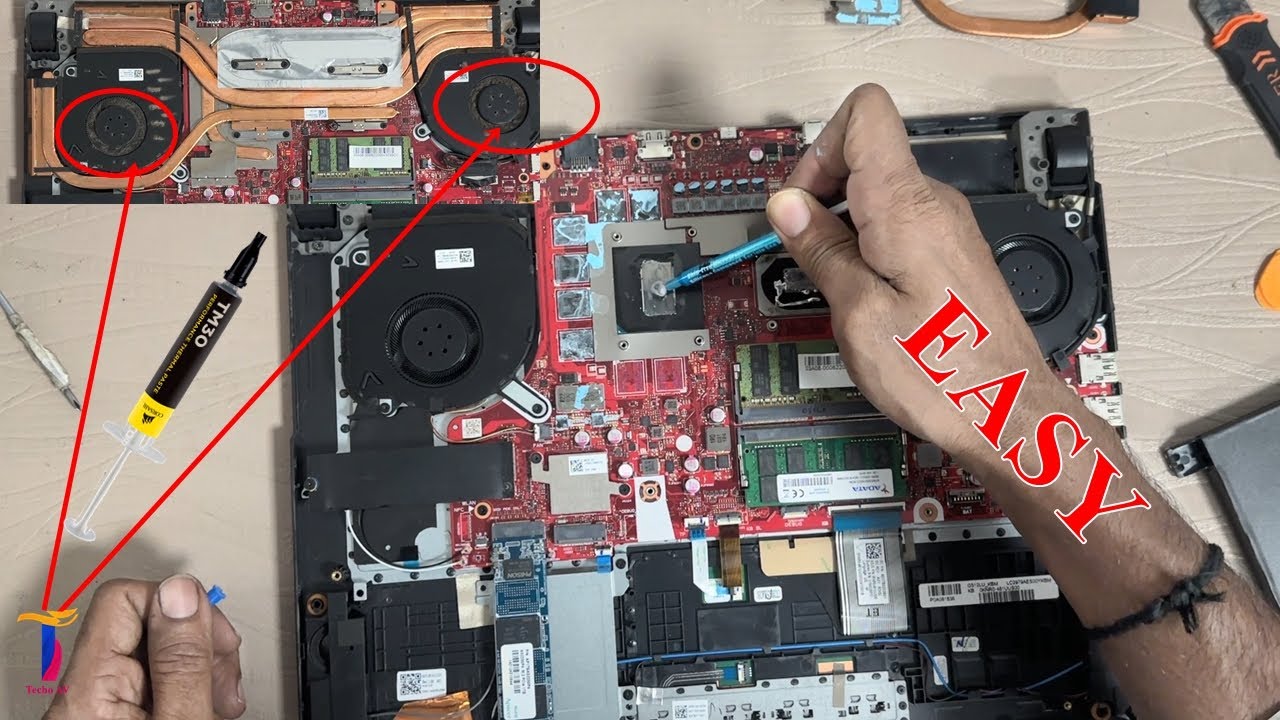
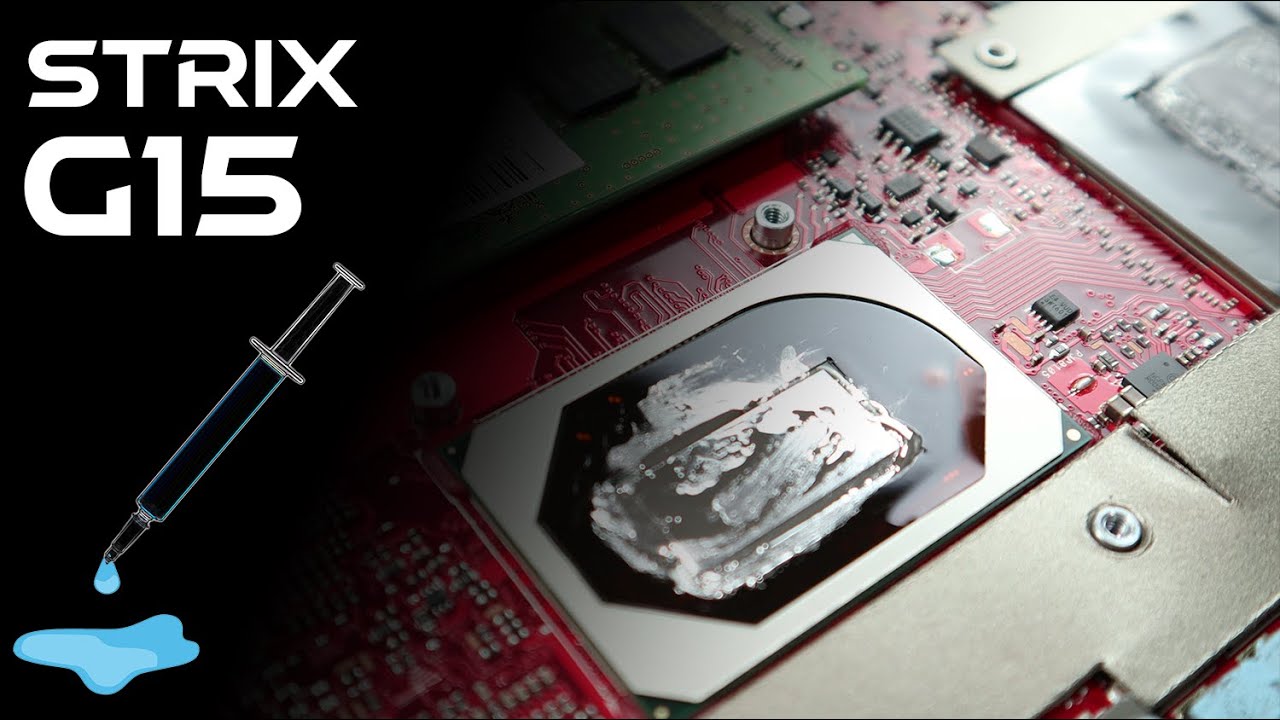
Removing old thermal paste and applying new paste correctly
Cleaning fans and heatsink for better airflow
Reassembling your laptop with care
Tips to keep your gaming laptop running cool and smooth
⚡ Works for most ASUS ROG Strix G series laptops.
📌 If your ASUS laptop is overheating or shutting down unexpectedly, this thermal paste replacement can help restore performance and extend the life of your device.
👉 Don’t forget to LIKE 👍, COMMENT 💬, and SUBSCRIBE 🔔 for more laptop repair tutorials and gaming laptop fixes!
#ASUSROG #ThermalPaste #LaptopRepair #ASUSROGStrix #GamingLaptop
Повторяем попытку...
Доступные форматы для скачивания:
Скачать видео
-
Информация по загрузке: