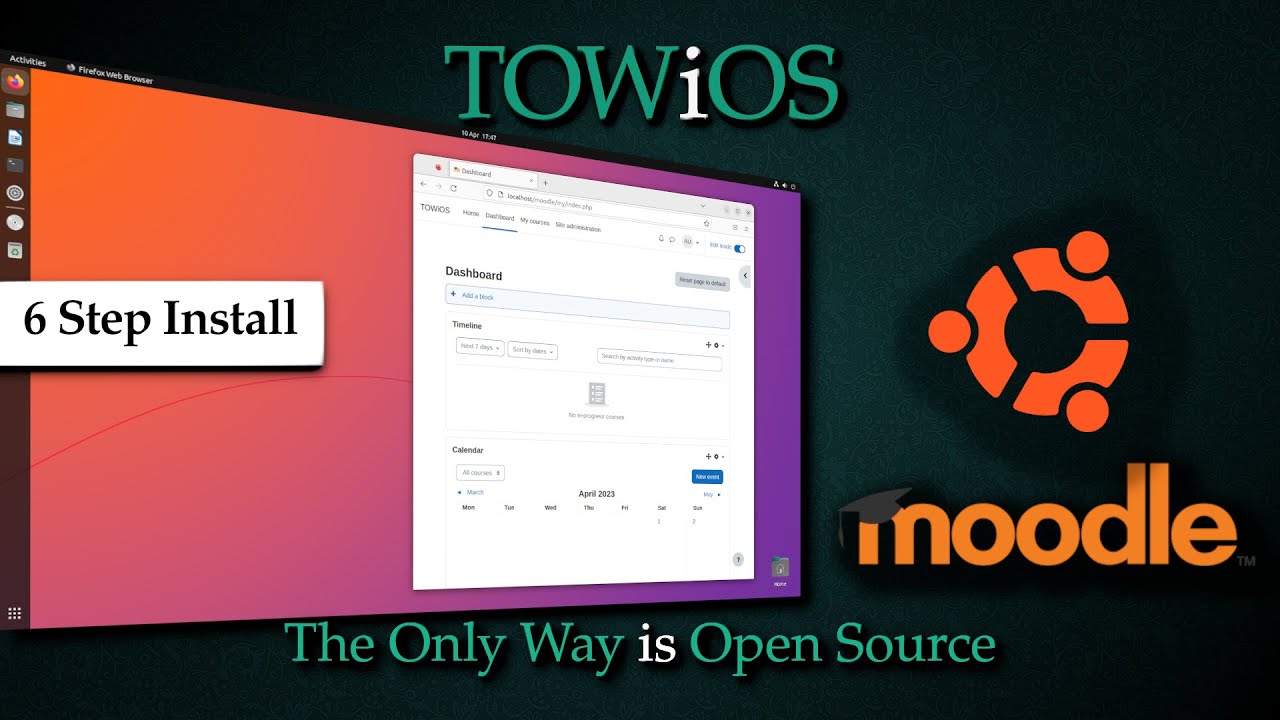
Moodle Ubuntu: Upgrade
Автор: TOWiOS
Загружено: 2024-02-08
Просмотров: 816
Описание:
How to Upgrade Moodle in 6 Simple Steps:
In this video, I’ll show you how to upgrade your Moodle installation on Ubuntu. We’ll walk through the entire process, from downloading the latest version to completing the upgrade and disabling maintenance mode.
Follow these 6 simple steps to upgrade Moodle:
1) Check for Newer Moodle Version & Download – Verify the latest version and get it.
2) Enable 'Maintenance Mode' – Prevent users from accessing Moodle during the upgrade.
3) Backup Current Moodle Site – Ensure your site data is safely backed up.
4) Extract the Moodle Download, Restore Files & Set Permissions – Prepare the new Moodle files for the upgrade.
5) Install the Moodle Upgrade – Complete the upgrade process and apply changes.
6) Disable 'Maintenance Mode' – Bring your site back online for users.
Want a step-by-step guide? Download the free PDF version here:
https://github.com/TOWiOS/MOODLE-Ubun...
Other TOWiOS Moodle videos:
• Moodle Ubuntu: Install
• Moodle Ubuntu: Backup & Restore
Moodle website:
https://moodle.org/
Make sure to like, subscribe, and check the video description for further resources!
Повторяем попытку...

Доступные форматы для скачивания:
Скачать видео
-
Информация по загрузке: