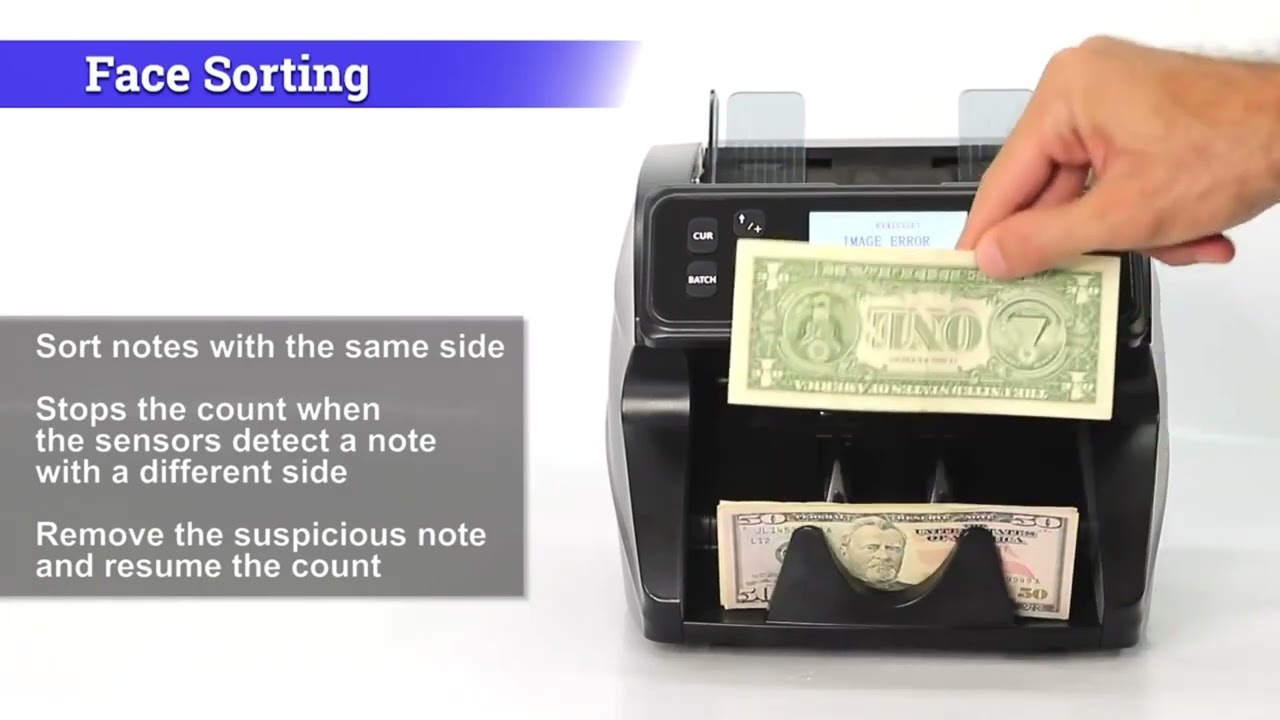
DT200 - Single Denomination Value Count Mode
Автор: DETECK USA
Загружено: 2022-01-26
Просмотров: 1930
Описание:
This video will demonstrate how to use the Single Denomination Value Count Mode, Press More!
Value Count Mode
This mode allows you to display the total value of bills counted. To access this mode, press the VAL Button for 3-5 seconds until the VAL indicator is on or select a currency by pressing CUR.
Select the desired denomination ($100, $50, $20, $10, $5, $2, and $1) as a multiplier by pressing the VAL button multiple times or using the Up or Down Arrows.
The machine has a user-defined denomination multiplier and displays the total value of bills counted. For example, a denomination of $50 x 25 bills counted = $1250 displayed.
After selecting the desired denomination, load the bills to be counted into the hopper. Ensure that the denomination of the bills matches the selected denomination. The DT200 counts the stack displays the total value, and shows the number of bills counted on the screen. To exit this mode hold the VAL button down for 3-5 seconds.
Value + Add Mode
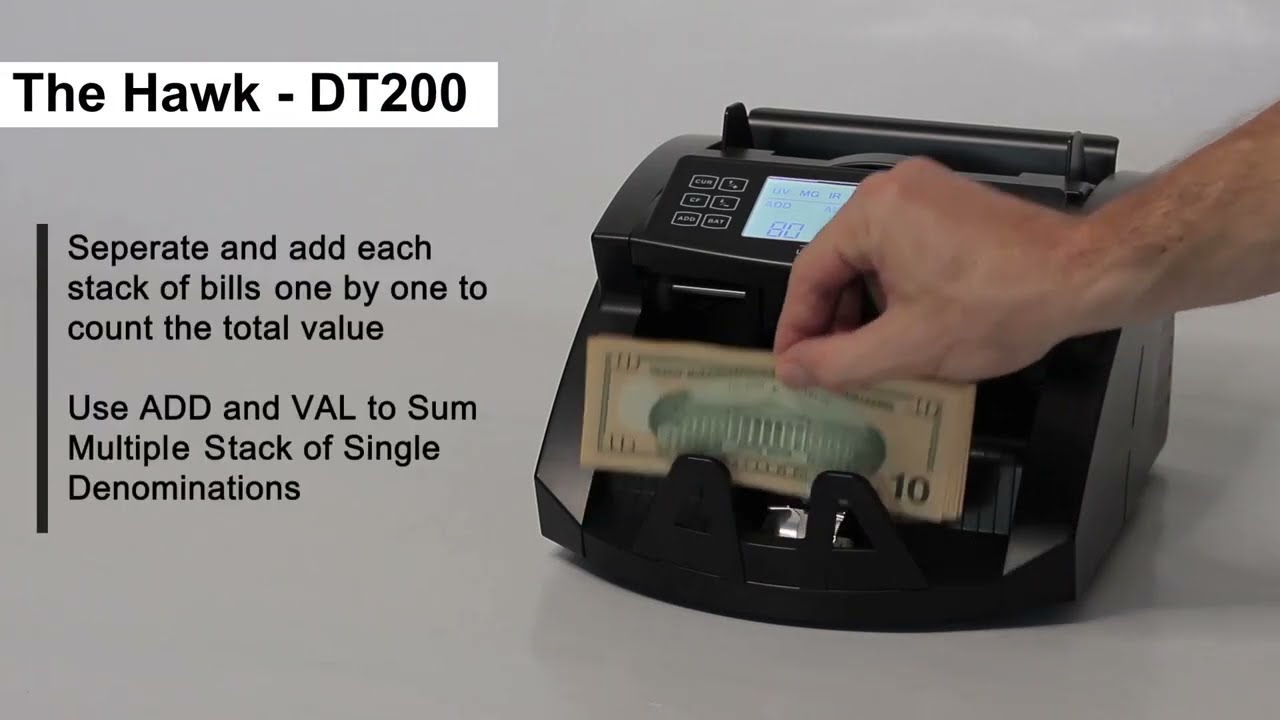
This mode counts different denominations of bills and tracks the total value of bills counted.
To activate this mode, enter the VAL Count mode and press the ADD button. The ADD indicator will appear on the screen.
Press the VAL button until the desired denomination is displayed on the screen. The denomination may be changed at any time by pressing the VAL button or the UP and DOWN arrows. The machine will now start calculating the value using the new denomination.
We remain at your disposal if you have any query
Contact: [email protected]
Повторяем попытку...
Доступные форматы для скачивания:
Скачать видео
-
Информация по загрузке: