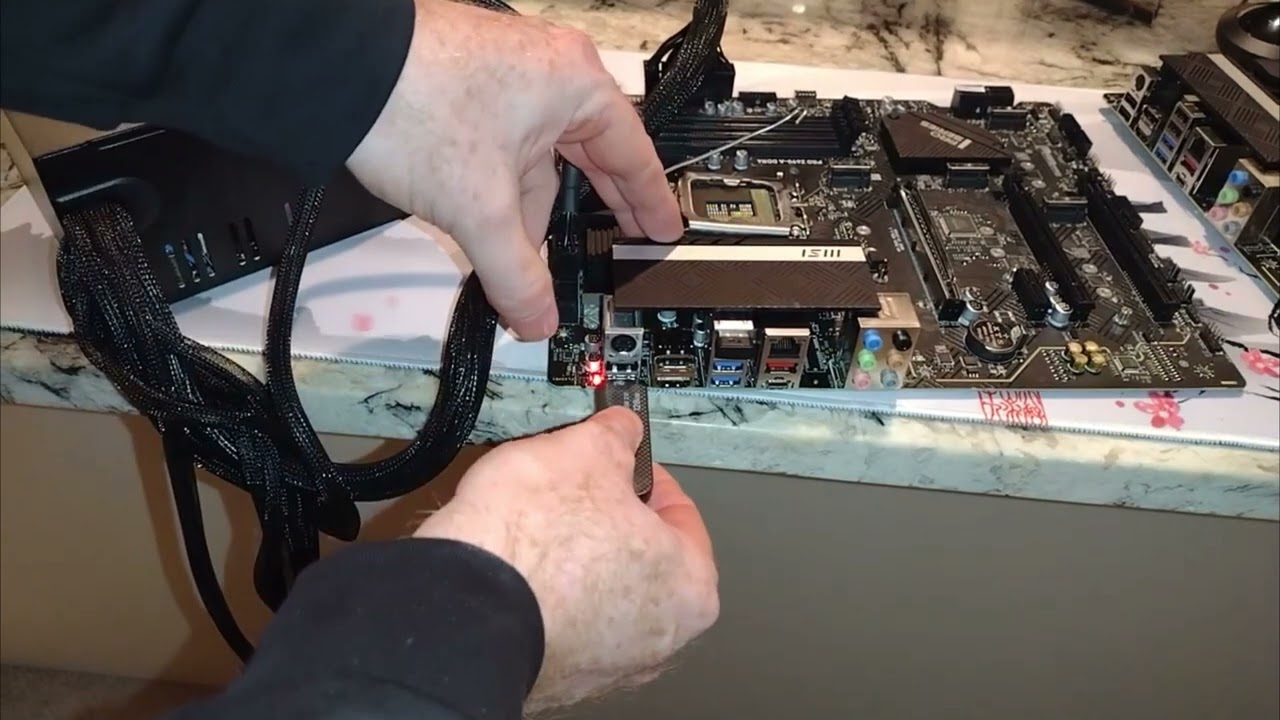
How to Flash Bios without a CPU, MSI Z690-A Pro DDR4 WiFi Motherboard
Автор: Linus Wilson
Загружено: 2022-11-03
Просмотров: 62543
Описание:
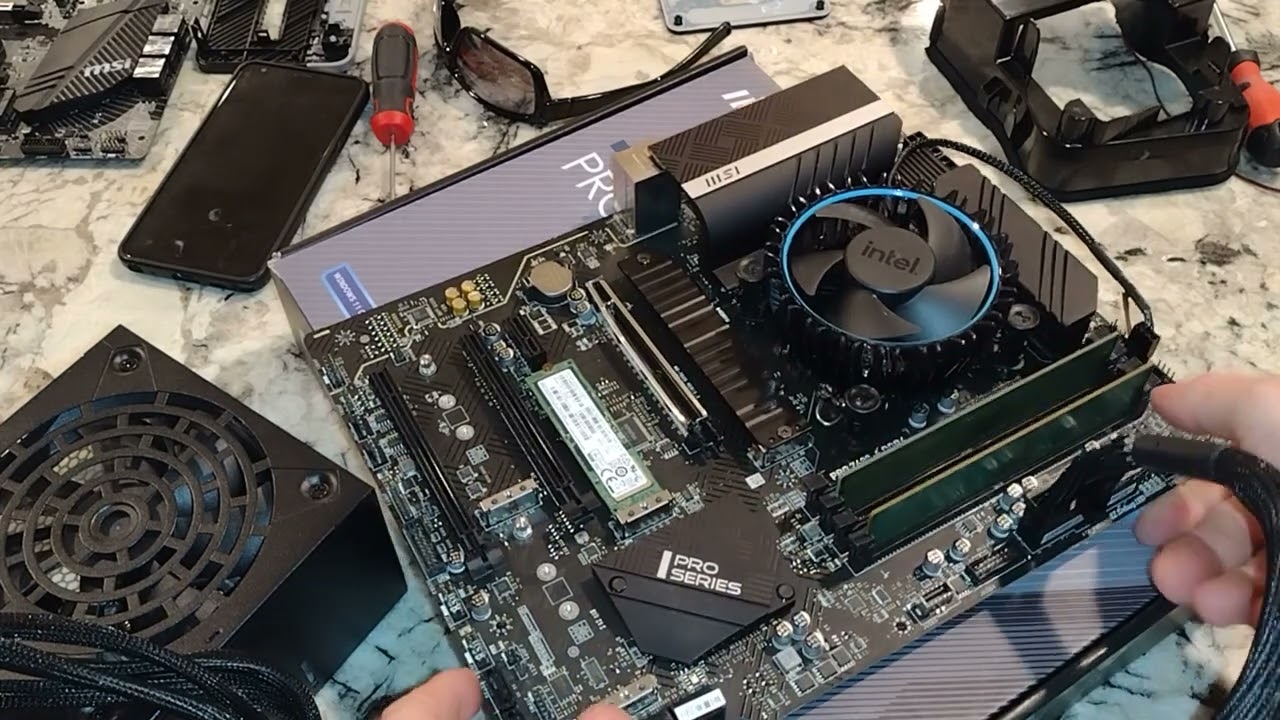
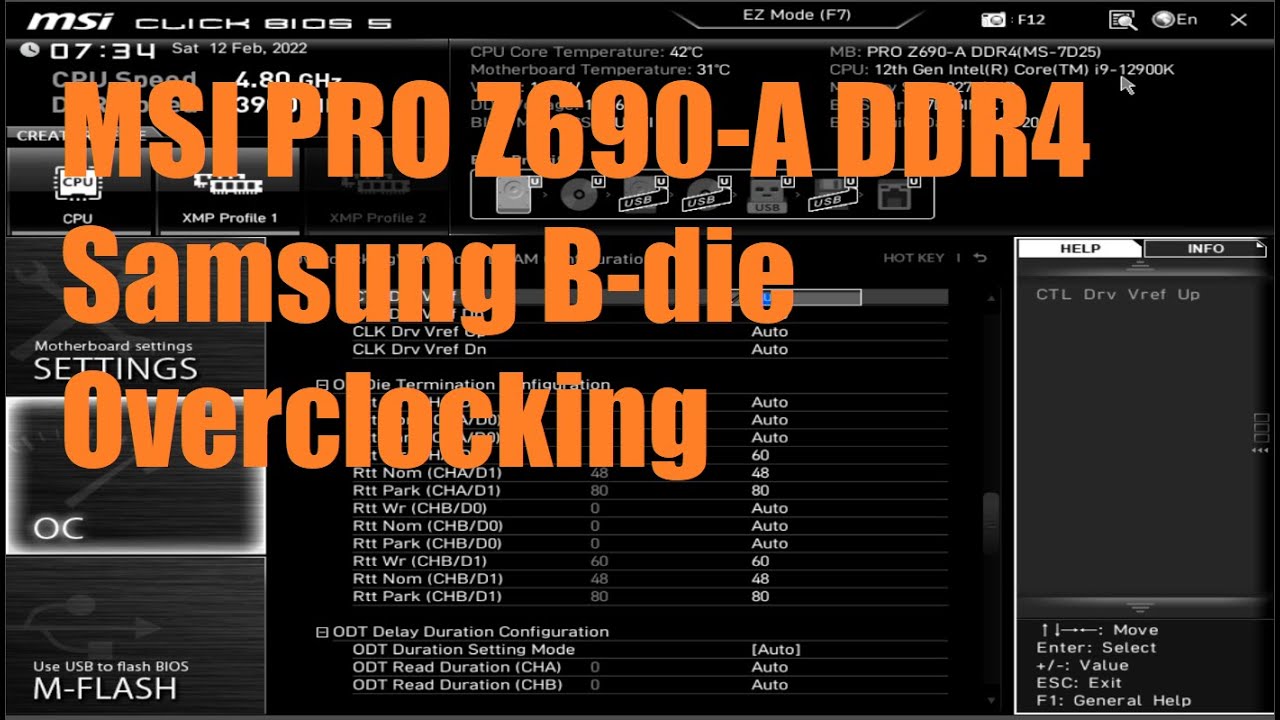
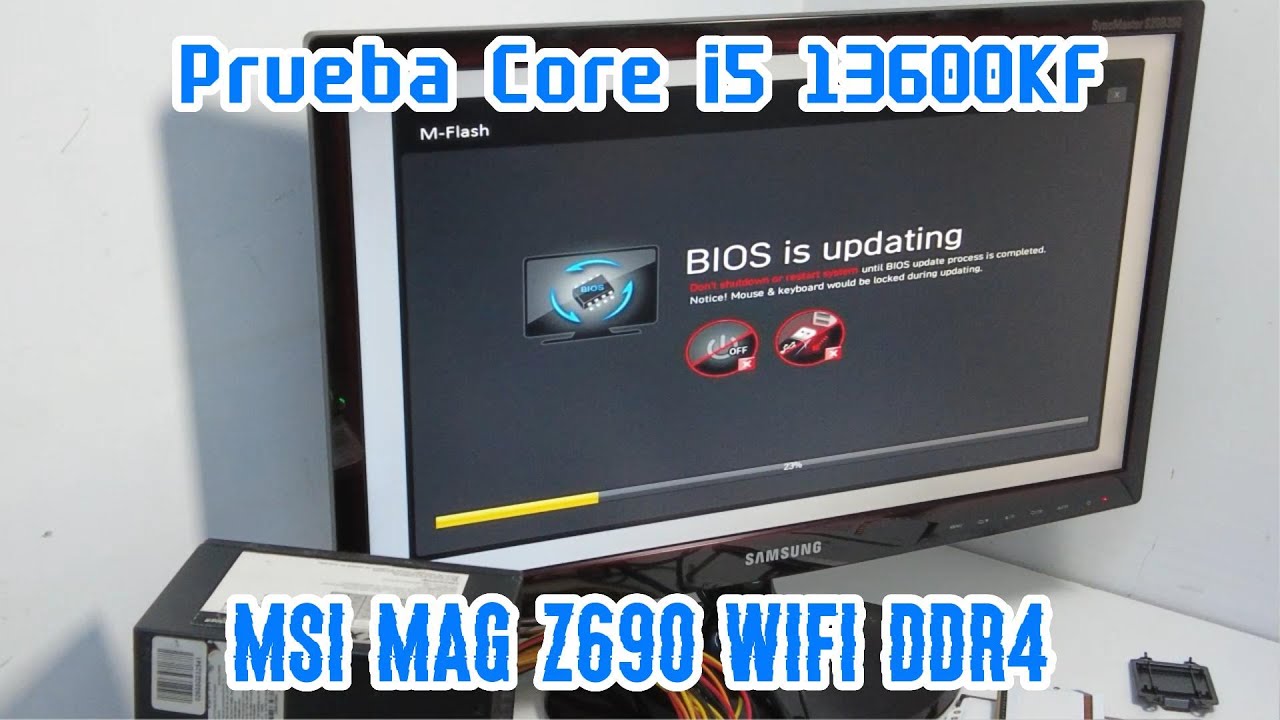
We give you 8 steps to do flashback of your motherboard's BIOS without a CPU. Flashing your BIOS is necessary when you have CPU or other hardware that came out after your motherboard was manufactured. We show you how to do it on a MSI Z690-A Pro DDR4 WiFi Motherboard. You will need a fat32 formatted 8 to 32 GP USB 2.0 thumb drive. You should download the latest bios at your MB website on a different computer. You need the motherboard and a PSU only to do this. Bios flashback is necessary for hardware not supported at the time of manufacture.
Amazon Affiliate links #ad
USB 2.0 16gb 2 pack for bios flashback and windows boot drive
https://amzn.to/3DVbvD8
MSI PRO Z690-A WiFi DDR4 ProSeries Motherboard (ATX, 12th Gen Intel Core, LGA 1700 Socket, DDR4, PCIe 4, CFX, M.2 Slots, Wi-Fi 6E)
https://amzn.to/3DC5ytz
MSI PRO Z690-A DDR4 ProSeries Motherboard (ATX, 12th Gen Intel Core, LGA 1700 Socket, DDR4, PCIe 4, CFX, M.2 Slots)
https://amzn.to/3sTq6sf
Pic from
https://www.msi.com/Motherboard/PRO-Z...
Linus Wilson, (c) 2022
Vermilion Advisory Services, LLC
www.linuswilson.com
Become a member of this channel.
Повторяем попытку...

Доступные форматы для скачивания:
Скачать видео
-
Информация по загрузке: