Headlight Control Switch | How To | 2020 Chrysler Pacifica
Автор: Mopar
Загружено: 2019-10-16
Просмотров: 21934
Описание:
Learn how to use the headlight switch in 2020 Chrysler Pacifica with this easy-to-follow video. Learn how to turn on your headlights, tail lights, daytime running lights, rear fog lights and parking lights using the headlight control switch on the control panel. You'll also learn how to use the automatic headlight setting.
Transcript
[music playing]
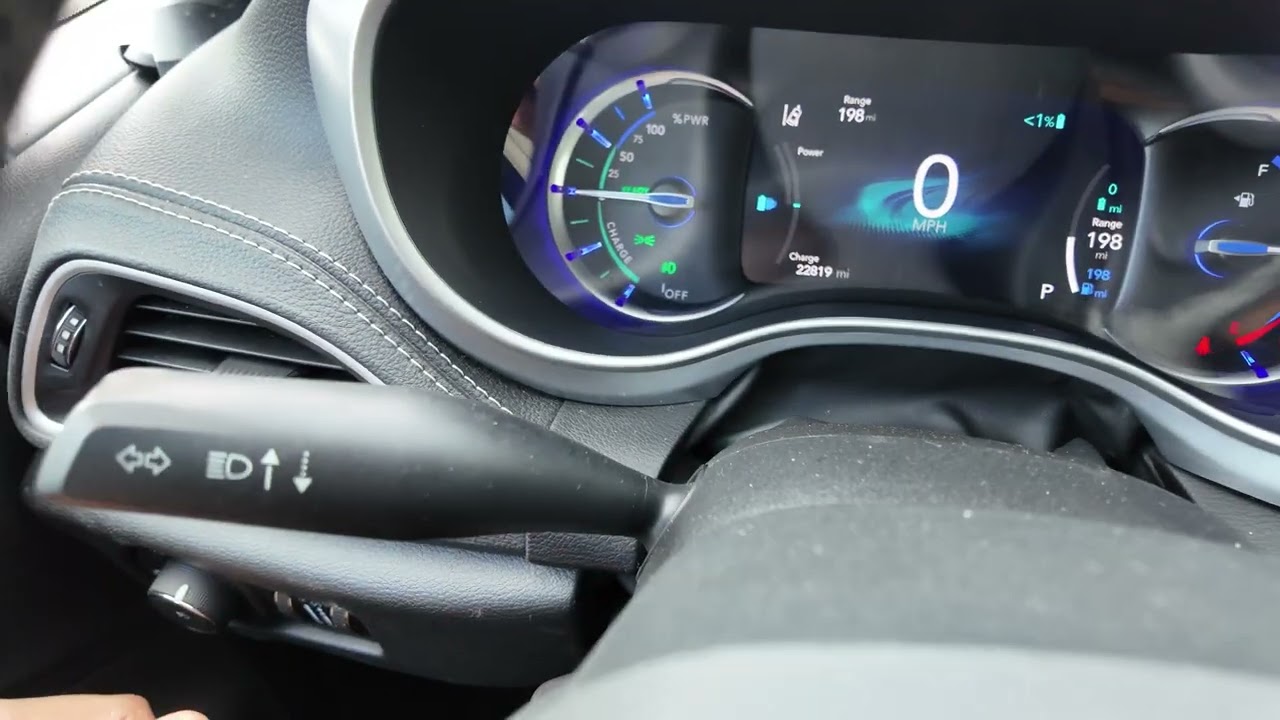
You’ll find the headlight control switch on the left side of the instrument panel. Turn the control to the first position for parking lights. Turn it to the second position for headlights. You can also turn the control to the AUTO position.
[Text on Scren]: If Equipped.
[Voice Over]: If equipped, in this position, the headlights will turn on or off automatically based on the surrounding light levels.
The dimmer control adjusts your instrument panel and ambient lighting.
With the parking lights or headlights on or with the switch in the AUTO position, rotate the dimmer control for the interior lights to increase the brightness of your instrument panel lights. Rotate to the next position to brighten the instrument cluster display and radio controls when the parking lights or headlights are on.
To activate the fog lights, if equipped, turn on the parking lights or the low beam headlights or put the switch in the auto position, then push in the headlight control switch.
[Text on Scren]: If Equipped.
[Voice Over]: Push the switch in a second time to turn the fog lights off.
This video is not intended to take the place of your Owner's Manual. For complete details and other important safety information, please see your Owner's Information.
Повторяем попытку...

Доступные форматы для скачивания:
Скачать видео
-
Информация по загрузке:






![Chrysler Voyager & Pacifica DISABLE Auto Start/Stop Feature Turn ON and OFF permanently! [2018-2024]](https://imager.clipsaver.ru/CEzb5VHwWF8/max.jpg)