Getting Started with FashionGen | Character Creator 5 Tutorial
Автор: Reallusion
Загружено: 2025-12-23
Просмотров: 3676
Описание:
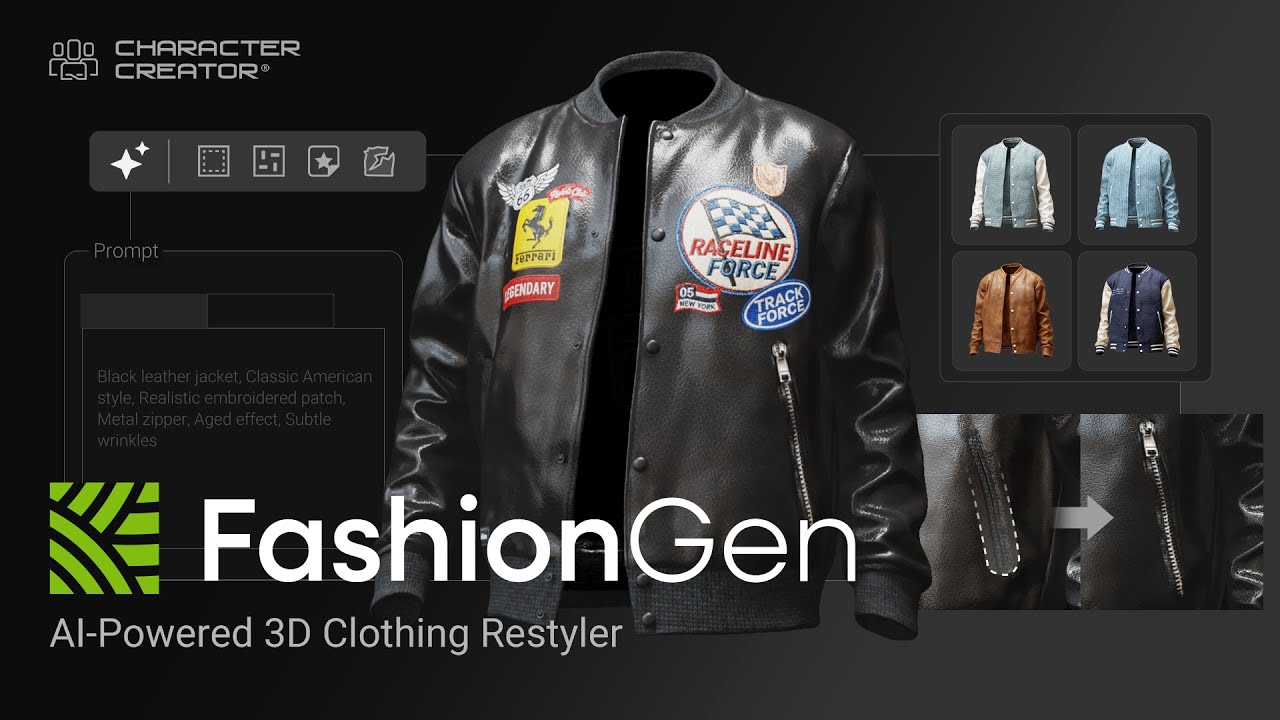
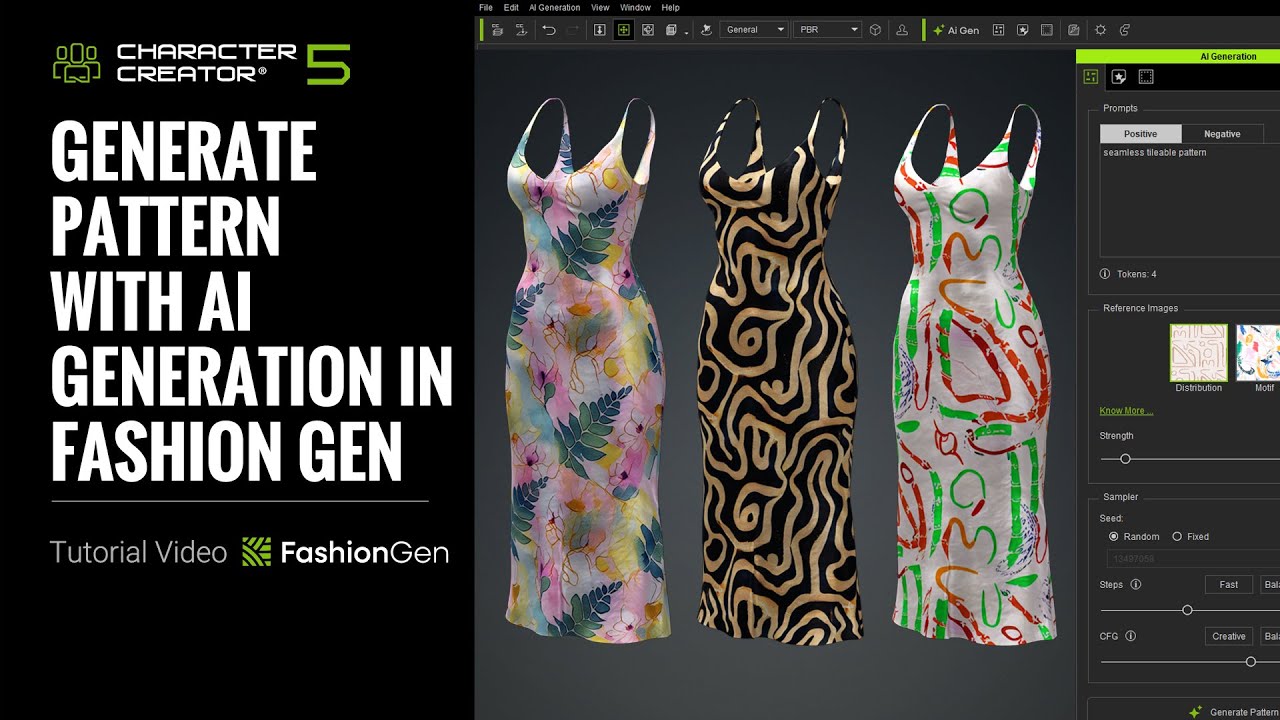
By using FashionGen, we can quickly create custom clothing and send the finished look back to Character Creator, where it can be saved as a reusable CC Cloth.
Learn more: https://www.reallusion.com/character-...
Online Manual: https://manual.reallusion.com/charact...
00:37 Clothing Transfer and UI Introduction
04:14 Basic Workflow
09:23 Return to CC
*Note: Assets shown in this tutorial serve only as reference material.
✦ How to Redeem?
If you previously qualified for FashionGen during the early preview promotion, here’s how to redeem:
1. A FashionGen serial number has been issued to your account
2. Open Reallusion Hub
3. Navigate to the Character Creator Plug-in section
4. You’ll find FashionGen available for download and installation
5. Fabric 100 as a bonus content pack will be available in the Character Creator Smart Content Manager after installing the FashionGen plugin.
🎁How to Get FashionGen Now?
FashionGen is still available for free as part of two limited-time promotions:
👉🏻 Now through Dec 31, 2025:
Spend $99 or more on any CC content and get FashionGen for free
👉🏻 From Jan 1 – Jan 31, 2026:
Spend $99 or more on CC Outfits and receive FashionGen for free
✦WATCH MORE
Learn about Character Creator: https://www.reallusion.com/character-...
Learn about iClone animations: http://www.reallusion.com/iclone/defa...
✦FOLLOW US!
Facebook: / reallusionsoftware
LinkedIn: / 94371
Twitter: / reallusion
Instagram: / reallusionofficial
Magazine: https://magazine.reallusion.com/
Forum: https://discussions.reallusion.com/
Character Creator
TUTORIALS: https://courses.reallusion.com/home/c...
MANUAL: https://manual.reallusion.com/Charact...
#cc5 #charactercreator5 #fashiongen
Повторяем попытку...

Доступные форматы для скачивания:
Скачать видео
-
Информация по загрузке: