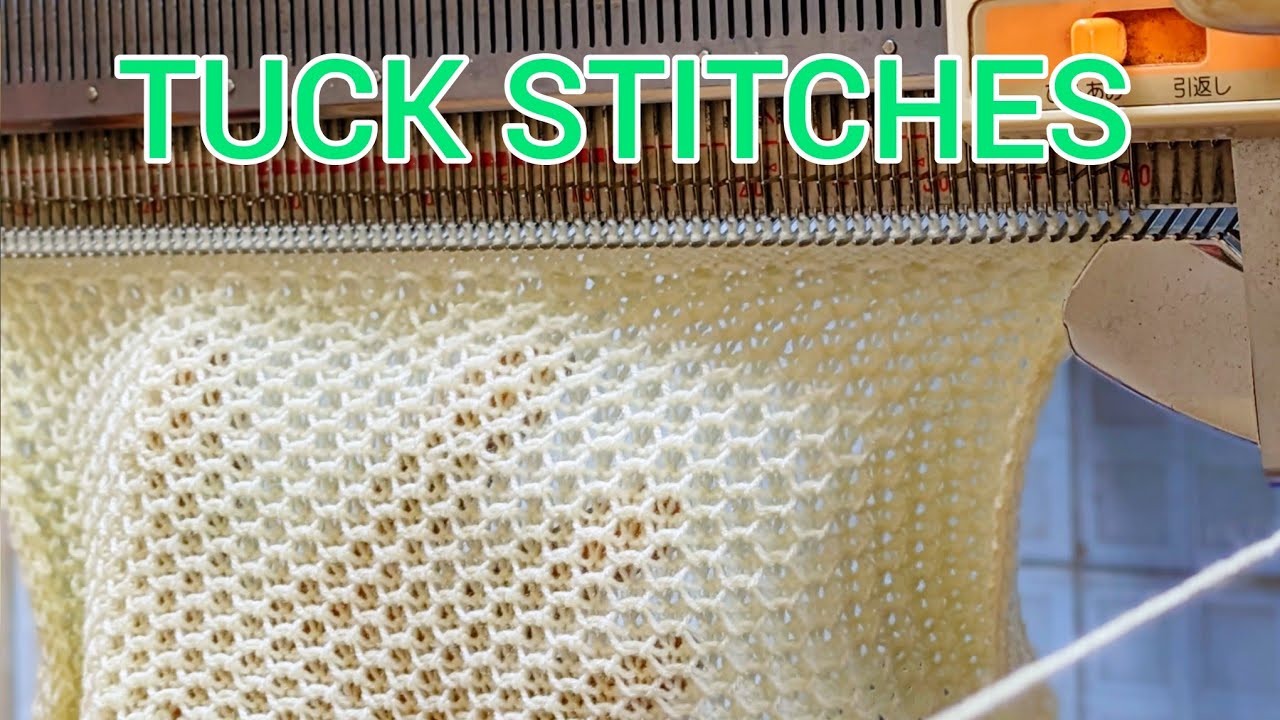
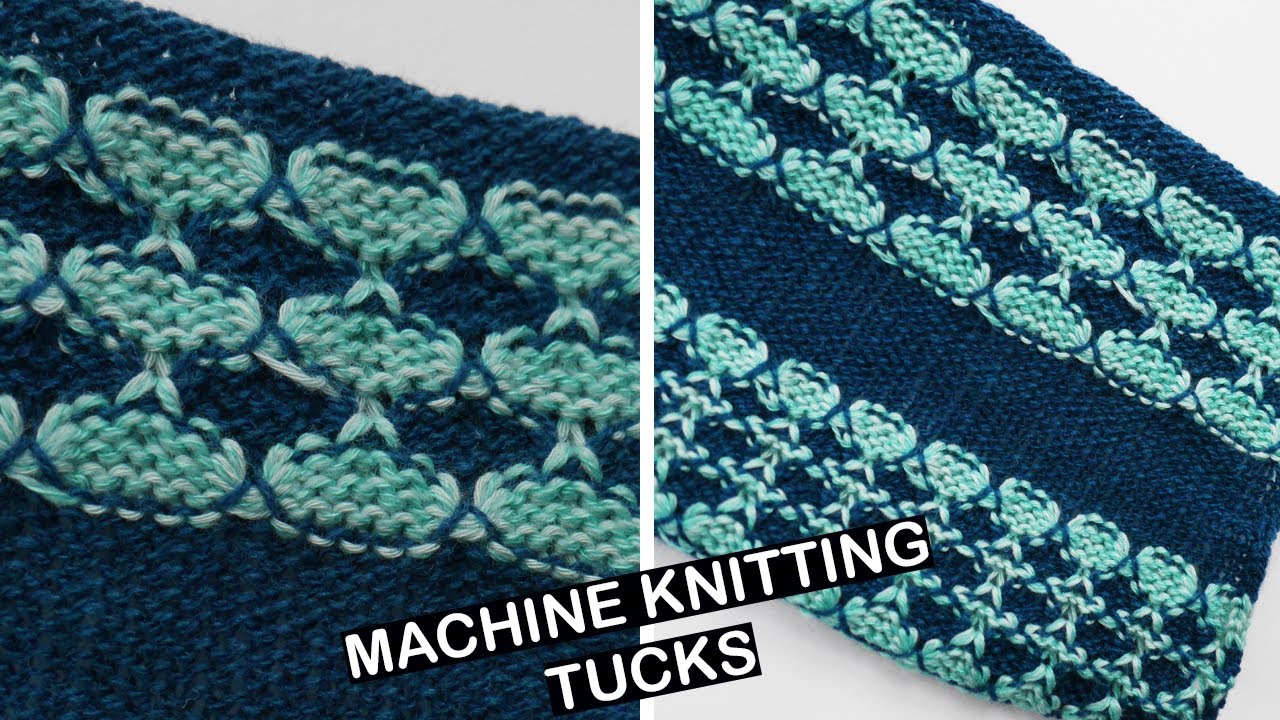
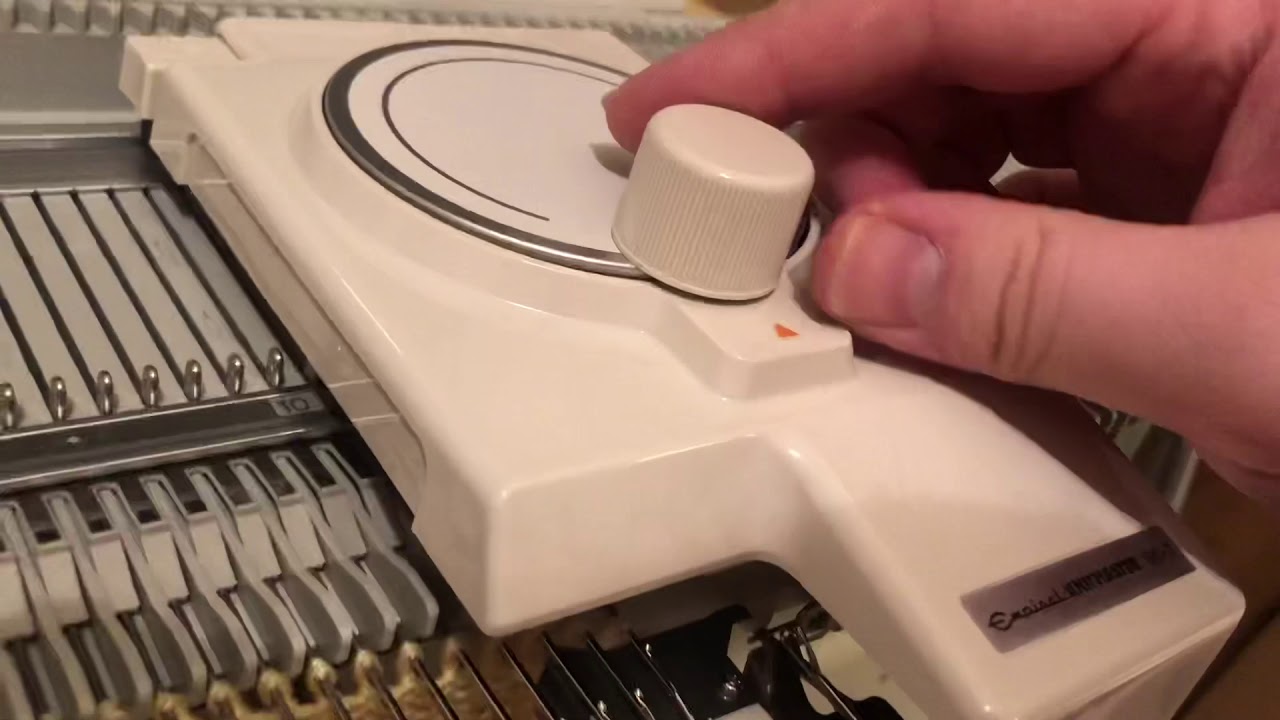
How to Create Stunning Tuck Stitch Patterns with the SK280 Knitting Machine | Beginner | Tutorial
Автор: Silver Reed knitting Machine
Загружено: 2025-06-17
Просмотров: 982
Описание:
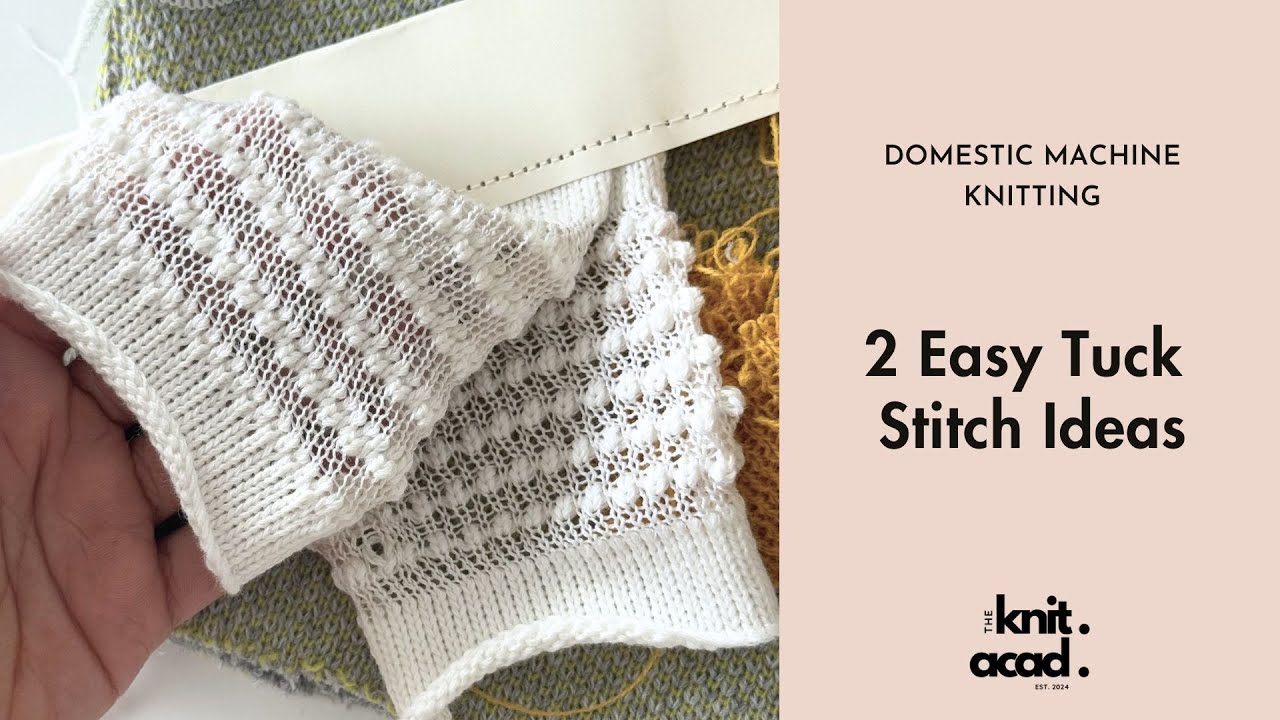
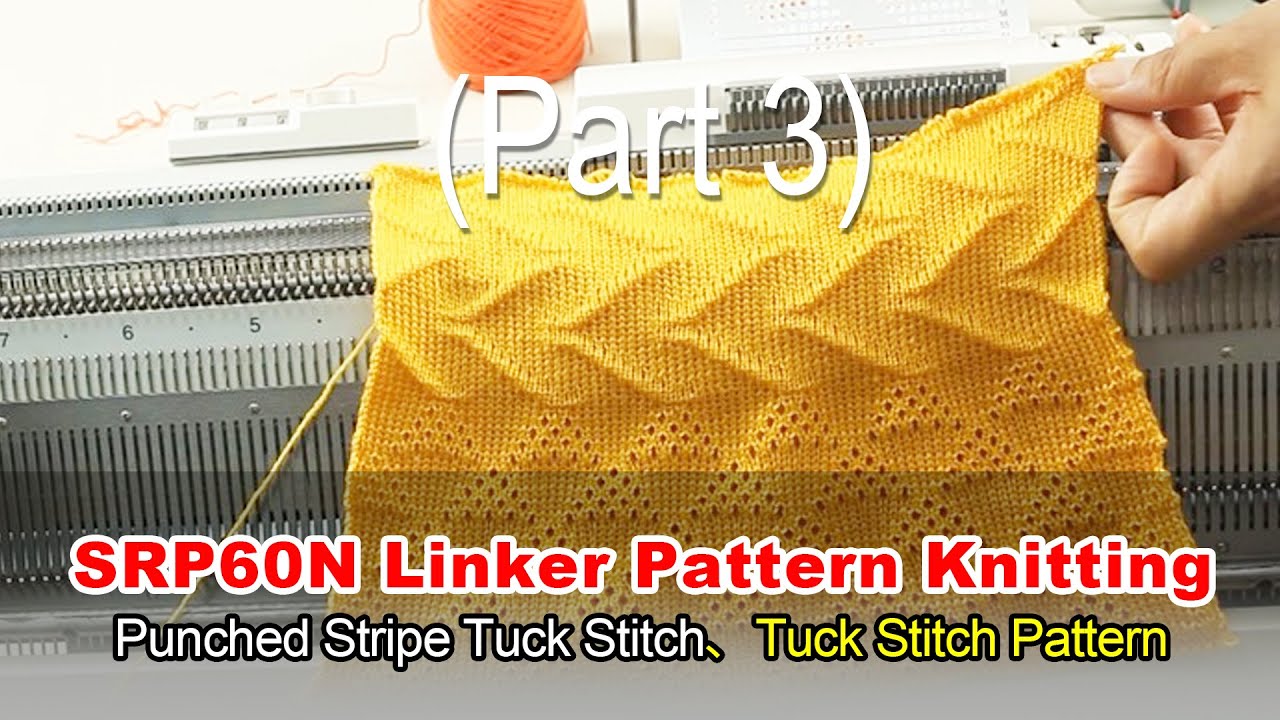
Welcome, knitters, to the SilverReed channel! I’m Jin Mao, here to share practical knitting hacks and creative projects. Today, we’ll master the tuck stitch on the SK280 knitting machine, creating stretchy, 3D textures perfect for sweaters and scarves. This step-by-step guide is easy for beginners to follow. From setting up the pattern card to adjusting the carriage, you’ll be knitting like a pro in no time! Try it, snap a pic, and share your work. What’s next? Comment your ideas!
Want More?
👉 knitlife.en.alibaba.com
👉 diymao.com
Need Help?
📞 WA/TEL/Telegram: +1 (503) 209-6848
🛒 For order support: WhatsApp +86 199 1302 8361
Looking for tutorials, patterns, or more?
🎥 Just follow us on TikTok and YouTube!
00:00 Introduces the SilverReed channel and tuck stitch for sweaters and scarves.
00:29 Begin tuck stitch tutorial with SK280, focusing on pattern card and carriage setup.
01:04 Knit plain rows, insert pattern card (side A facing), secure, and lock at position 1.
02:18 Set card to starting position 1, lock levers, adjust cams to triangle, knit first row.
02:50 Switch to tuck stitch (T position), adjust tension, move edge needles to D, continue knitting.
04:22 Show half-unit tuck stitch result, finish rows, revert to plain stitch, bind off.
#SK280 #TuckStitch #KnittingMachine #3DTexture #BeginnerKnitting #SweaterPatterns #ScarfPatterns #PatternCard #CarriageSetup #DIYCraft #CreativeKnitting #SilverReed #MachineKnitting #KnittingHacks #TexturedKnitting #YarnCrafts #KnittingTutorial #Handmade #Crafting #KnittingForBeginners
Повторяем попытку...
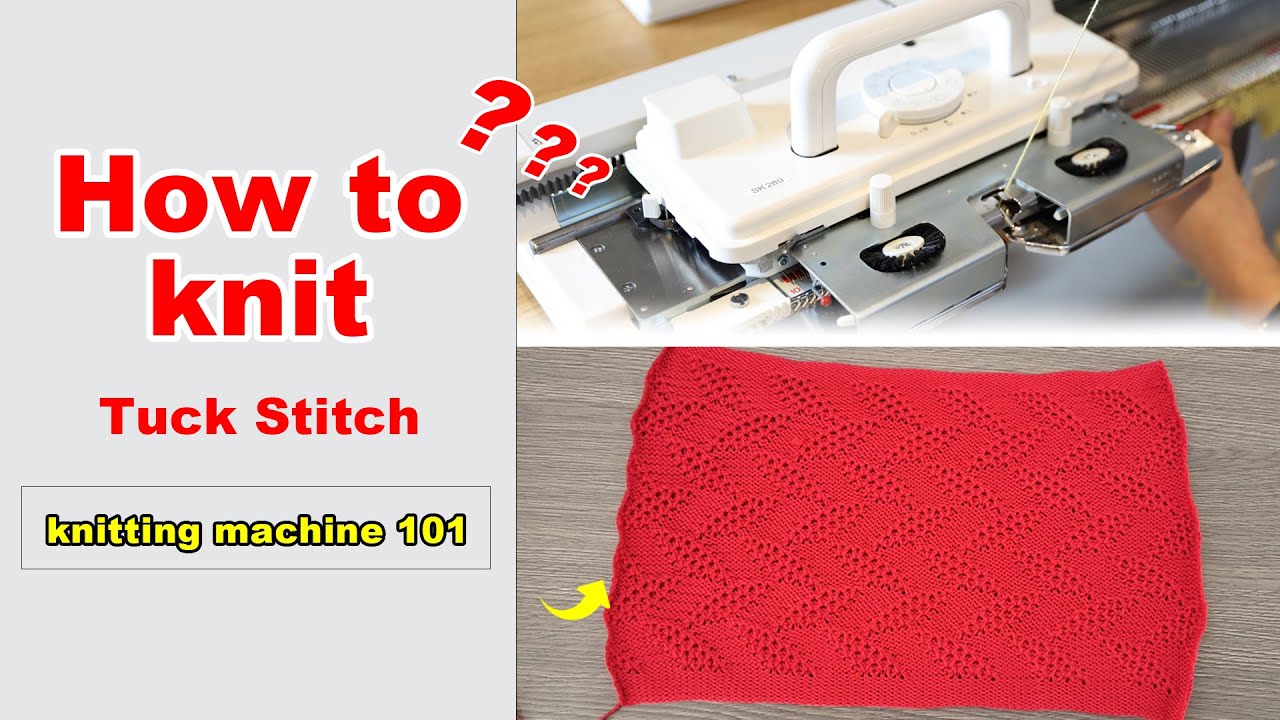
Доступные форматы для скачивания:
Скачать видео
-
Информация по загрузке: