How to Create CoinMarketCap Account !
Автор: Howzenic
Загружено: 2025-03-22
Просмотров: 37
Описание:
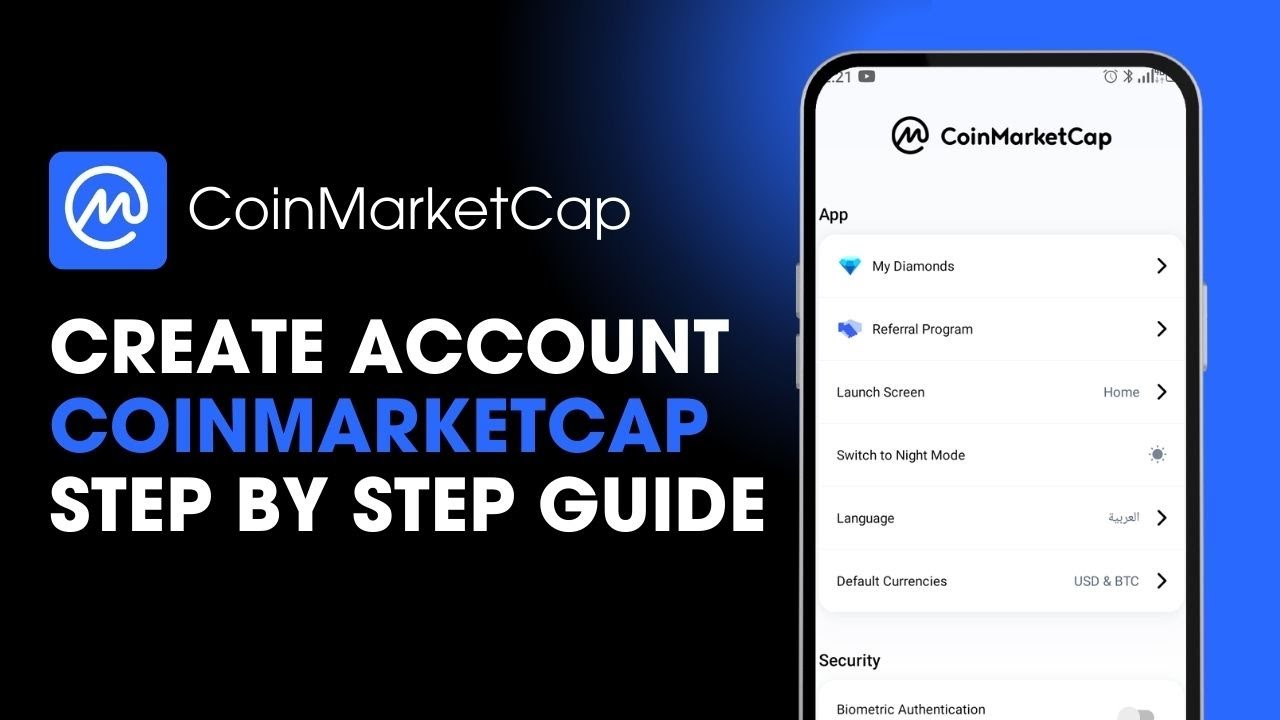
This tutorial shows you how to create a new account on the CoinMarketCap app, giving you access to features like portfolio tracking, watchlists, price alerts, and CoinMarketCap Diamonds. Having an account allows you to personalize your crypto experience, track favorite assets, participate in rewards, and receive updates directly within the app.
To get started, open the CoinMarketCap app on your device. If you haven’t downloaded it yet, you can find it on the Google Play Store or Apple App Store. Once the app is launched, you’ll see the main market overview screen. Tap the profile icon in the top-right corner to access the login and sign-up page.
From here, tap on 'Sign Up' to create a new account. CoinMarketCap offers multiple ways to register—you can use your Google account, Apple ID (on iOS devices), or connect using a crypto wallet like MetaMask. Alternatively, you can sign up manually using your email address. Just enter a valid email and choose a secure password, then tap on the 'Create Account' button.
After submitting your details, CoinMarketCap may send a verification email to confirm your registration. Make sure to check your inbox and click the verification link to activate your account. Once verified, you can begin customizing your CoinMarketCap dashboard by adding your favorite coins to your watchlist, tracking your holdings, or earning Diamonds through daily logins and quizzes.
Having a CoinMarketCap account also lets you sync your preferences across devices and stay updated on the latest market movements.
Visit https://coinmarketcap.com/ to explore further or sign up on desktop.
Timestamps:
0:00 Introduction
0:13 Opening the app and accessing sign-up
0:30 Choosing a sign-up method
0:40 Entering email and password
0:50 Creating your account
1:00 Conclusion
Hashtags:
#CoinMarketCap #CryptoAccount #CryptoPortfolio #CryptoApp #SignUpGuide #TrackCrypto #CoinMarketCapApp #CryptoTools
Disclaimer: CryptoGPT is an educational channel only. The channel does not own the rights to the name, logo, or any affiliated branding. The content provided is for informational purposes only and should not be considered financial advice.
Повторяем попытку...
Доступные форматы для скачивания:
Скачать видео
-
Информация по загрузке: