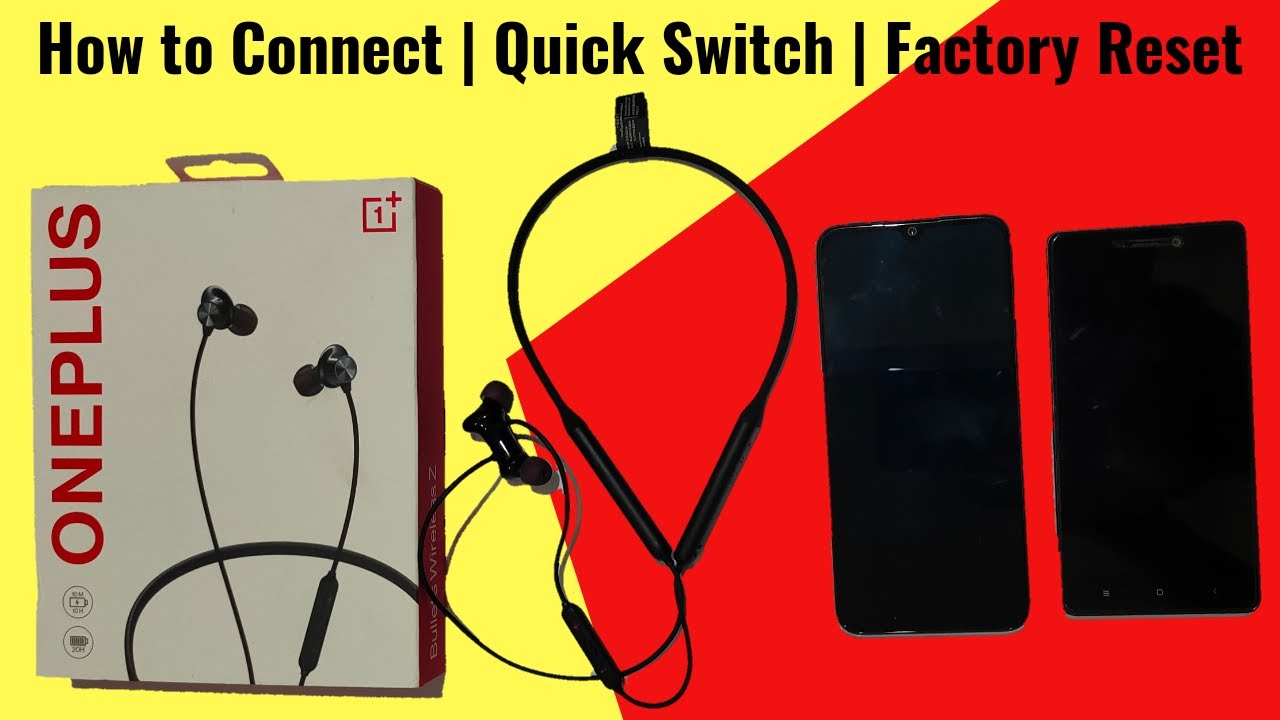
How to Connect OnePlus Bullets Wireless Z with Two Devices | Quick Switch | Factory Reset
Автор: TechScrew
Загружено: 2020-06-10
Просмотров: 997542
Описание:
How to Connect OnePlus Bullets Wireless Z with two devices and Switch between them using quick switch given in this Bluetooth wireless earphone explained in the video. With the Help of this video you can also factory reset your OnePlus Bullets Wireless Z in few seconds.
Bullets Z Black - https://amzn.to/2UecpTZ
Bullets Z blue - https://amzn.to/2U7YZsH
Hello Friends,
Welcome to TechScrew. I am Pushkar Parashar.
If you are a first time user of any Bluetooth wireless earphone like OnePlus Bullets Wireless Z than this Video is a user guide for you. This video helps you to connect your Bluetooth wireless earphone first time with your phone or connect with two phones at once and how to switch between them using quick switch given, how to factory reset your OnePlus Bullets Wireless Z is also answered in this video.
OnePlus Bullets Wireless Z is one of the best Bluetooth wireless earphone under 2000 it is also the best neckband type Bluetooth wireless earphone under 2000 which comes with massive 20hr of battery life.
Show Some Support to the channel and don't forget to
LIKE SHARE and SUBSCRIBE
Interact With Me At:-
Facebook - / techcrewindia
Instagram - / techcrewindia
Twitter - / techcrewindia
Youtube - / techscrewindia .
Повторяем попытку...
Доступные форматы для скачивания:
Скачать видео
-
Информация по загрузке:




![Best of Driving Deep House [2026] | Chill Vocal Mix to Boost Focus, Maximize Concentration #7](https://imager.clipsaver.ru/CDnUiT9PNWc/max.jpg)