30 Amazing Shortcuts You Aren't Using
Автор: BRIGHT SIDE
Загружено: 2018-11-27
Просмотров: 133023
Описание:
Do you spend a lot of time on the computer every day? Then keyboard shortcuts can be a real lifesaver here. No, I’m not just talking about copy-paste. Whether you use your computer to write papers for class, put together PowerPoints for important meetings, or stalk your crush’s Facebook page, there’s no doubt that you know your way around a keyboard. But if you’re, say, still dragging your cursor to the top right little X in order to close a window, then you’ll definitely wanna pay close attention!
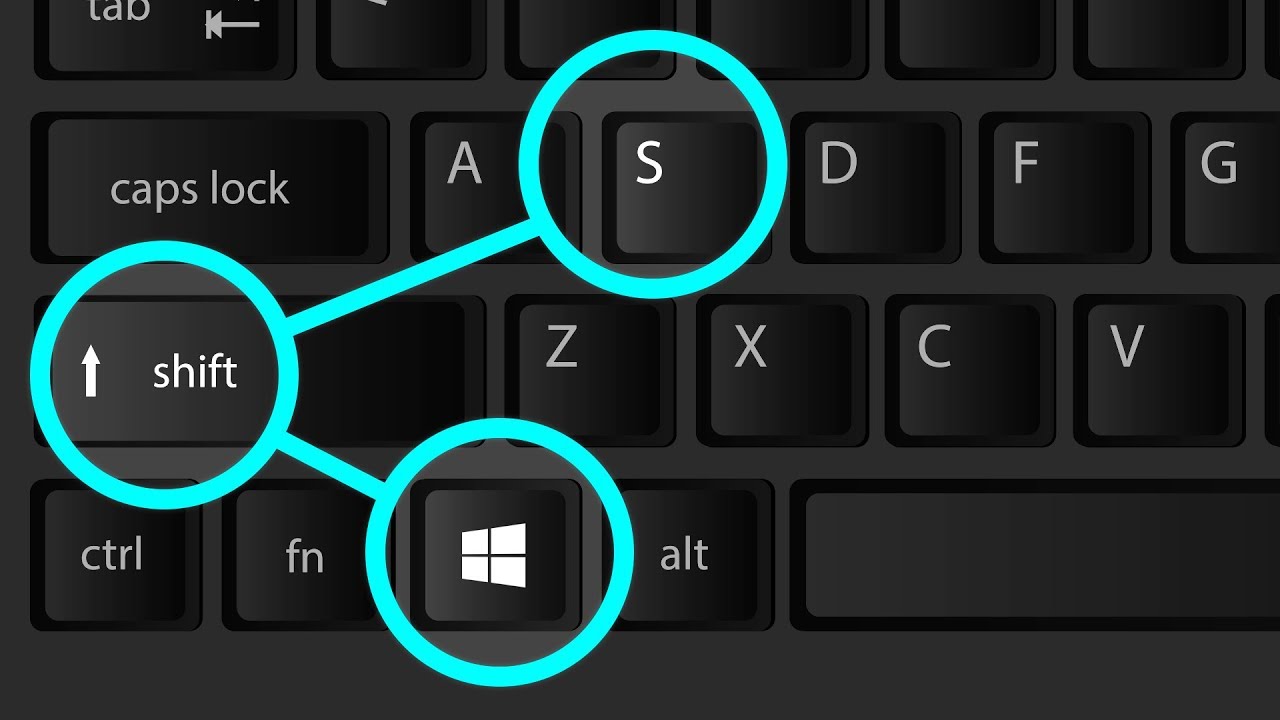
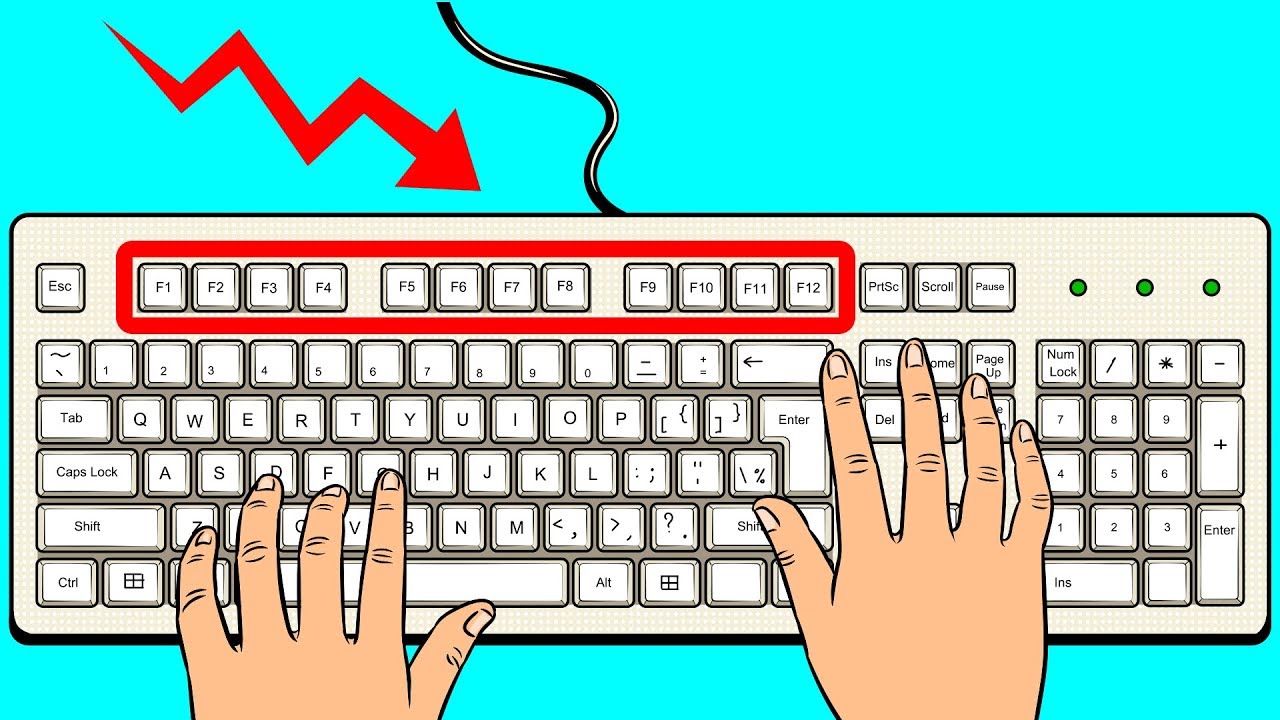
Speaking of little Xs in the top right corner, let’s explore some of the most-used shortcuts on a PC. If you have a PC, I’m sure you’ve seen that line of keys toward the top of your keyboard featuring a bunch of Fs. These are called function keys, and they serve different, well, functions! A lot of people don’t really know what they do, so let’s finally uncover this mystery!
TIMESTAMPS:
F1 0:41
F2 0:48
F3 0:57
F4 1:06
F5 1:16
F6 1:26
F7 1:36
F8 1:47
F9 1:59
F10 2:13
F11 2:28
F12 2:37
Combinations with the Ctrl button 3:08
Keyboard shortcuts for Macs 4:01
#hotkeys #keyboardtricks #keycombinations
Music by Epidemic Sound https://www.epidemicsound.com/
SUMMARY:
Pressing F1 will open the Help screen for pretty much every program on your computer. F2 lets you rename a file or folder that you’ve already selected. If you already have an application open, pressing F3 will bring up the search feature. By pressing F4 along with the “alt” button, you can close an active window. Pressing F5 lets you refresh the page you’re currently on, or the document window you have open.
Pressing F6 moves the cursor to the address bar for almost all search engines. Worried about making spelling mistakes? Press F7 to spell-check your work in Microsoft word documents. F8 is normally used to open up the Boot menu right after you’ve turned the computer on but before Windows has actually loaded. F9 serves 2 functions. It can send and receive emails in Microsoft Outlook, and it can refresh a document you have open in Microsoft Word.
You know how a right click on your mouse opens up a menu bar pertaining to the application you currently have open? The F10 button does the exact same thing. Want to enter or exit fullscreen mode online? Press F11, and you’re golden! F12 opens up the “Save As” dialog box when working in Microsoft Word.
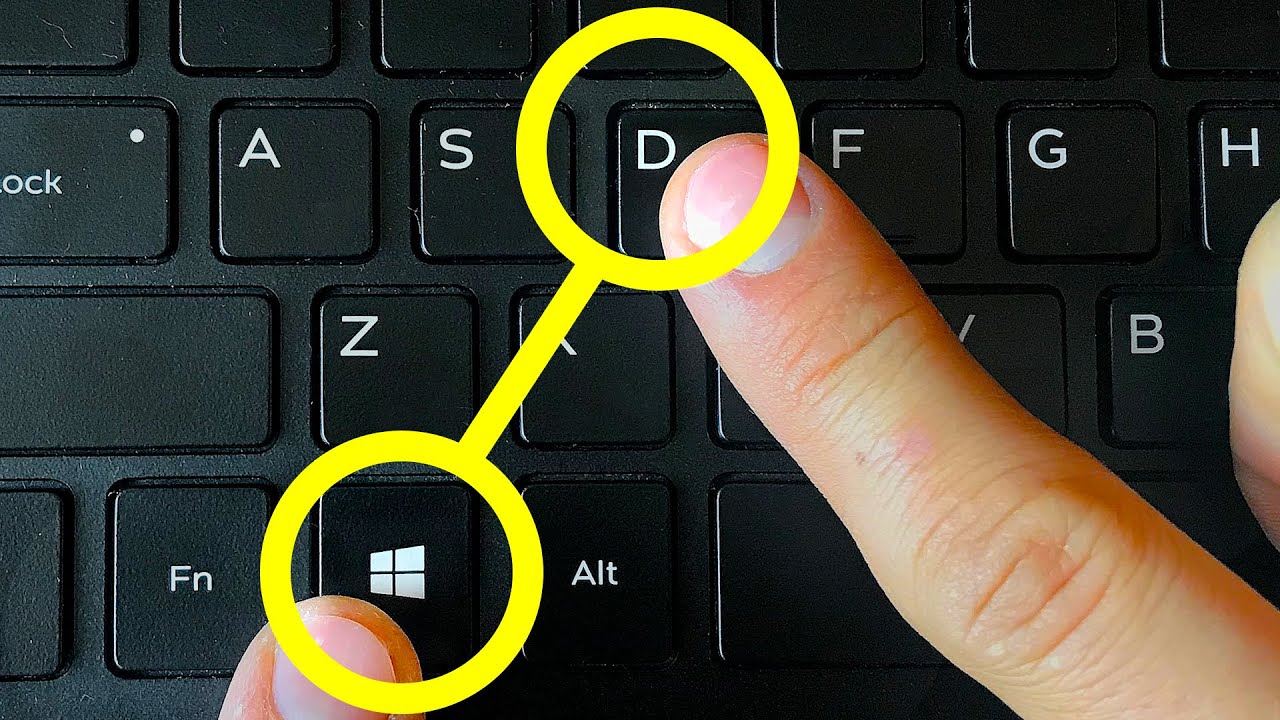
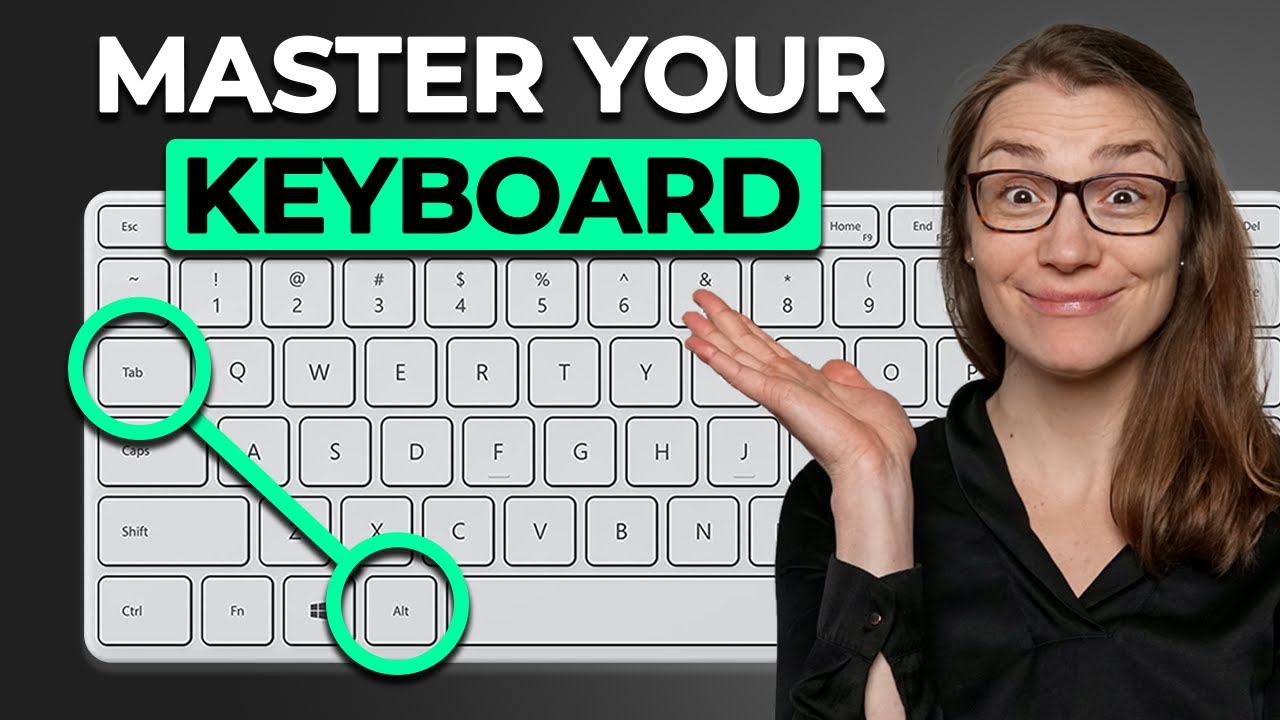
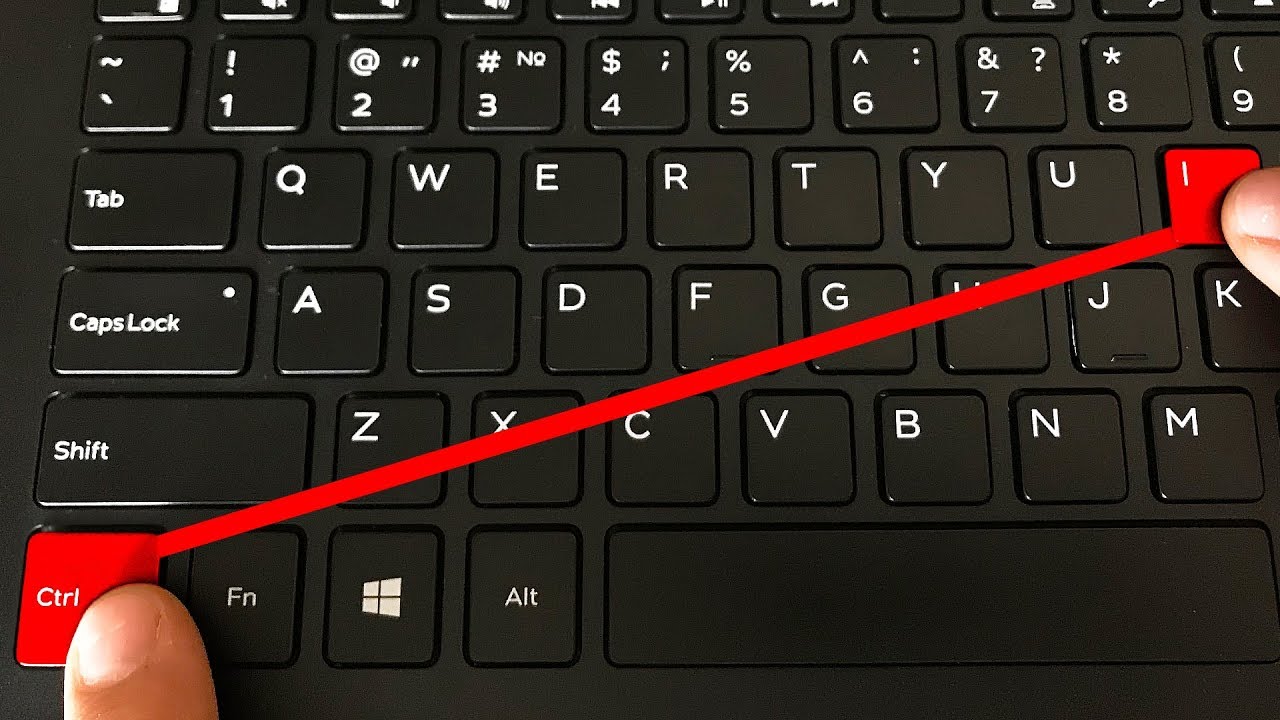
Ctrl + Alt + Tab allows you to open up new apps. Ctrl + C lets you copy selected text to a clipboard. Ctrl + X lets you cut selected text. It’s sorta like copy, only it deletes the original. Ctrl + V lets you paste text or images that you’ve copied or cut. Ctrl + A allows you to select all the content. Ctrl + Z serves as an “Undo” button. Ctrl + Y does the opposite – it lets you “Redo” an action! Ctrl + D deletes selected text or an image and then moves it to the Recycle Bin. Ctrl + Esc drops down the Start menu. Ctrl + Shift switches up your keyboard layout. Ctrl + Shift + Esc opens up the Task Manager. Ctrl + F4 closes the window you currently have open.
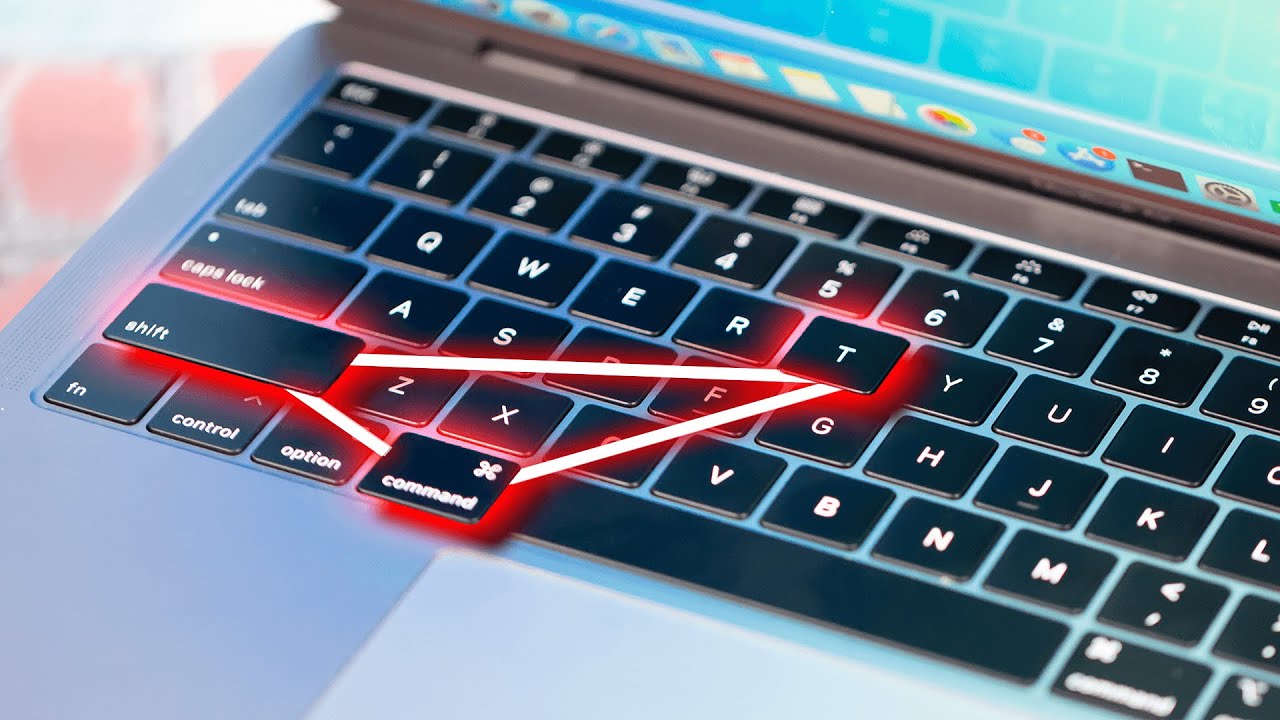
To start off, there are a few distinct differences between Mac and PC keyboards. One of the biggest differences is that Mac keyboards don’t have a Backspace button; they only have a Delete button.
As you click the Apple icon at the top left of your screen, you’ll see a bunch of dots disappear from the menu options, like Restart, Shut down, and Force quit. This means that if you click any of those options without the usual dots following them, you won’t be asked to confirm it, allowing you to complete an action in one quick motion.
Alerts on our computers can be helpful. But a lot of the time, they’re just annoying. Like with your iPhone, you can choose to enable a “Do Not Disturb” option. Simply hold down the Option key after clicking the Notification Center button.
Subscribe to Bright Side : https://goo.gl/rQTJZz
----------------------------------------------------------------------------------------
Our Social Media:
Facebook: / brightside
Instagram: / brightgram
5-Minute Crafts Youtube: https://www.goo.gl/8JVmuC
----------------------------------------------------------------------------------------
For more videos and articles visit:
http://www.brightside.me/
Повторяем попытку...
Доступные форматы для скачивания:
Скачать видео
-
Информация по загрузке: