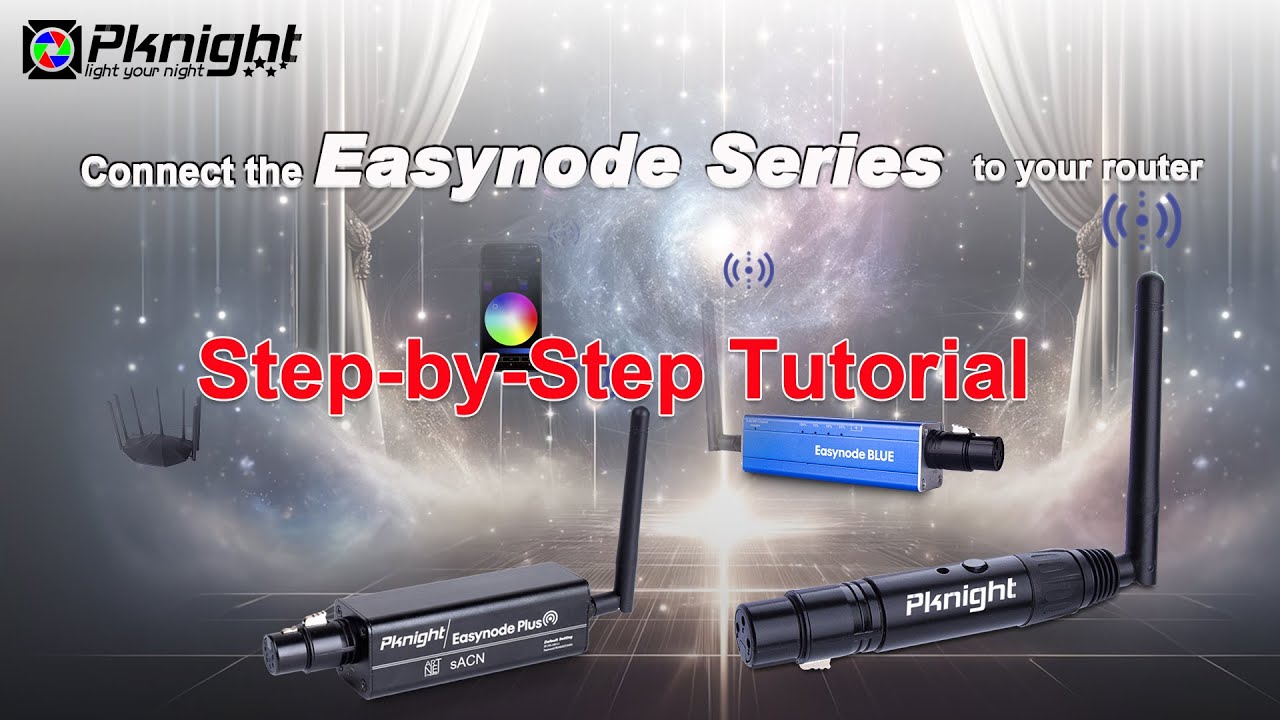
Connect the Easynode Series to your router-router mode
Автор: Pknight Tech
Загружено: 2024-07-11
Просмотров: 2356
Описание:
To buy:
🔔 SUBSCRIBE TO GET 5% OFF (code: KJYDW0M5XA6S0) YOUR FIRST ORDER!
Easynode 5V:
https://www.pknightpro.com/products/w...
Easynode Plus:
https://www.pknightpro.com/products/p...
Easynode Blue:
https://www.pknightpro.com/products/p...
Description:
Welcome to our latest video where we explore how to connect the Easynode series products to your router, using the Easynode 5V as our example. This step-by-step tutorial will help you get your Easynode up and running smoothly, ensuring you can control your DMX lights without interrupting your internet.#wifidongle #lightingcontrol #wirelessdmx
In This Video:
Detailed instructions on connecting your Easynode 5V to a local network.
Step-by-step guide on configuring Easynode settings on an iPad.
Tips for using the WIFI-DMX PRO app to control your DMX lights.
Key Features:
Easy Connectivity: Simple steps to connect your Easynode to your router.
Reliable 2.4G WiFi: Ensures stable and efficient network performance.
User-Friendly Setup: Easy to follow configuration process.
High Performance: Designed for seamless and high-speed data transfer.
Versatility: Perfect for various lighting systems and setups.
This tutorial is designed to make the connection process straightforward, whether you’re a professional or a beginner. By the end of this video, you'll have your Easynode connected and ready to control your DMX lights effortlessly.
Subscribe to our channel for more tutorials and product reviews, and don't forget to hit the notification bell so you never miss an update.
Follow Us:
WhatsApp: https://wa.me/8615088870678
Facebook: / pknightpro
Instagram: / pknighttech_lighting01
If you have any questions or need further assistance, feel free to leave a comment below. We love hearing from you!
Thank you for watching!
Повторяем попытку...
Доступные форматы для скачивания:
Скачать видео
-
Информация по загрузке: