WMW-ART32 How to level TV using roll adjustment
Автор: Wall Mount World
Загружено: 2017-10-29
Просмотров: 96722
Описание:
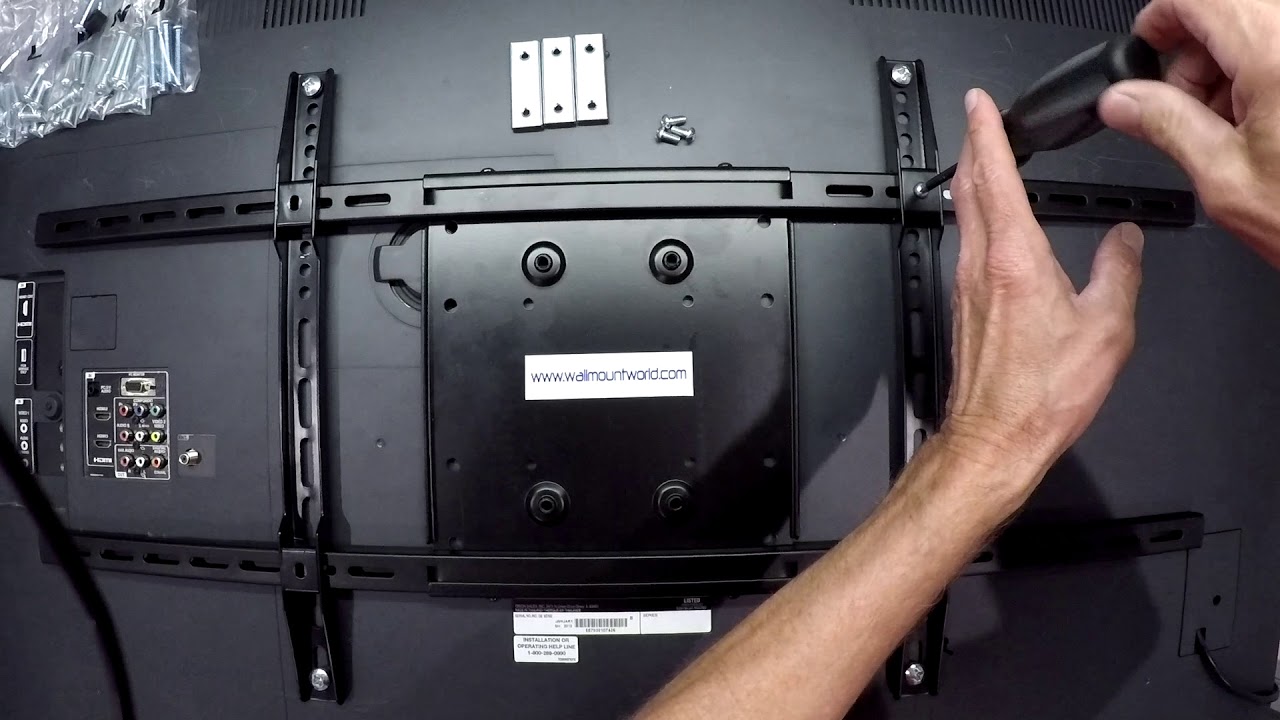
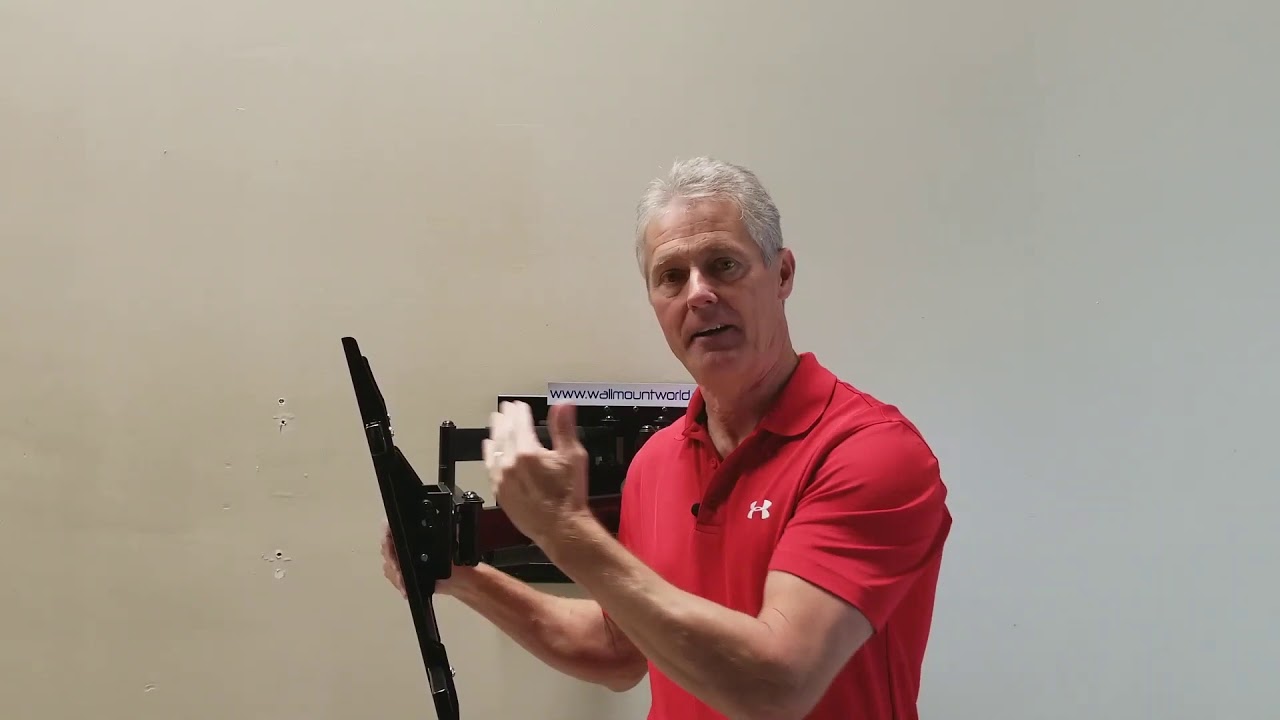
In this Wall Mount World product code WMW-ART32 this how to video teaches you step by step how to level your TV using roll adjustment. When installed your TV may not be level due to the wall plate not being level when it was attached to wall or when setting the TV onto the arm the roll adjustment moved some.
1. Extend the TV out from the wall.
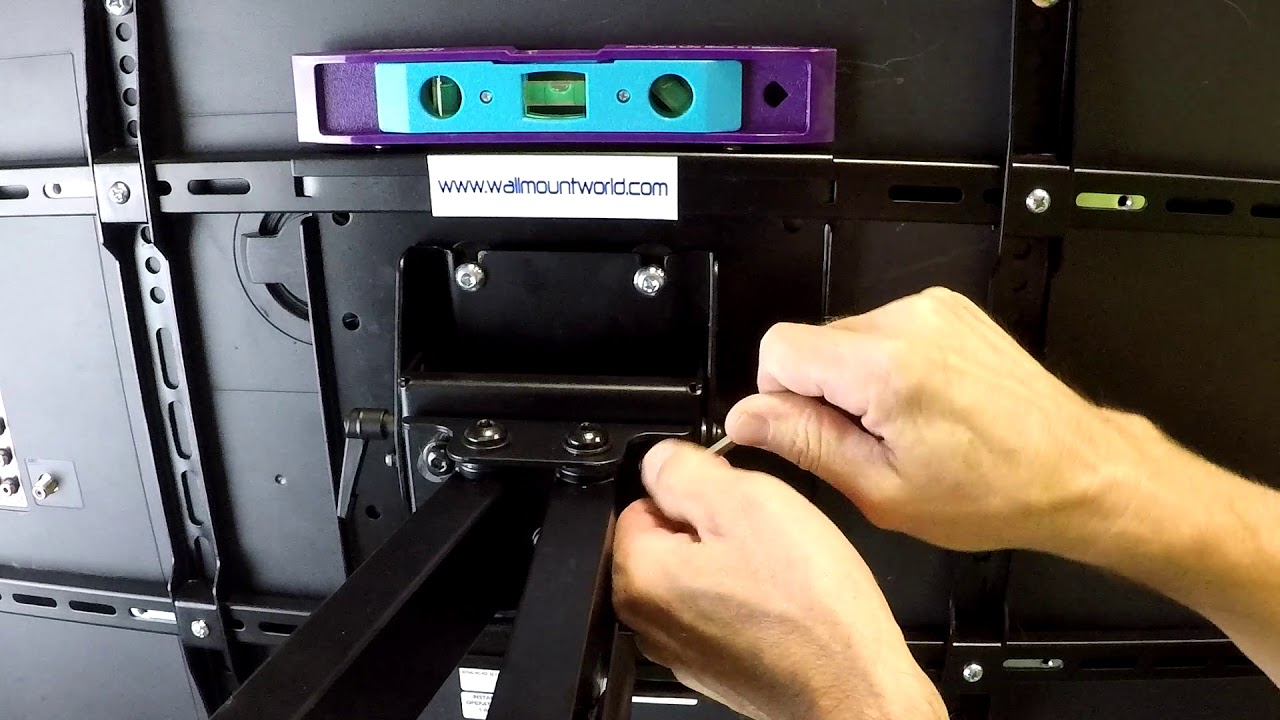
2. Place a level on back of TV laying it across the horizontal rails or on top of the TV.
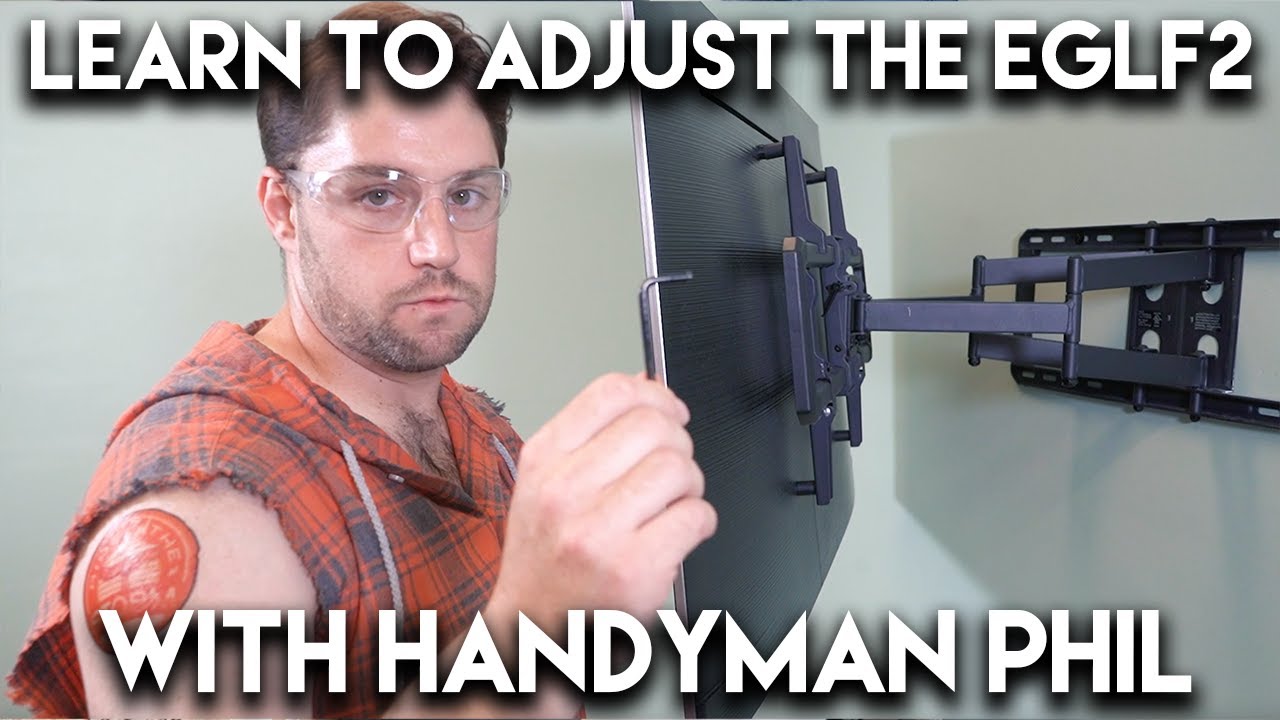
3. Locate the two roll adjustment screws on the back of the adapter head.
4. Loosen one of them slightly.
5. Spin the TV until it is level.
6. Tighten the screws up securely and do the same for the other side to ensure it is tight.
7. Look at the level and make sure the TV stayed level. If not, repeat staring at step 4 from above until level.
Link to mount:
https://www.wallmountworld.com/Articu...
Повторяем попытку...
Доступные форматы для скачивания:
Скачать видео
-
Информация по загрузке: