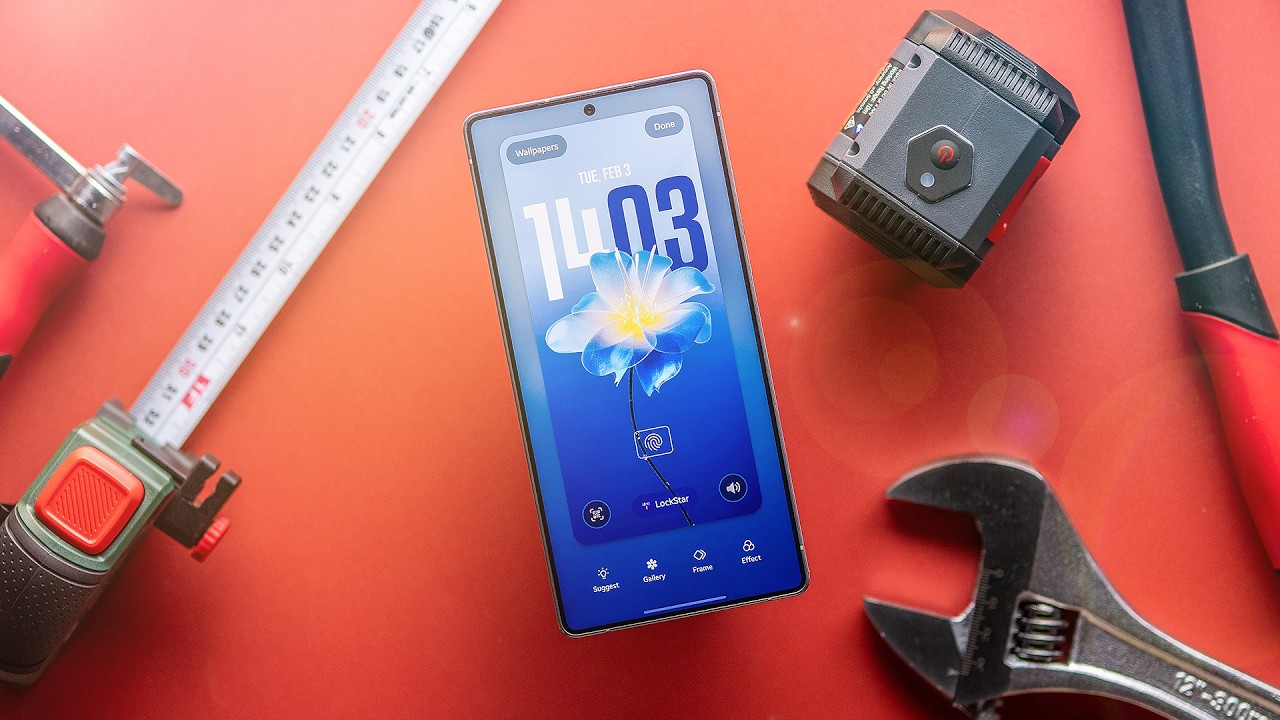
SAMSUNG Galaxy Z Flip 7 FE Best Gaming Settings – Optimize Performance and FPS
Автор: HardReset_Tricks
Загружено: 2025-07-30
Просмотров: 89
Описание:
Looking to get the best gaming experience on your SAMSUNG Galaxy Z Flip 7 FE? In this video, we show you how to adjust the most important settings for gaming, including enabling 120Hz refresh rate, using the Gaming Hub, and optimizing Game Booster options. Learn how to set up performance mode, customize graphics and frame rate for popular games like Asphalt, PUBG, and Call of Duty Mobile, and use features like Frame Booster and Touch Booster. Whether you want smoother gameplay, higher FPS, or better graphics, these tips will help you get the most out of your Galaxy Z Flip 7 FE for mobile gaming.
How to enable 120Hz refresh rate on SAMSUNG Galaxy Z Flip 7 FE for gaming?
How to use Game Booster and Gaming Hub on SAMSUNG Galaxy Z Flip 7 FE?
How to optimize graphics and performance settings for games on SAMSUNG Galaxy Z Flip 7 FE?
0:00 Introduction and overview
0:18 Opening Gaming Hub and display settings
0:41 Enabling 120Hz adaptive refresh rate
1:01 Accessing Game Booster and performance mode
1:23 Customizing settings for individual games
1:49 Adjusting in-game graphics and frame rate
2:48 Using Game Hub features (Touch Booster, screen record, etc.)
3:36 Balancing graphics quality vs. performance
4:01 Final tips for smooth gaming
#SamsungGalaxyZFlip7FE #GamingSettings #MobileGaming #GameBooster
Find out more:
https://www.hardreset.info/devices/sa...
Follow us on Instagram ► / hardreset.info
Like us on Facebook ► / hardresetinfo
Tweet us on Twitter ► / hardreseti
Support us on TikTok ► / hardreset.info
Use Reset Guides for many popular Apps ► https://www.hardreset.info/apps/apps/
Повторяем попытку...

Доступные форматы для скачивания:
Скачать видео
-
Информация по загрузке: