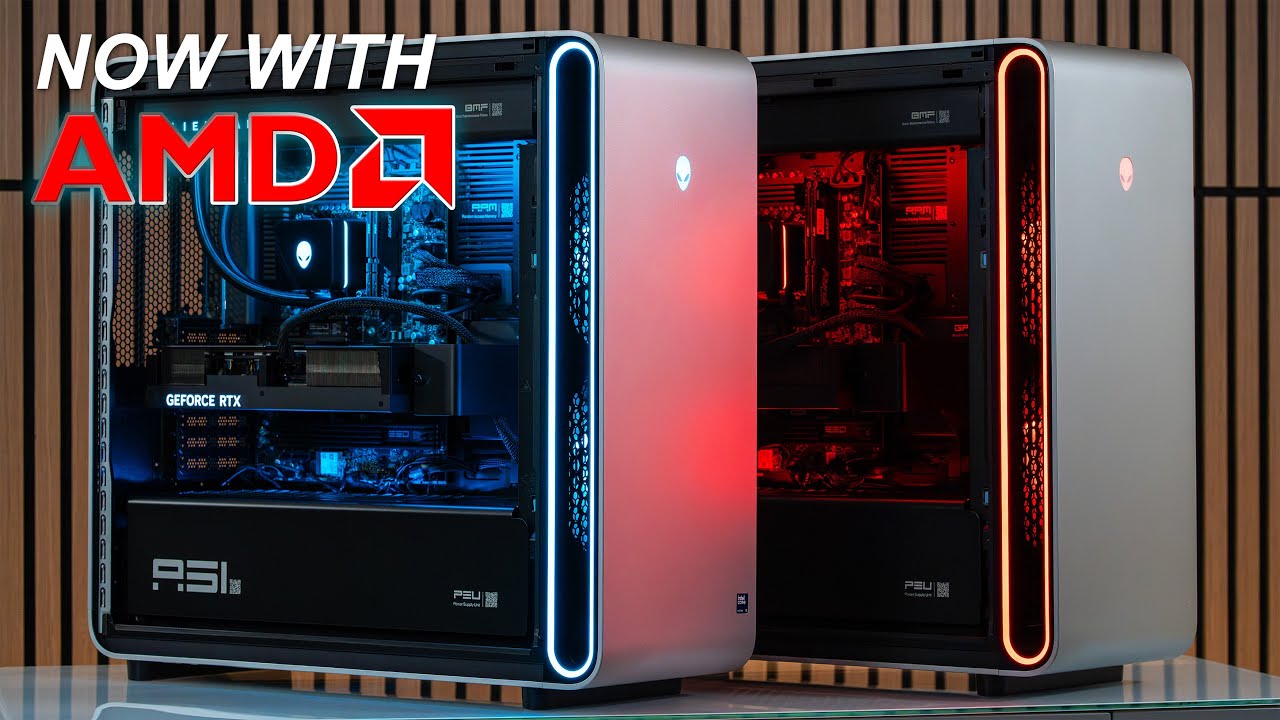
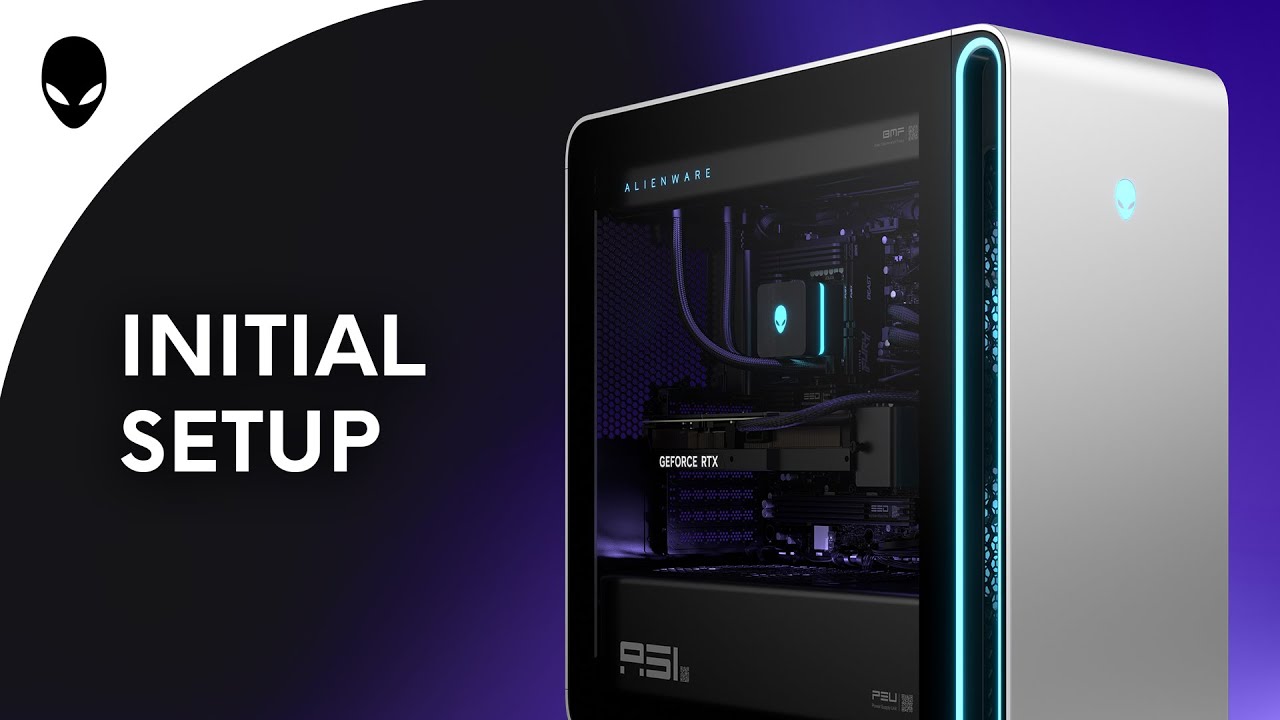
How to Set Up Your Alienware Area-51 AAT2250 | First-Time Setup & ESD Safety Tips
Автор: Alienware Support
Загружено: 2025-05-07
Просмотров: 6361
Описание:
How to Set Up Your Alienware Area-51 AAT2250 | First-Time Setup & ESD Safety Tips
In this video, we walk you through the first-time setup of your Alienware Area-51 AAT2250. Learn how to safely unbox and prepare your system, remove the midholder for operation, connect essential peripherals, and install the external wireless antenna.
⚠️ Important: Always follow ESD (Electrostatic Discharge) precautions while working inside your computer. Refer to your user manual for more details.
00:00 How to remove the shipping midholder
01:10 Connecting the external wireless antenna
01:30 Attaching the keyboard, mouse, display, and power cable
01:56 Powering on and launching Alienware Command Center
02:10 Enabling dust filter maintenance reminders in BIOS
Tools Needed:
Phillips head screwdriver
ESD protection (wrist strap or anti-static mat)
📘 Need more help? Visit the official support page: http://del.ly/6051NBwkz
Повторяем попытку...
Доступные форматы для скачивания:
Скачать видео
-
Информация по загрузке: