Stop Rebuilding Slides: Create One Reusable Google Slides Template
Автор: Rachel Johnson
Загружено: 2026-02-09
Просмотров: 22
Описание:
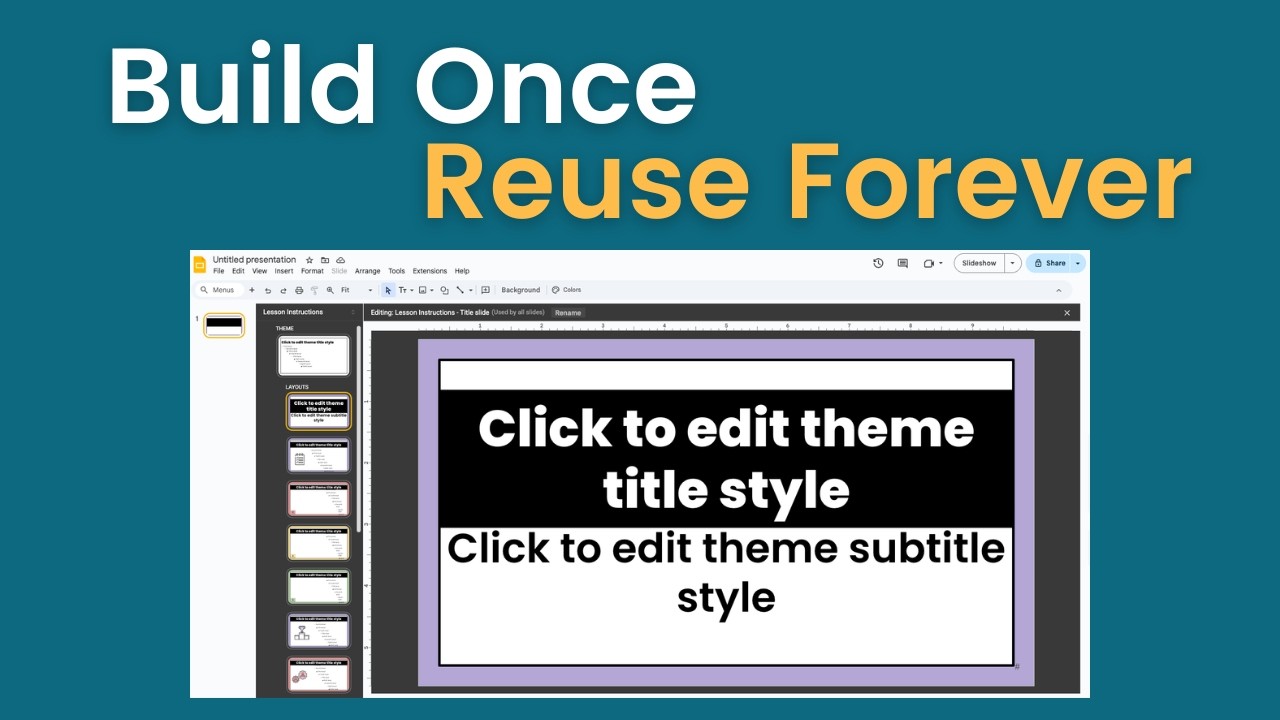
In this video, I walk you through exactly how I build my reusable Google Slides lesson template using the Theme Builder — including how to change fonts, customize layouts, and add placeholders for text and images so planning becomes faster and more consistent.
This video pairs with my previous walkthrough of the actual template slide deck I use every day for lesson planning and instruction. Together, they show both the structure and the backend setup behind my system.
If you're tired of rebuilding slides from scratch and want a cleaner, more streamlined workflow for lesson planning, this tutorial will show you how to build a template once and reuse it all year.
In this video, you’ll learn:
How to use Google Slides Theme Builder
How to customize fonts, colors, and layouts
How to create reusable slide structures
How to add placeholders for text and images
How to design a slide deck that supports consistent instruction
This setup works especially well for:
Mastery-based classrooms
Standards-based grading
Self-paced and structured lesson formats
Teachers who want faster planning without sacrificing clarity
📌 Watch the companion video where I walk through my actual planning template: • This Google Slides Template Saves Me 100+ ...
📌 Don't want to build your own template? Get my ready to go template here: https://rethinkthegrade.kit.com/cbe6b...
ABOUT THIS CHANNEL:
I'm Rachel, and I teach using mastery-based grading and flexible pacing structures. This channel is all about intentional edtech systems that reduce teacher workload while improving student learning. If you're tired of feeling overwhelmed and want practical, proven systems for your classroom, subscribe and let's build sustainable teaching practices together.
Повторяем попытку...
Доступные форматы для скачивания:
Скачать видео
-
Информация по загрузке: