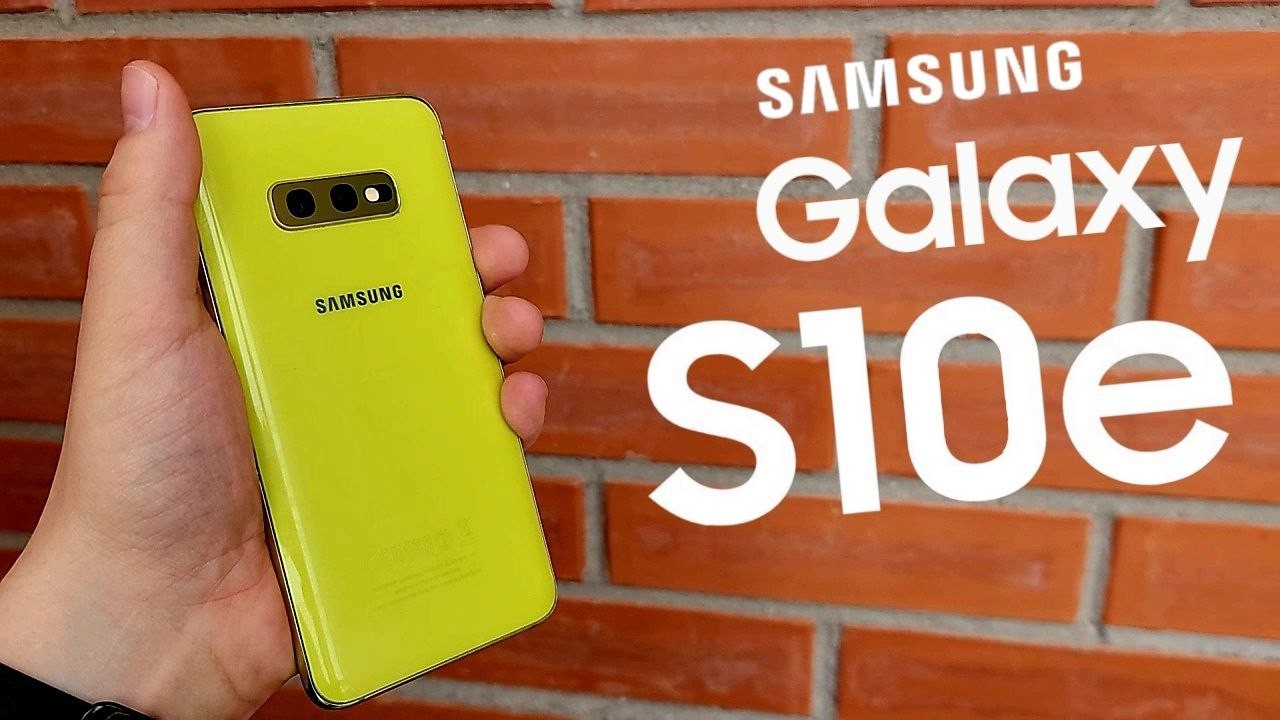
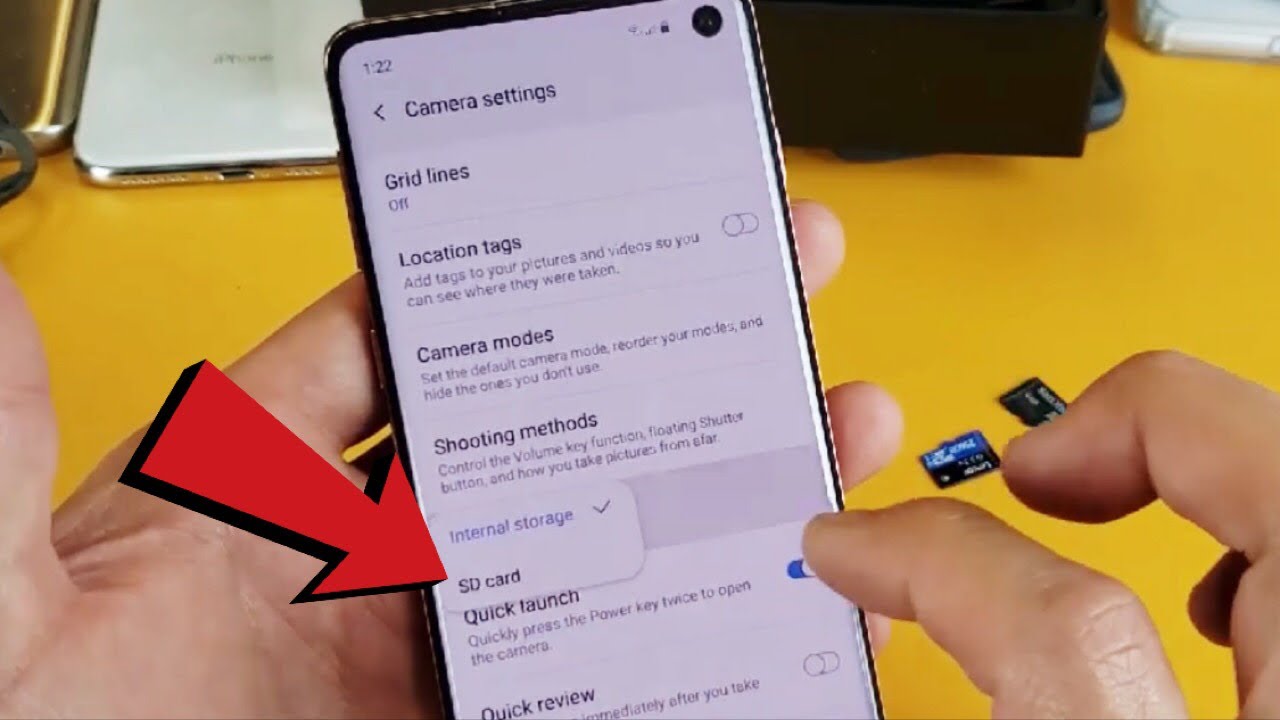
Galaxy S10/S10+/S10E: How to Make SD Card Default Location for Camera Video/Photos
Автор: WorldofTech
Загружено: 2019-03-12
Просмотров: 126989
Описание:
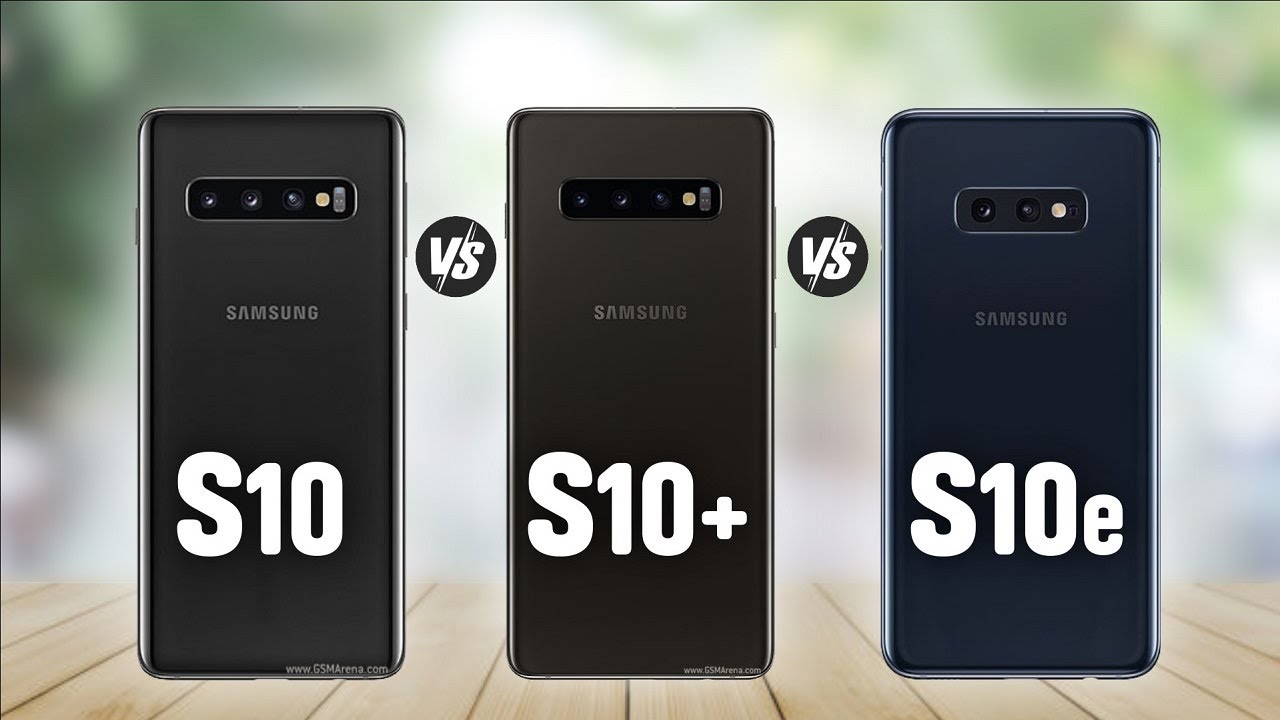
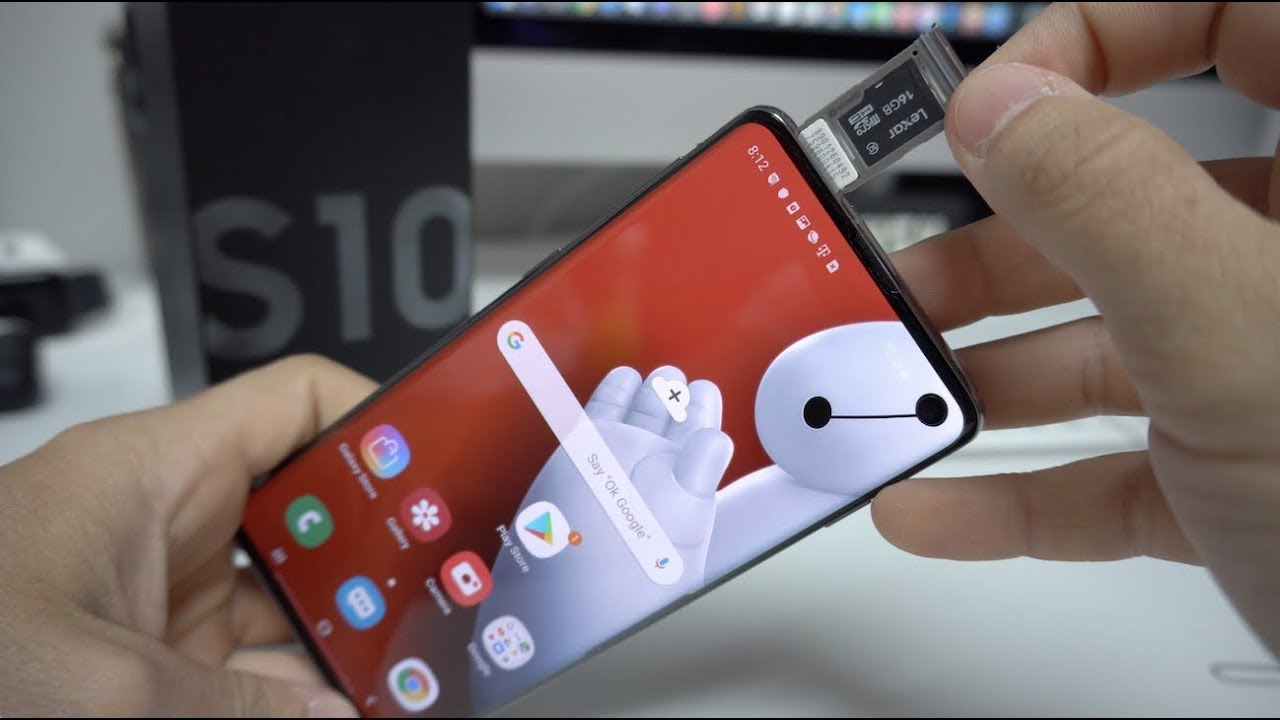
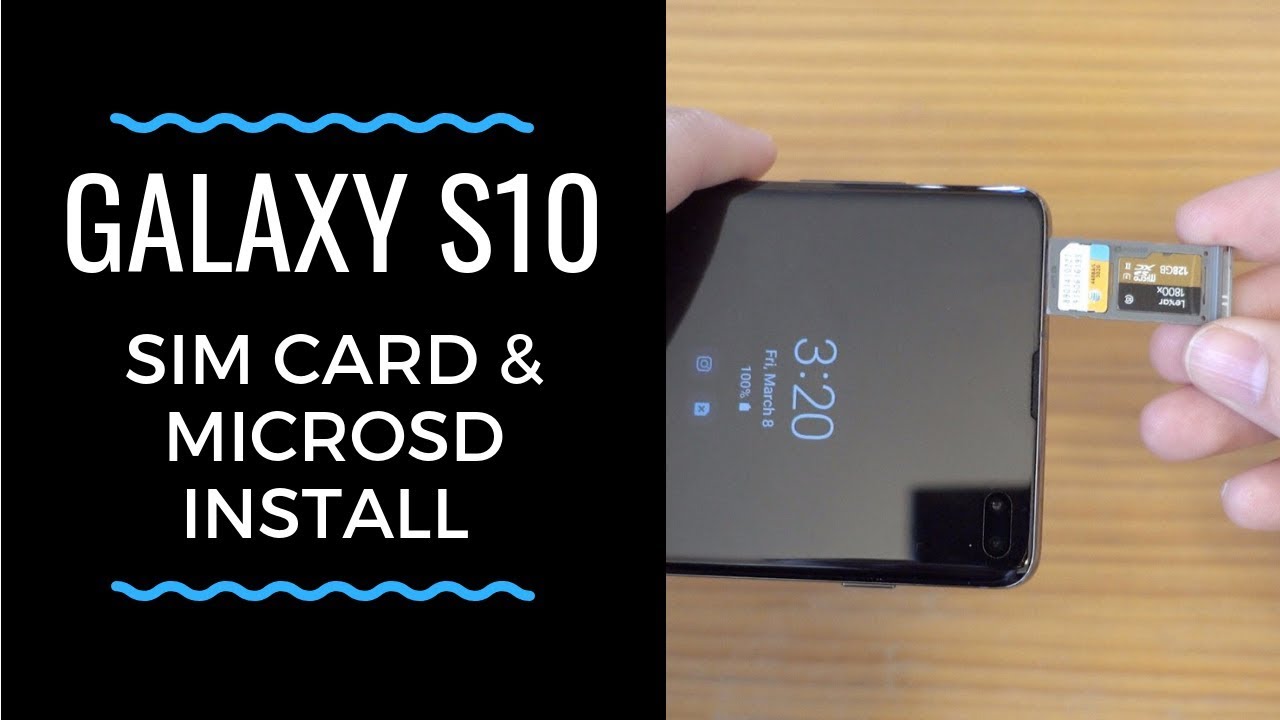
I show you how to make all your camera photos and videos automatically save to your sd card on your Samsung Galaxy S10, S10 Plus and S10E. Your default location is internal memory please note. Hope this helps.
Amazon Daily Deals: https://amzn.to/2QVcoRC
----My Gear for Youtube videos----
Main Camera 99% (smartphone): https://amzn.to/2utQFGH
Tripod: http://amzn.to/2xxpKcw
Cell Phone Tripod Adapter: http://amzn.to/2iM4Kw5
Selfie Stick/Tripod: http://amzn.to/2iK2Agu
Microphone: http://amzn.to/2xTAw13
Lights: http://amzn.to/2xVa5Ic
Electric Desk: https://amzn.to/2LLyzqU
Dual Device Tripod Setup w/ Hand Grip : https://amzn.to/2sOXuC2
Cheap Video Editor: http://bit.ly/2HdAMb7
Business inquires: [email protected]
Twitter- / worldoftech11
Disclaimer: The above links are affiliate links meaning if you buy products using those links i will receive a small commission.
Повторяем попытку...
Доступные форматы для скачивания:
Скачать видео
-
Информация по загрузке:



![Передача данных и файлов между картой Micro SD и телефоном [ОБНОВЛЕНО]](https://imager.clipsaver.ru/pWllHwAU2eg/max.jpg)