7 New Android 16 Features Coming to Your Pixel Soon
Автор: Explaining Android
Загружено: 2025-12-19
Просмотров: 1534
Описание:
Google just recently rolled out a new beta update to Android 16, and these are the new things to look for.
~~~~~
Hi! Don't forget to like the video, subscribe to the channel, and hit the "Thanks" button on this video, if you can, and join our channel community here - / @explainingandroid
Video Description
~~~~~~
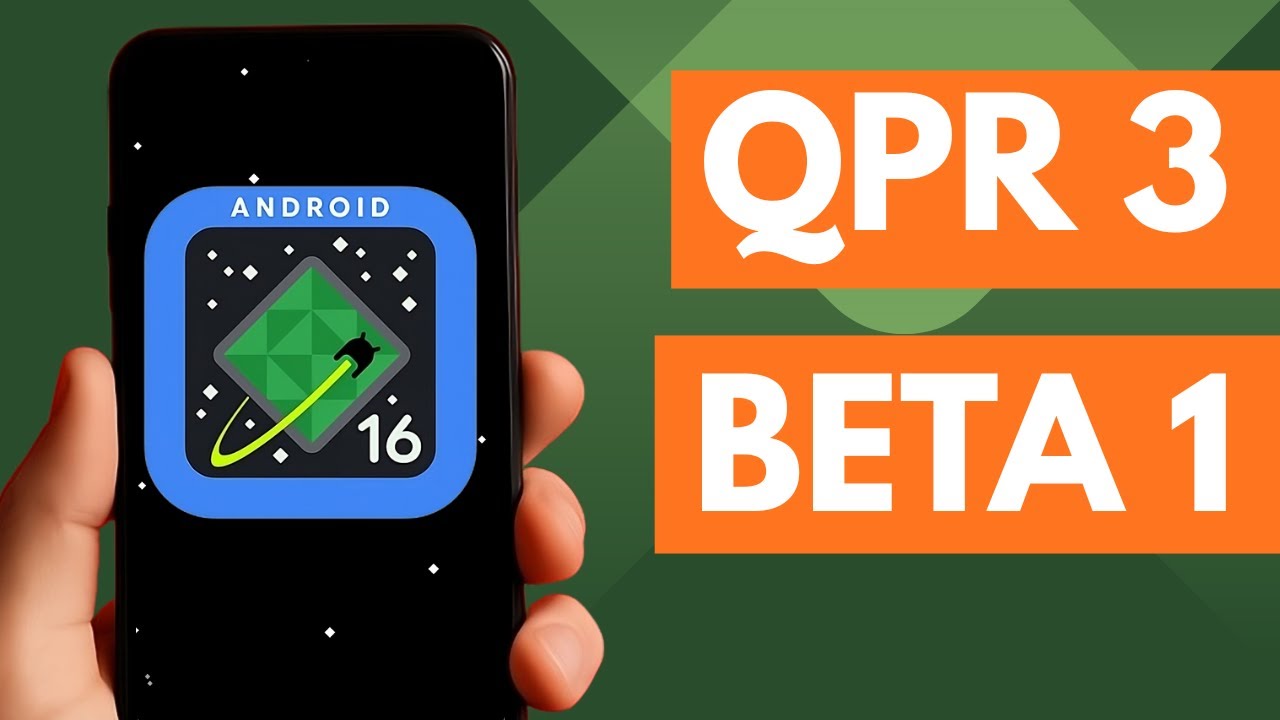
Google just recently released a new Android 16 beta.
It's called Android 16 QPR3 Beta 1 and it's giving us an early glimpse of what we can expect to see in the March 2026 firmware update for Pixel phones.
So even if you have a phone from Samsung, Xiaomi, or Motorola
You could see some of these features land on your device as well.
Let's take a look at what has been found so far.
#android #android16 #android16qpr3beta1 #android16qpr3
Quick Settings Flashlight Tile
We've seen reports of the Quick Settings Flashlight tile getting some upgrades.
And that's finally available in this update.
You can still toggle the torch on and off like you would expect
But if you long-press the tile while it's compressed
Or expand the tile, and then tap on the text, rather than the icon.
And you an actually adjust the brightness of the LED flash in this way.
New Folder Animations
If you're a fan of organizing your home screen with folders.
Then you'll probably spot there is a new animation for when expanding and condensing the folder.
New Location Indicator
You've probably see the Camera or Microphone indicator in this area before.
When you're using an application that has access to your location, this new update to Android 16 will display a similar chip up here when an app is using your location data.
This indicator is actionable too.
So if you tap on it, a new dialog box will appear.
Which will give you a way to learn exactly which application has polled for your location data.
Apps that appear here can be expanded directly from this box too.
Giving you the ability to close the app with a quick tap
Or a way to dive into the permissions area for that application
Navigation Button Order
If you're not a fan of gesture navigation, then you've probably already switched back to the classic 3-button navigation style.
But with this new update to Android, you can actually switch the placement of the back and recents button.
Google doesn't seem to be giving you the ability to move the Home button location.
But if you're used to certain Android phones that have the back button on the right and the recents button on the left
Remove At a Glance Widget
After nearly 10 years, Google is finally giving us the ability to remove the At a Glance widget from the homescreen of our Pixel device.
This widget debuted with the Pixel 2 back in late 2017, and it's been a pain in the side of many within the Android community.
You'll want to long-press on an empty spot of the home screen and dive into the settings area for it.
Then tap on the gear icon for the at a glance feature
and up here at the top
you'll find a new toggle allowing you to remove it from the home screen
Casting an External Display
The folks over at Android Authority found that while you have an external display connected to your device.
If you bring up the cast menu
Then you'll get the option to cast the contents of what you see on your phone
Or you can choose to cast the contents of the external display instead
Wireless ADB on Trusted Networks
And it seems that Google has finally listed to developers who keep telling them that Wireless ADB will randomly turn itself off
Causing the developer to go in and manually make that connection again.
But with the Android 16 QPR3 Beta 1 update, Android will automatically turn on wireless debugging when your device is connected to a trusted network.
This was initially spotted in an update to Android Canary, so it's possible that it is still in active development
And it may not stay in place when the stable version is rolled out in March of 2026
But this is one to keep an eye out for, as it not only helps developers, but it also helps out the enthusiast community who uses it for apps like Shizuku.
Summary
~~~~~
1. Intro [00:00]
2. Android 16 Has a New Quick Settings Flashlight Tile [00:39]
3. New Animations for Folders on the Homescreen [01:21]
4. Location Indicator Like Camera and Microphone Permissions [01:40]
5. 3-Button Navigation Bar Order Options [02:49]
6. You Can Remove the At a Glance Widget from the Homescreen [03:38]
7. Android 16 Lets You Cast an External Display [04:36]
8. Wireless Debugging will Reconnect to Trusted Networks [05:06]
As an Amazon associate, I may earn a commission on sales from the links below.
The Gear I Use
~~~~~
5W "Slow" Charger - https://amzn.to/2OaUMV8
Fast Charger - https://amzn.to/3rtBsC6
MicroUSB Cable - https://amzn.to/38dkpeM
USB-C Cable - https://amzn.to/2OqlTvi
TPU Cases - https://amzn.to/38g9b9w
USB-C to 3.5mm Dongle - https://amzn.to/3rVt7c3
Telescopic Controller - https://amzn.to/3uDrvY9
Повторяем попытку...
Доступные форматы для скачивания:
Скачать видео
-
Информация по загрузке: