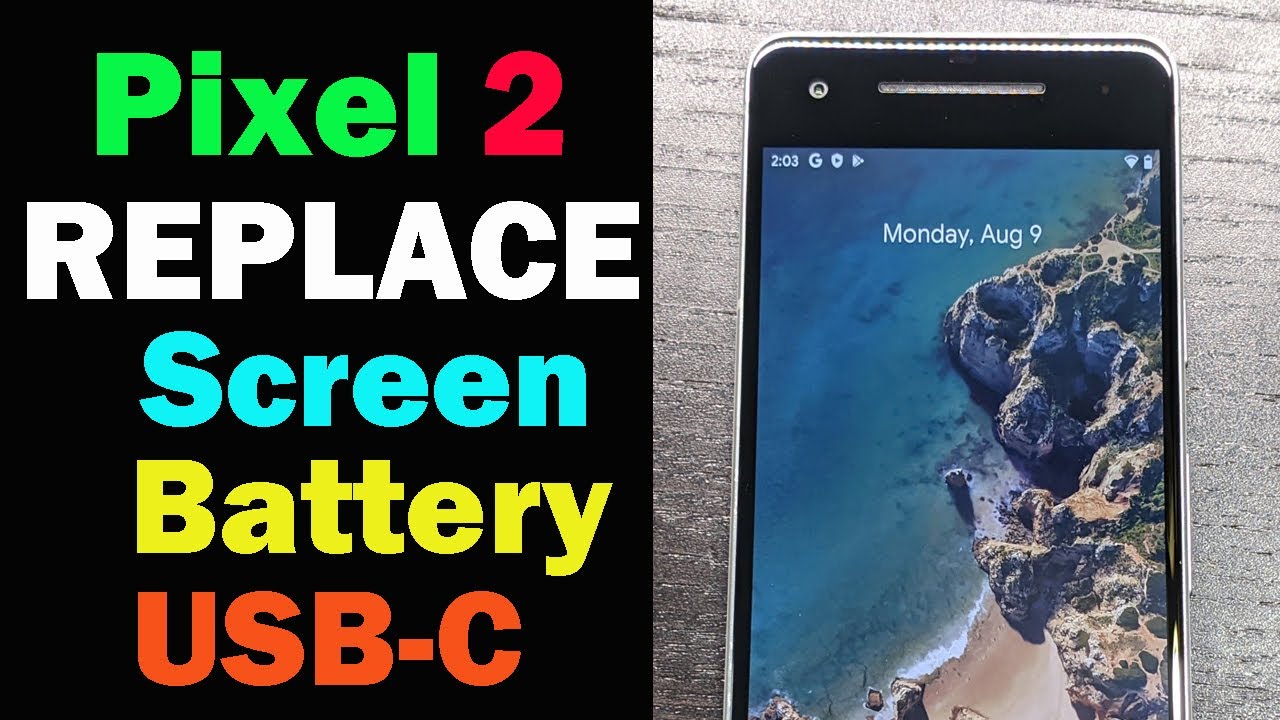
Replace Screen, USB-C Port, and Battery on Google Pixel 2
Автор: Chavez DIY
Загружено: 2021-09-02
Просмотров: 2183
Описание:
In this video I show you how to replace the screen, USB-C port, and battery on a Google Pixel 2.
I recommend you take off any screen protectors so that the heat gun can heat up the adhesive under the screen better.
This phone back in Sept 2019 cost me $118
The new screen cost me $ 41.56
The new battery cost me $ 12.71
The replacement USB-C port goes for $20 but I found it for $6.26
After two weeks on FB marketplace it sold for $65
I’m just happy that someone else is going to use this phone instead of it going to the landfill.
The product links below are affiliate links. As an Amazon Associate I earn from qualifying purchases. I may receive a commission if you make a purchase after clicking on one of these links.
PRODUCT LINKS:
Wagner Heat Gun HT1000
https://amzn.to/3rlHQeo
Double Sided Screen Tape 2mm (this is the one I used)
https://amzn.to/3A65kHs
Magnetic Screwdriver Kit - 56 bits
https://amzn.to/3KWmyyg
Magnetic Screwdriver Kit - 42 bits
https://amzn.to/3AgsMUQ
Magnetic Screwdriver Kit - 42 bits
https://amzn.to/3meC6Bj
Tools Kit - Nintendo - (this is where I got the pick, suction tool and tweezers from)
https://amzn.to/3iud2UQ
Single Edge Razor Blades
https://amzn.to/36M4zab
42 PCS Guitar Picks with All Thicknesses
https://amzn.to/3Dh7ztw
Pixel 2 Screen Protector
https://amzn.to/3gYYsod
Visit my Amazon storefront to view products that I have reviewed. As an Amazon Influencer I earn a small commission on eligible products.
https://www.amazon.com/shop/miggyelite
RELATED VIDEOS:
Google Pixel 3A | Screen Replacement
• How to Replace Your Google Pixel 3A Screen...
Google Pixel 3A | Unlock Verzion SIM-lock
• Unlock Your Google Pixel 1 2 & 3 SIM Lock ...
Why I Factory Reset My Pixel Phone
• Видео
Повторяем попытку...
Доступные форматы для скачивания:
Скачать видео
-
Информация по загрузке:


![[2026] Feeling Good Mix - English Deep House, Vocal House, Nu Disco | Emotional / Intimate Mood](https://image.4k-video.ru/id-video/cxLdtvzf2sI)
![Google Pixel 2 XL – Battery replacement [including reassembly]](https://image.4k-video.ru/id-video/EKBi51KOw9U)