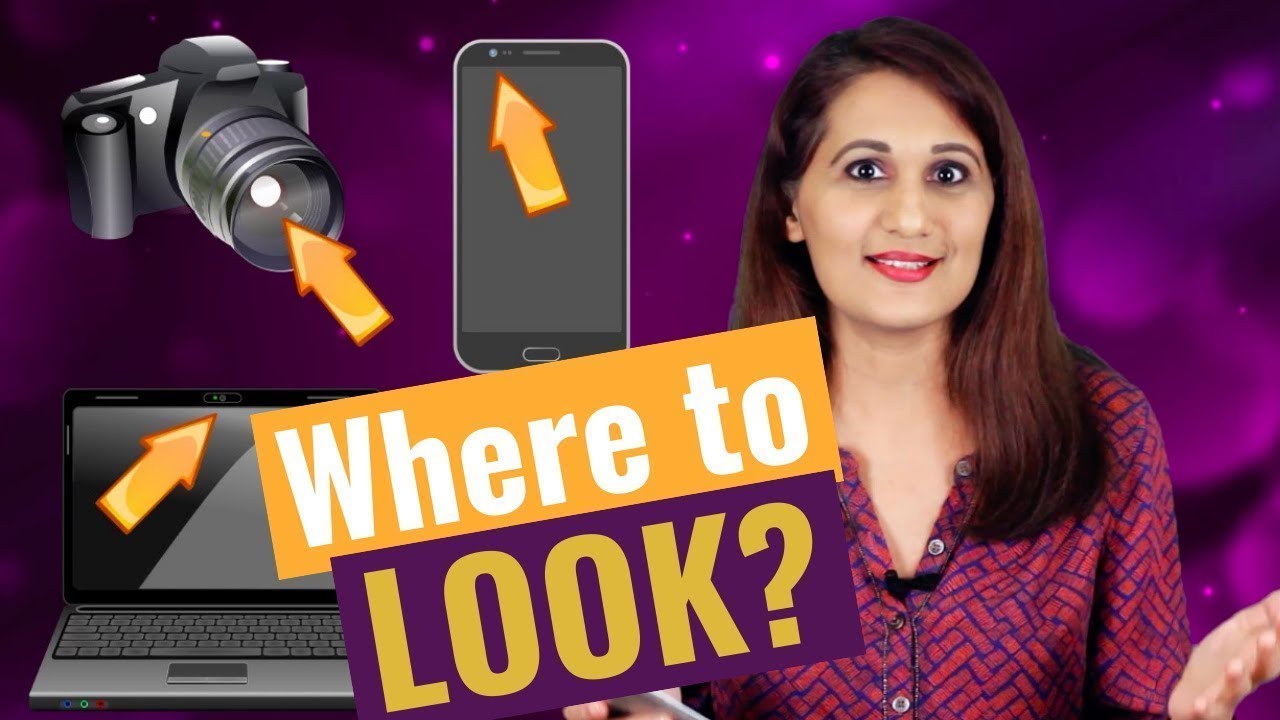
How To Speak Clearly and Confidently In Front of a Camera| Video By Bentz Creative
Автор: Bentz Creative
Загружено: 2017-10-01
Просмотров: 5576
Описание:
Video Produced By Bentz Creative - Serving the Kansas City Area
http://www.BentzCreative.com
Book Now: (913) 283-5180
[email protected]
The way you present information to the camera can make or break your next video. Confident and clear communicators are obviously easier for the viewer to watch, but how do you achieve such a look and feel to your speaking? Today we will share the best ways to speak in an interview style video and in a content style video.
INTERVIEW STYLE PERFORMANCE
An interview style video is exactly what it sounds like. The subject is questioned (by the cameraman or another interviewer) and the answers are recorded. In this type of video its okay to face the interviewer and speak to him/her naturally. There is no need to look into the camera lens.
Put The Question Back Into The Answer.
--We all remember this from grade school (hopefully) but the best way to show context in your answer is to include the question in the beginning of your answer.
Example Question: Why does Bentz Creative make such great videos?
Example Answer: Bentz Creative makes great videos by……..
Slow Down
--We all tend to speed up once we get nervous, just remember to keep telling yourself “slow down.”
When you mess up…
--It's perfectly fine…. And actually very easy to “edit out.” Just back up to the most convenient starting opportunity.
CONTENT STYLE PERFORMANCE.
This type of video features the presenters performance rather than just the answering of questions. The presenter is looking into the camera for this type of delivery.
Write Out Bullet Points For Your Topic.
--This will help you get more acquainted with your information and it will add structure to your video. Additionally, it provides a point of reference for you if you need to refer to it as you are recording. We’ve seen people even tape their bullet lists to the camera lens to quick reference.
Rehearse Out Loud By Yourself.
--Everyone hates the way they sound on camera… rehearsing beforehand can make you hate it a little less. Also you will be able dial in the tone of your voice before the camera crew and other distractions are there to make you nervous.
Focus on Pronunciation.
--Make sure you are annunciating in your video.Focusing on annunciation can also help you flow better and be less nervous. Also, not to sound like some lame English teacher, but try and limit the amount of “uhhhs” you use.
Focus On Nailing One Section at a Time.
--Take a look at your script, deliver 2-3 sentences to the camera, and then return to your script. Your video editor will be able to cut things together to make them feel more natural (this is especially the case if you're shooting in 4k).
Practice Makes Perfect.
--These types of videos are really difficult at first, but the more you practice speaking in front of a camera the easier it will become. We promise.
Thank you for reading / watching our knowledge on speaking in front of the camera, if you have any further video related questions please hit us up on our contact page or in the comments section below.
Повторяем попытку...

Доступные форматы для скачивания:
Скачать видео
-
Информация по загрузке: