Ram 1500 DS (2013+) SmartBeam Automatic High Beam Headlight Install with Programming
Автор: Ironically Engineered
Загружено: 2025-01-16
Просмотров: 653
Описание:
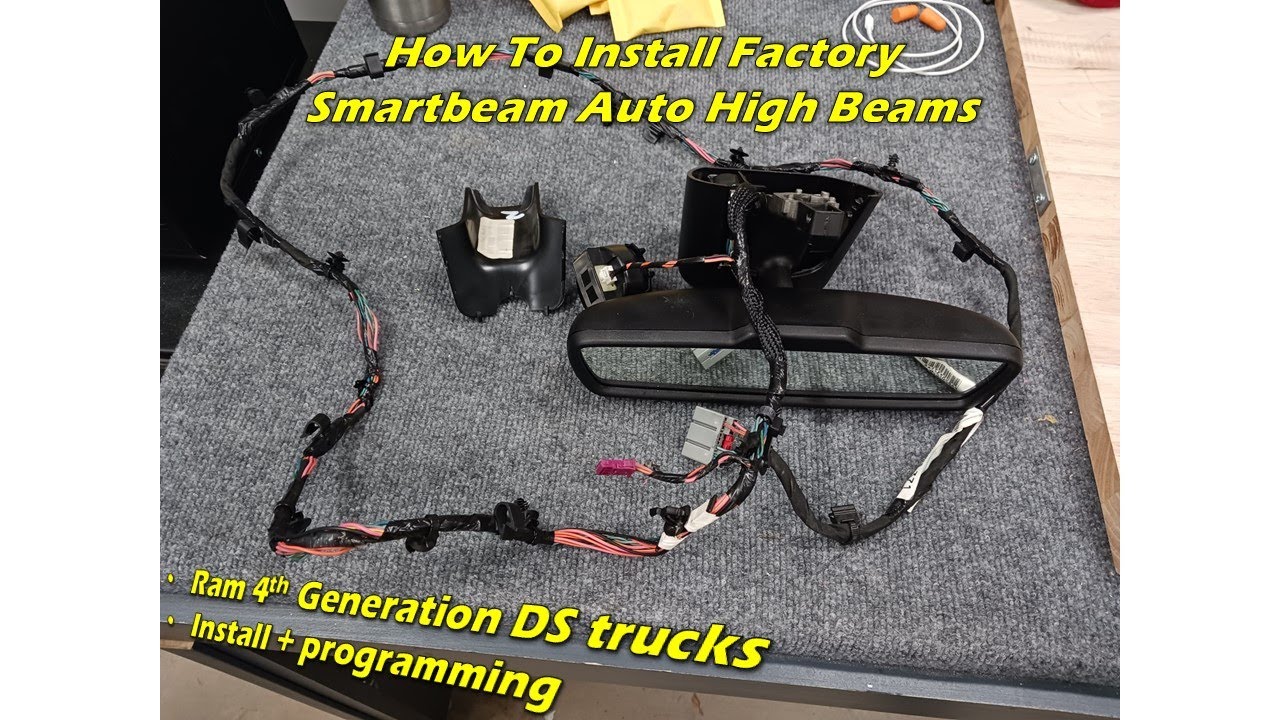
In this video I will be upgrading my 2018 Ram 1500 DS Tradesman to have SmartBeam Automatic High beam headlights. This process should work for all 2013+ DS half ton trucks (unsure about the pre-facelift 2009-2012). The heavy duty trucks should be similar.
You do not need to have an auto dimming rear view mirror as long as you purchase a Smartbeam mirror and the harness. This will work with the 5" touchscreen radio and the base driver information display.
Supplies needed:
OEM rear view mirror with SmartBeam (check ebay and LKQ Online!)
-When checking for used mirrors, if you don't have a picture of the part, make sure to run the vin number of the parts truck to verify that it has Smart Beam. LKQ had 90% of their parts trucks mislabeled as having Smart Beam.
-I use this site to check window stickers of FCA vehicles. Just replace the 17 "x"s at the end with the VIN number: https://www.ramtrucks.com/hostd/windo...
Security bypass harness (2018+ trucks)
Alfa OBD software
OBD connector compatible with AlfaOBD
You will need to active the below options with AlfaOBD in the Car Configuration Change Menu:
If adding auto dimming mirror:
1: VehConfig 3: Electrochromic Mirror Present -- Yes
2: LIN & Misc - CRVMM Present -- Yes
Smartbeam Auto Highbeam
1: VehicleConfig 1: Auto Highbeam- Yes
2: 2014 CBC Config I/O & Feat.: Auto High Beam Module Location -- CRVMM (ECC AHBM also worked)
3: CustSetMenu 1: Auto High Beam CSM Present- Yes
To test:
1: Go into the radio - Lights - Auto Highbeam - Check "on"
2: Light switch must be in Auto with truck running.
3: Cover the light sensor if it's not dark.
4: Move the High beam lever forward and the EVIC should display "Auto high beam enabled" and if you move the level back it should display "Auto High beam disabled"
00:00:00 Intro
00:00:27 Supplies
00:03:21 Take Down Headliner
00:04:39 Install Wire Harness
00:05:41 Reinstall Headliner
00:05:49 Install Security Bypass Cable for Coding
00:06:48 Coding
00:10:14 Function Check
00:11:29 Closing Remarks
Повторяем попытку...
Доступные форматы для скачивания:
Скачать видео
-
Информация по загрузке:


