Get Started with Alarm.com SVR210 in Minutes NOT Hours!
Автор: Alarm System Store
Загружено: 2024-09-26
Просмотров: 1819
Описание:
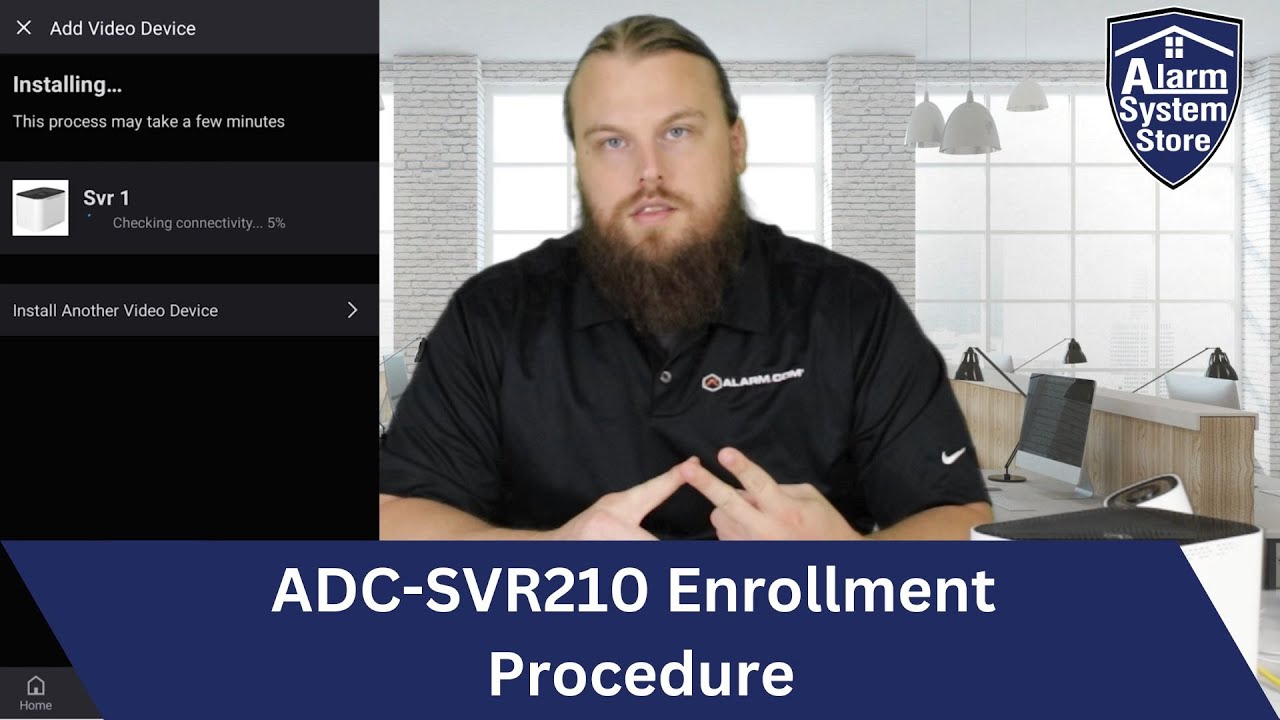
Alarm.com's most recent stream video recorder, the ADC-SVR210 provides an ALMOST seamless enrollment process, and today we'll show you how it's done. As with all Alarm.com SVRs, the SVR210 enrollment process breaks down to 2 steps. Enrolling the SVR, and attaching your cameras to the SVR. The first step, enrolling the SVR210 can be completed through the Alarm.com app, or the Alarm.com web portal. Once the SVR210 is powered up and connected to your home network, your Alarm.com should easily be able to locate the device once you open up your device manager. A few simple clicks and its tied to your account and ready for use.
Once the SVR is enrolled, however, you will need access to the Alarm.com web portal to attach your cameras. The footage you will see was captured with the CSVR2000P from one of our previous videos, as the operation and setup is identical between the SVR models. The only major difference is the SVR210 is designed for a smaller surveillance setup, such as residential and small business needs. Only fitting 8 cameras however makes the SVR210 ideal for a timely and simplified installation. Once your cameras are connected you'll have access to all 8 cameras recorded footage at any time, whether it be through the Alarm.com app, or Alarm.com web portal.
If you're interested in the SVR210 or any other Alarm.com products we offer check out the links below:
2TB ADC-SVR210: https://www.alarmsystemstore.com/prod...
1TB ADC-SVR210: https://www.alarmsystemstore.com/prod...
Alarm.com Video services: https://www.alarmsystemstore.com/coll...
Alarm.com Cameras: https://www.alarmsystemstore.com/coll...
Other SVR options: https://www.alarmsystemstore.com/coll...
Повторяем попытку...
Доступные форматы для скачивания:
Скачать видео
-
Информация по загрузке: