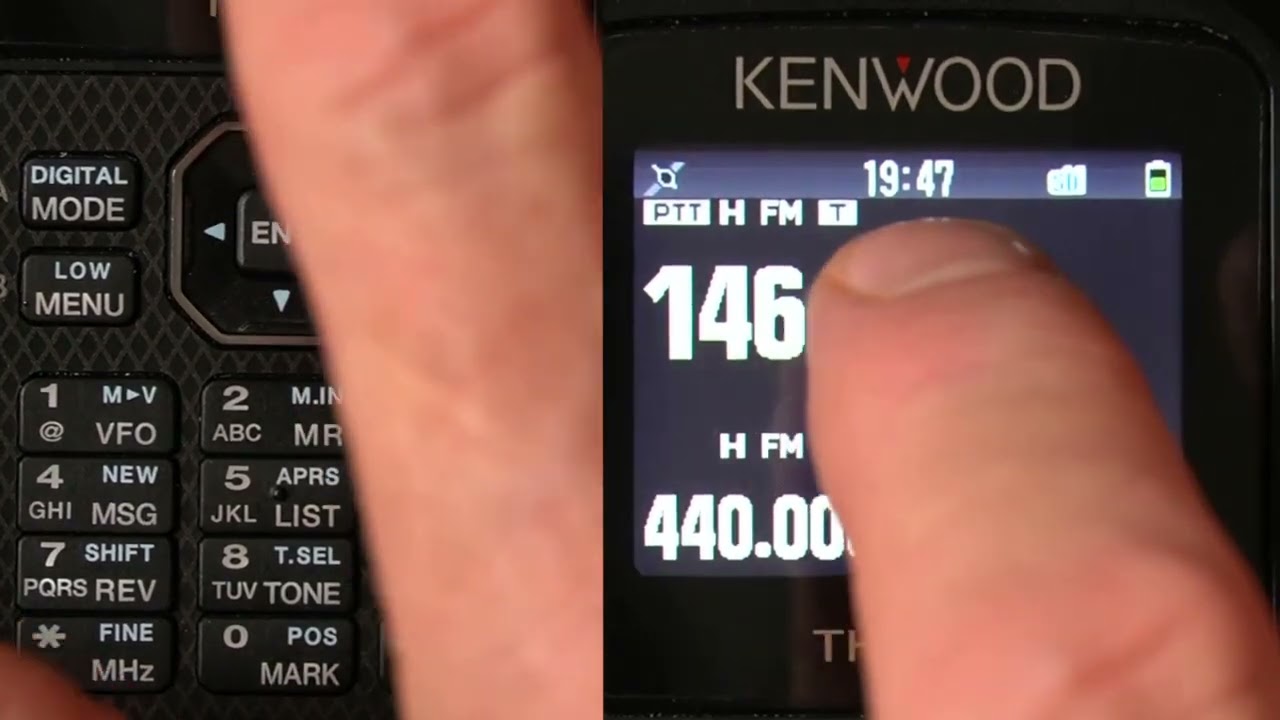
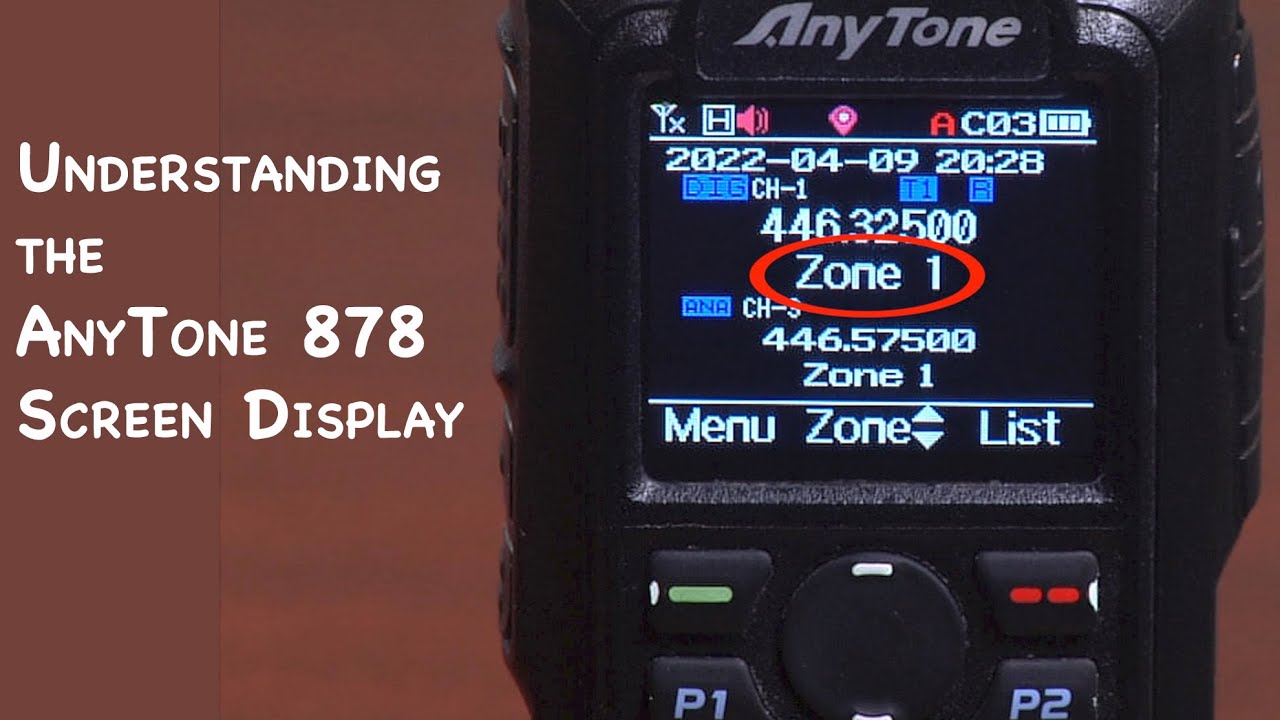
How to Change VFO mode to Channel Mode on Handheld or Mobile Radio
Автор: BridgeCom Systems, Inc
Загружено: 2020-04-16
Просмотров: 10405
Описание:
AnyTone 878 Plus: https://www.bridgecomsystems.com/coll...
AnyTone 578 Mobile: https://www.bridgecomsystems.com/coll...
Free 3-Step DMR Guide: https://www.bridgecomsystems.com/page...
For more information:
📞: 816-532-8451
📧: [email protected]
Technical Support: https://bridgecomsystems.freshdesk.co...
Follow us on social media and stay up to date on all the latest news and products!
Facebook: / bridgecomsystems
Instagram: / bridgecomsystems
Transcript:
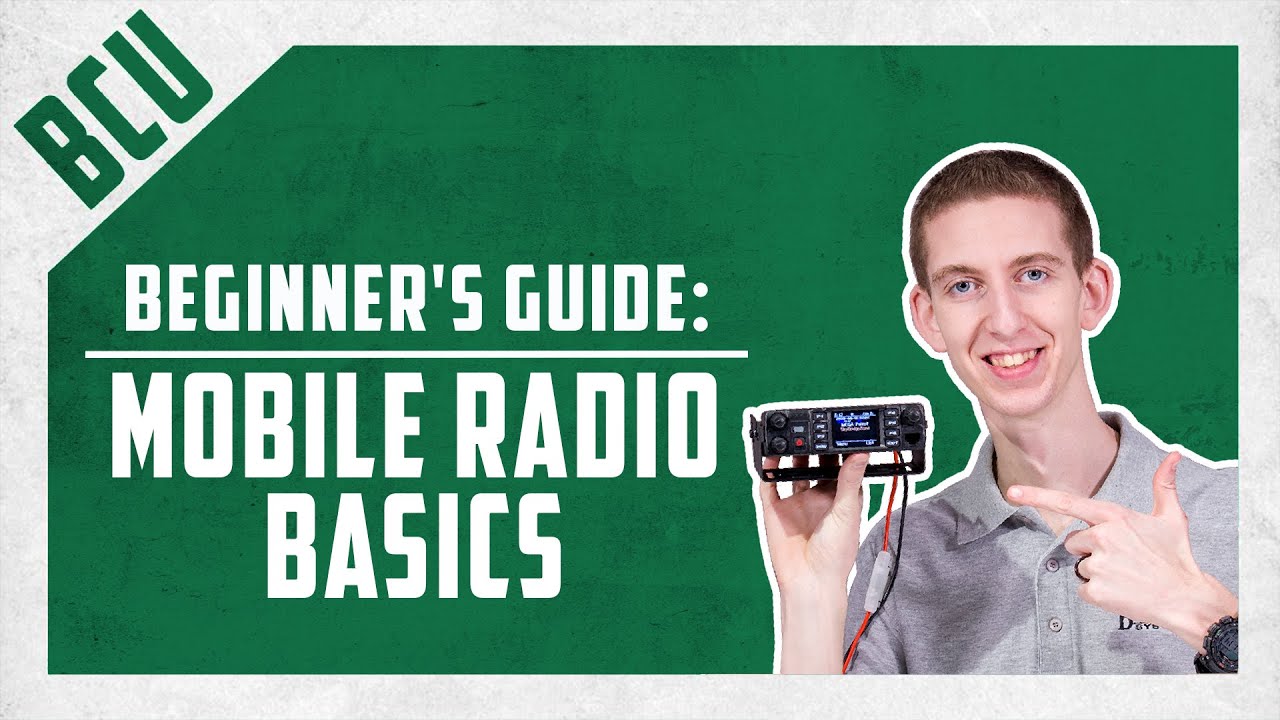
Hi, This is Sebastian, KB0TTL. We've had a few requests to do a video here, as of recent, from our customers, who are either stuck in VFO mode or stuck in channel mode. And they don't know how to get from VFO mode to channel mode on their handheld or mobile radios. If you like the content here so far be sure to hit the like button and subscribe to our YouTube channel. What we can go ahead and do here today, is we can go ahead and program one of our front panel buttons to easily toggle between channel and VFO modes, that we could either enter a frequency or go off the memories of the radio. Let's step over to the computer.
This is going to be a continuation for some of you of the video of how to program the function keys on the front of your radio. But this is actually specifically an answer to a problem a few of our customers are having, is the radio does not come pre-programmed with the function key that switches between channel and frequency mode. So some people are showing channels displayed, others are showing frequency displayed, and are unable to switch quickly between the two of them. So what I am gonna go ahead and do here is show you, first of all, how to define a push-button on the front of your radio. That would take care of this here.
So we're gonna go ahead into key functions here. We probably want a long key that is a long press of one of these functions keys to change between channel and frequency mode. We don't merely wanna bump this button while we're using the radio and have it switch on us here. So we're gonna keep that in mind here. So let's see here. We're gonna go ahead, this particular person has a couple of different scan functions here. He doesn't need more than one, you don't need more than one scan button either. So for the P2 Long Key, which is the P2 key right on the very front of the radio, I would actually recommend going ahead and selecting. There are a few options here, I'm just gonna scroll through here. The VM. Which is the VFO, or memory mode, I see he already has this defined here. But what that does, is that switches between channel and frequency mode, via the long press of, I see PF1 or PF2. And again this is a customer's code plug I was previously working on, which I've already saved to their radio, so this makes no difference really what I select here. But the thing is when you first get this radio out of the box, these functions here aren't going to be defined, so if you wanna be able to quickly switch between VFO and frequency mode you're going to need to name one of your function keys to do so. And I recommend using the long-press versus the short press of the function key to do that. So if we were to go ahead and then save this to your radio if we were to go up here, we were going to say right to the radio, and then right to your radio, as it's plugged in. That would rename your function key and you'd be able to change from channel to frequency mode, which is what you'd be wanting to do here. And again this is KBØTTL if you like today's video be sure to hit that like button and subscribe to our YouTube channel, 73.
Повторяем попытку...

Доступные форматы для скачивания:
Скачать видео
-
Информация по загрузке: