Convert Any Image to Vector Dot Stipple Halftone (Free Tool!) + Illustrator & VCarve Tutorial
Автор: Mr.Exo3D
Загружено: 2025-11-06
Просмотров: 918
Описание:
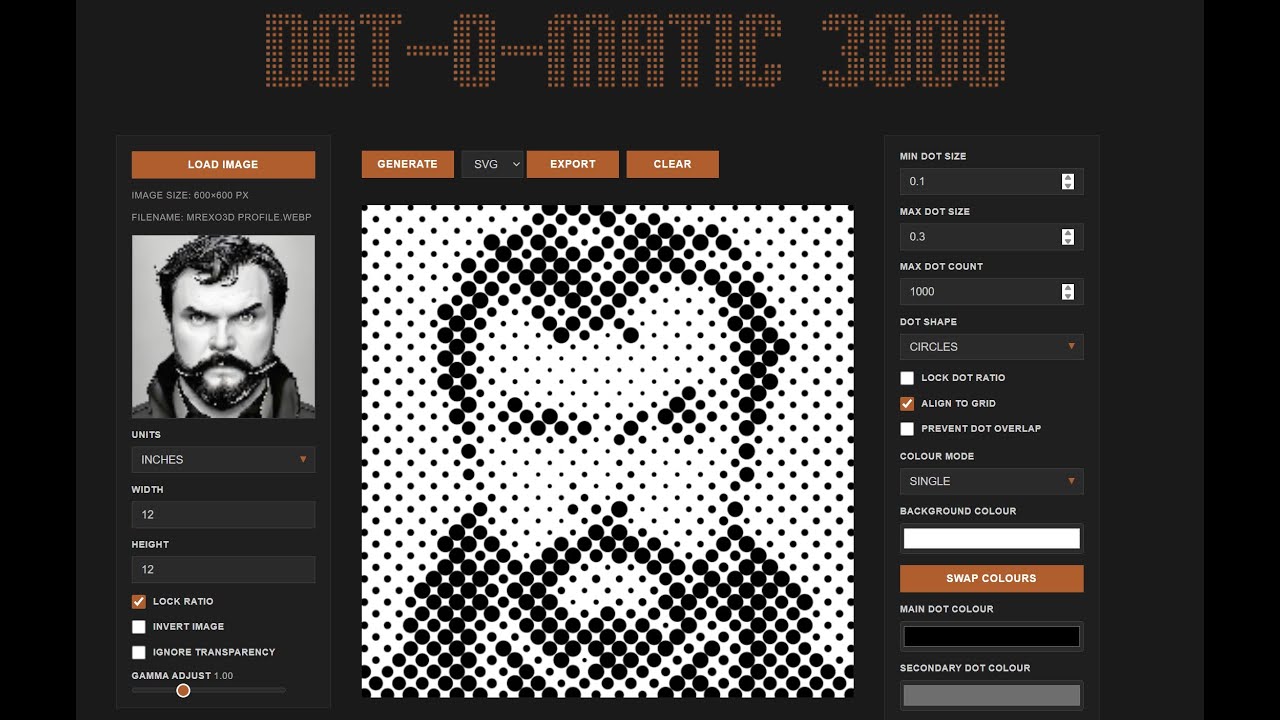
In this video I show how to turn any photo or graphic into a clean vector halftone or stipple pattern using Dot-O-Matic 3000, a free browser-based tool.
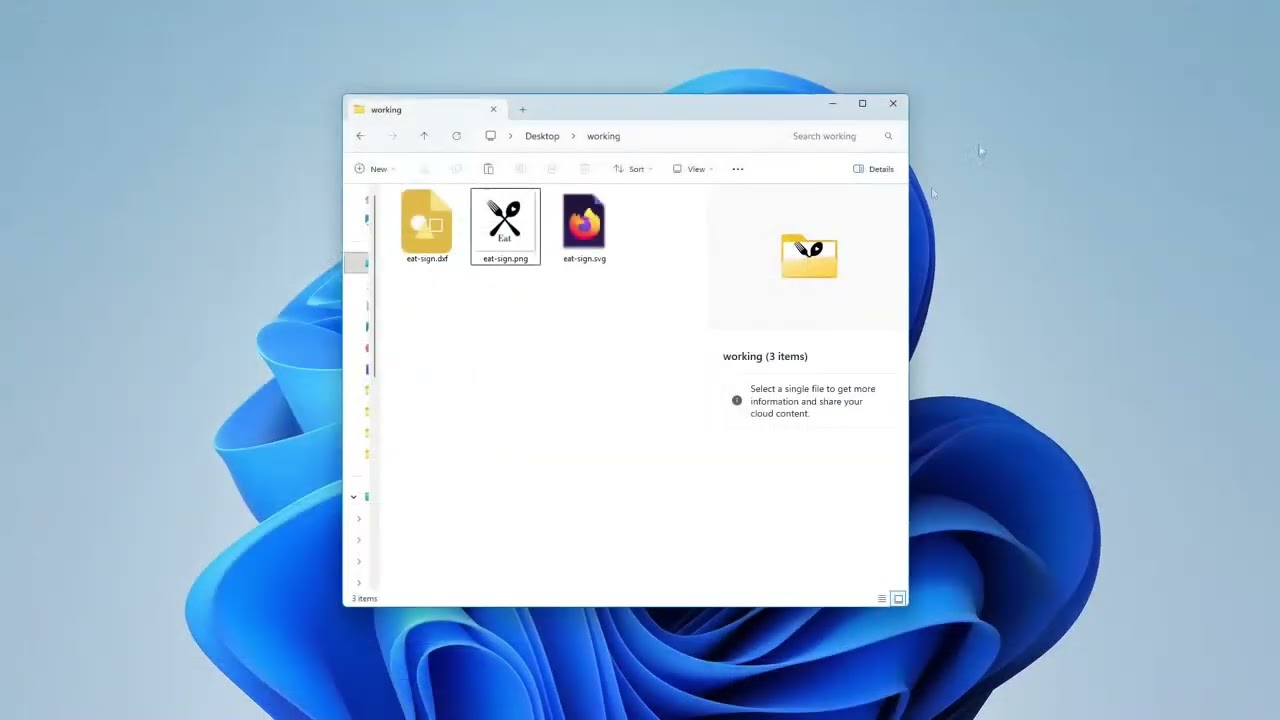
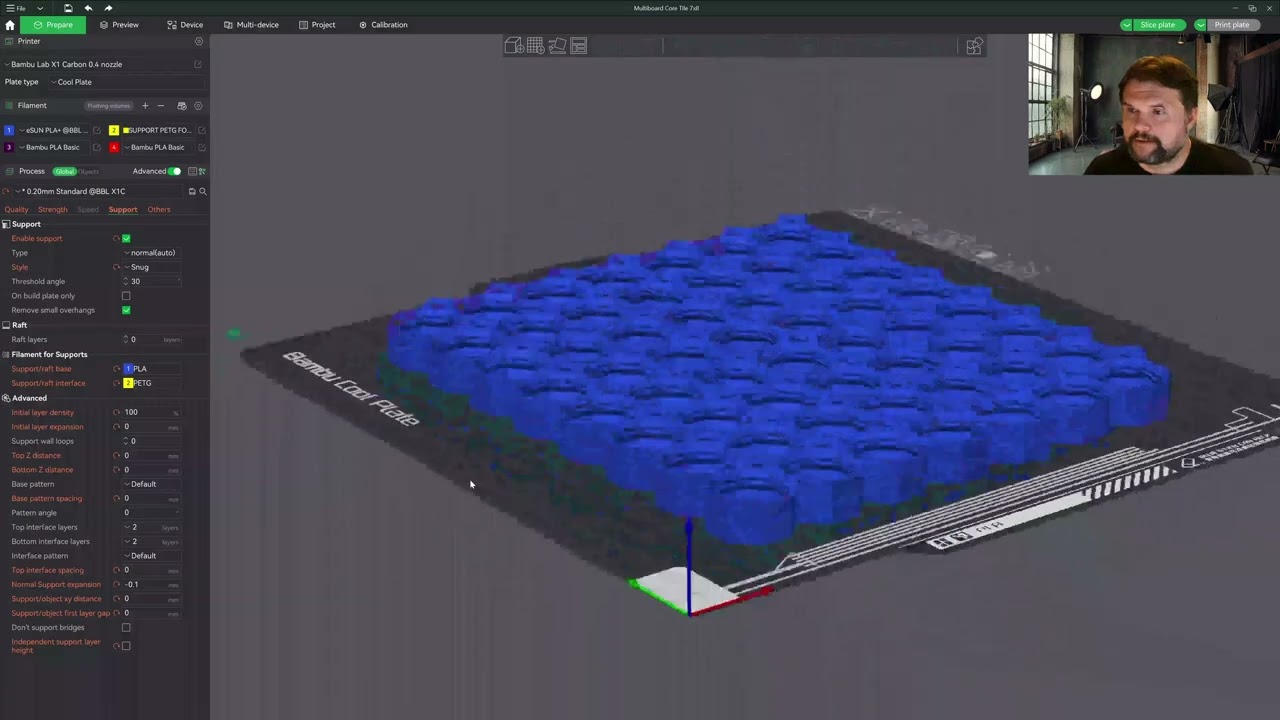
Then we take the SVG into Adobe Illustrator and VCarve (for CNC / laser engraving) so you can use it for print, vinyl, laser, CNC, or design projects.
✅ Works with JPG, PNG, scans, artwork
✅ Exports real SVG vectors (no raster!)
✅ Perfect for Glowforge, CNC, Cricut, screenprinting, posters, etc.
✅ No software install required — runs in browser
Try it here: https://dotomatic3000.com
Works great for:
• Laser engraving
• CNC v-carving
• Vinyl cutting
• Screen printing
• Poster design
• Illustrator / Glowforge workflows
Повторяем попытку...
Доступные форматы для скачивания:
Скачать видео
-
Информация по загрузке:






![‘두번째 심리기일’ 삭제하고 전원합의체 회부와 소부 배당 순서 바꿔/거짓을 거짓으로 덮는 중…자진사퇴냐 탄핵이냐 삼각파도가 몰려온다 [#논썰|EP.267]](https://imager.clipsaver.ru/j3btN_rGx7A/max.jpg)




