ycliper

Популярное

Музыка Кино и Анимация Автомобили Животные Спорт Путешествия Игры Юмор

Интересные видео

2025 Сериалы Трейлеры Новости Как сделать Видеоуроки Diy своими руками

Топ запросов

смотреть а4 schoolboy runaway турецкий сериал смотреть мультфильмы эдисон
Скачать

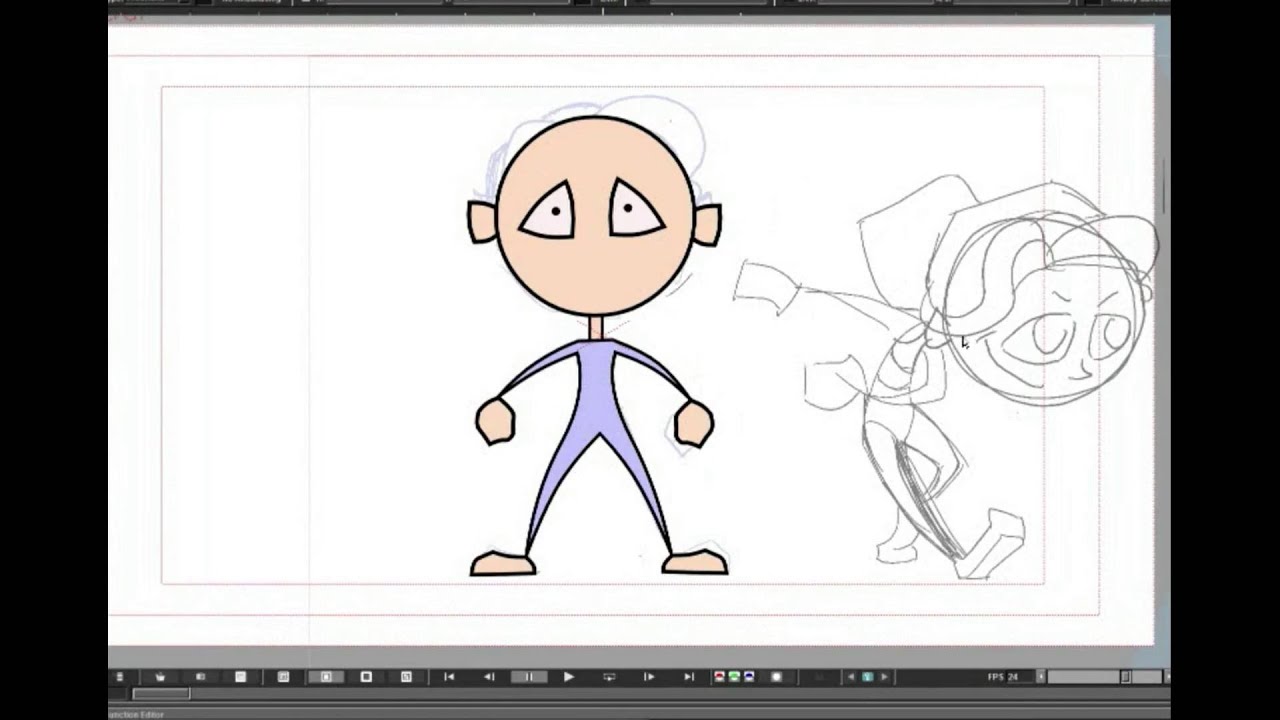
Learn to draw and talk in Free OpenToonz

Автор: Barricados

Загружено: 2017-03-17

Просмотров: 47353

Описание: Welcome to part 1 of the Complete guide for lip-syncing in OpenToonz. In this we cover the drawing of the mouth shapes, setting up your character for lip-syncing, and offer a general introduction to the drawing tools in OT.

In part 2 we demonstrate our converter tool which has been integrated into OpenToonz as of version 1.2. Here we will show you how to join your mouth shapes to lip-sync patterns created with Papagayo.

Part2: 'Lip-Sync Made Easy':
   • Lip-Sync Made Easy  


At the end of these 2 tutorials you will have a grasp of some of the basics of OpenToonz, and be able to create your own talking character with ease.

For more information and tips please visit our site:
http://barricados.com/

Please Subscribe & become a Patron to support our efforts!
Happy animating!
BARRICADOS


Intro tune: Kevin MacLeod

Не удается загрузить Youtube-плеер. Проверьте блокировку Youtube в вашей сети.
Повторяем попытку...
Learn to draw and talk in Free OpenToonz

Поделиться в:

Доступные форматы для скачивания:

Скачать видео

  • Информация по загрузке:
Скачать аудио

Похожие видео

Papagayo to OpenToonz Tutorial

Papagayo to OpenToonz Tutorial

Using the plastic tool for cut out animation - OpenToonz tutorial

Using the plastic tool for cut out animation - OpenToonz tutorial

How I Animated

How I Animated "LEIF" in OpenToonz

OpenToonz tutorial: How to draw hands

OpenToonz tutorial: How to draw hands

Using the Plastic Tool with cut-out animation - OpenToonz Tutorial

Using the Plastic Tool with cut-out animation - OpenToonz Tutorial

Using MOCAP For Your 2D Animations - Part 1

Using MOCAP For Your 2D Animations - Part 1

Getting started with OpenToonz & Tahoma2D

Getting started with OpenToonz & Tahoma2D

Create an Animated Presenter with OpenToonz and Rhubarb

Create an Animated Presenter with OpenToonz and Rhubarb

Setup and use auto lip sync in OpenToonz & Tahoma2D !

Setup and use auto lip sync in OpenToonz & Tahoma2D !

Animating in OpenToonz is a struggle (but worth it)

Animating in OpenToonz is a struggle (but worth it)

OpenToonz Tutorial: Vectors & Auto-Inbetweens, PART 1:  First Key Pose & Using Vectors

OpenToonz Tutorial: Vectors & Auto-Inbetweens, PART 1: First Key Pose & Using Vectors

How to Make your First Animation in Opentoonz! EASY for BEGINNERS Tutorial! -Parkour Action-

How to Make your First Animation in Opentoonz! EASY for BEGINNERS Tutorial! -Parkour Action-

OpenToonz Time-lapse: Animating a Spin (+ narration)

OpenToonz Time-lapse: Animating a Spin (+ narration)

OpenToonz : Character Rigging : Part 2

OpenToonz : Character Rigging : Part 2

Animate folds with the Plastic Tool and other tips - OpenToonz Tutorial

Animate folds with the Plastic Tool and other tips - OpenToonz Tutorial

How to Shade Like a Pro in Opentoonz!

How to Shade Like a Pro in Opentoonz!

[OLD VERSION 1.4] Basics of OpenToonz - How to animate 2D animation class [#003]

[OLD VERSION 1.4] Basics of OpenToonz - How to animate 2D animation class [#003]

Lip-Sync Made Easy

Lip-Sync Made Easy

OPENTOONZ - Full animation with bones and rigging

OPENTOONZ - Full animation with bones and rigging

OpenToonz Tutorial 12: Adding Color

OpenToonz Tutorial 12: Adding Color

© 2025 ycliper. Все права защищены.


  • Контакты
  • О нас
  • Политика конфиденциальности


Контакты для правообладателей: [email protected]