How to Create Multiple Groups in Excel
Автор: ExcelDemy
Загружено: 2023-09-08
Просмотров: 14189
Описание:
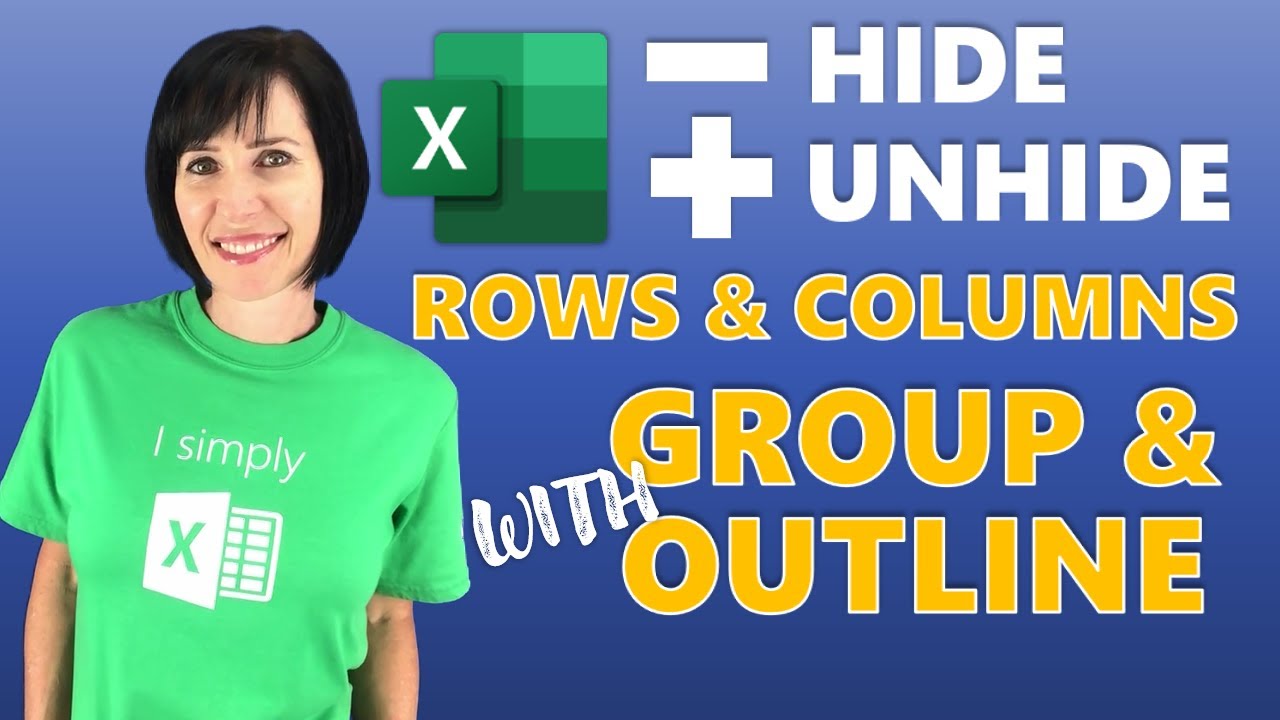
In this video, I'll guide you through the 4 methods to create multiple groups in Excel. You'll learn how to use the keyboard shortcut, group command, and auto outline feature to group multiple cells and show or hide them as you wish. In addition, you’ll also learn to group using Excel’s Pivot Table feature. Grouping enables efficient handling of large datasets and displays the group summary. With practical examples and step-by-step instructions, you can implement multiple groups in your own Excel spreadsheets effortlessly.
👨🏫 Instructor: Zehad Rian Jim
🎥 Editor: Mohammad Ullah
✨ ⯆ Resources:
Alt + Shift + ➡ - To group cells
▬ Contents of this video ▬▬▬▬▬▬▬▬▬▬
0:00 - Intro
1:06 - Using Keyboard Shortcut
2:38 - Using Group Command
4:35 - Applying Auto Outline Feature
5:20 - Utilizing Pivot Table
📚 ⯆ DOWNLOAD the workbook here:
https://www.exceldemy.com/create-mult...
🌍 ⯆ Checkout the article here:
https://www.exceldemy.com/create-mult...
💻 ⯆ Similar Videos:
• How to Create a Grouped Frequency Distribu...
🚩 Stay connected with us on social media for more Excel tips and tricks!
Facebook: / exceldemy
Twitter: / exceldemy
LinkedIn: / exceldemy
🙋♂️ Stuck with an Excel formula or a VBA code? You can post your questions or upload your Excel file to get in touch with the professionals and get the solution you need.
ExcelDemy Forum: https://exceldemy.com/forum/
👉 If you found this video helpful, don't forget to subscribe to our channel for more Excel tutorials, tips, and tricks! Hit the subscribe button and turn on notifications, so you never miss an upload. By subscribing, you'll be supporting our channel and helping us to reach more people who can benefit from our content. Thank you for watching, and we'll see you in the next video!
🔔 ⯆ Subscribe on YouTube:
/ @exceldemy2006
#excel #exceltutorial #exceltips #exceltricks
Повторяем попытку...

Доступные форматы для скачивания:
Скачать видео
-
Информация по загрузке: