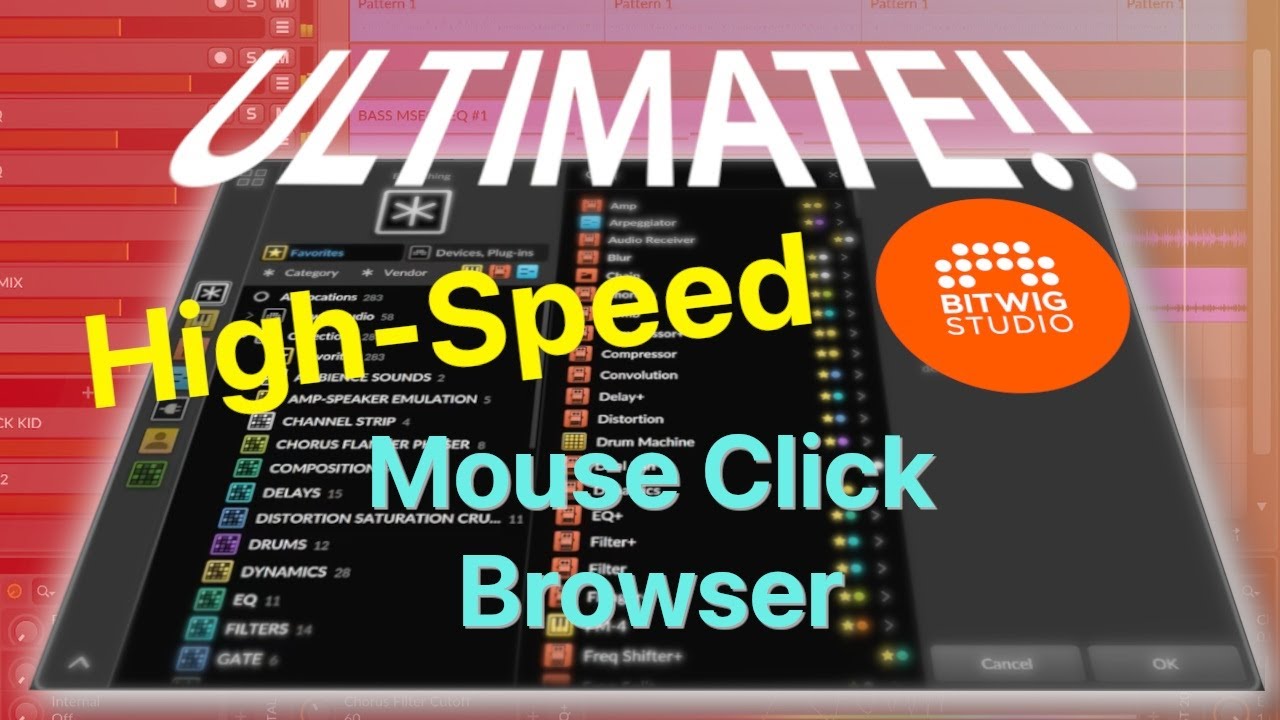
Mouse Browsing, SOLVED! The Bitwig High-Speed Mouse Click Browser
Автор: GAMMA SUTRA PRODUCERS' SERIES
Загружено: 2025-07-03
Просмотров: 1108
Описание:
A hands on, step-by-step guide to organizing Bitwig's browsers for high-speed, mouse click browsing. Find any device or plugin with just 2-3 mouse clicks. If you find this Gamma Sutra Producers' Series offering helpful, hit the "Like" button and Subscribe!
This guide takes things from the absolute ground up so that anybody can follow along, regardless of experience in Bitwig, or navigating and customizing Bitwig's browsers. More experienced Bitwiggers, or those who already have their own custom configuration of Bitwig's browsers, are invited to scan through the tutorial's time stamped chapters/sections for any "tips and tricks" about customizing Bitwig's browsers that may assist in further optimizing their own, custom browser settings.
Estimated Set Up Time: 1-3 hours (depends on how many 3rd Party plugins are installed). This initial setup and configuration of Bitwig's browsers needs to be done one time only. The result: a seamless, consistent, predictable, and dead simple to navigate high-speed, mouse browsing experience across Bitwig for every project that follows:
Locate any Bitwig device or 3rd party Plugin in 2-3 mouse clicks.
Custom, user-defined collections of production devices that include all Bitwig Devices and all 3rd Party Plugins by category in a single, integrated view, across every pop-up "context browser" in Bitwig.
Click the Favorites star "ON" to be instantly presented with short, targeted lists of primary "go-to" devices in any given category for quick access when in production mode.
Click the Favorites star "OFF" to view a comprehensive lists of all potentially available Bitwig devices and 3rd Party plugins within any given category of production devices.
Short, "go-to" lists (Favorites star "ON") provide an opportunity to consider a focused list of alternatives devices to choose from, rather than trying to recall the name of individual devices one-by-one for typing into the browsers' search bar. (also helps when you know the device you want, but may not be instantly recalling the exact name or spelling to type into the search bar).
Overall improved and enhanced workflow across the DAW that facilitates the production process, significantly reducing time lost and interruptions of the creative production process. No more uncoordinated, random assortment of default Bitwig "context browsers" popping up all over the DAW.
****************************************************
CHECK OUT GAMMA SUTRA'S MUSIC and PRODUCERS' SERIES LINKS:
Gamma Sutra Producers' Series on Bandcamp (Soundsets and other music production resources): https://producerseriesbygammasutra.ba...
Gamma Sutra Music on Bandcamp: https://gammasutra.bandcamp.com
Gamma Sutra Music on Spotify: https://open.spotify.com/artist/2OgTd...
Gamma Sutra Music on YouTube: / @gamma_sutra
Fallen Sutra Music on Spotify (a collaborative project of Gamma Sutra and Fallen Leaf): https://open.spotify.com/track/0viVl1...
--
Time Markers / Chapters:
00:00 Intro/Opening Demo
02:50 Mouse Click Browsing Basic
04:31 Step 1: Bitwig's "Collections"
05:27 Create Collections for Production Devices
05:58 Step 2: Populating Collections With Bitwig Devices
08:55 Step 3: Populating Collections With 3rd Party Plug-Ins
11:45 Step 4: Making Collections The Default View In Bitwig's Context Browsers
12:49 Bitwig's (Various)"Context Browsers"
14:53 Creating a "Snapshot" Of High-Speed, Mouse Click Browser
15:14 Apply Snapshot to After Synth Browser
15:34 Apply Snapshot to Between Synth and Sequencer Browser
15:51 Apply Snapshot to Before Sequencer Browser
16:33 Apply Snapshot to Instrument Lane Browser
16:50 Apply Snapshot to Instrument, Audio, and FX Track Browsers
18:48 Step 5 (Optional): Adding Presets to Mouse Click Browser
20:35 Step 6 (Optional): Adding Select Collections to "Quick Sources"
23:07 Concluding Demo
#bitwig #bitwigstudio #musicproducer
Повторяем попытку...
Доступные форматы для скачивания:
Скачать видео
-
Информация по загрузке: