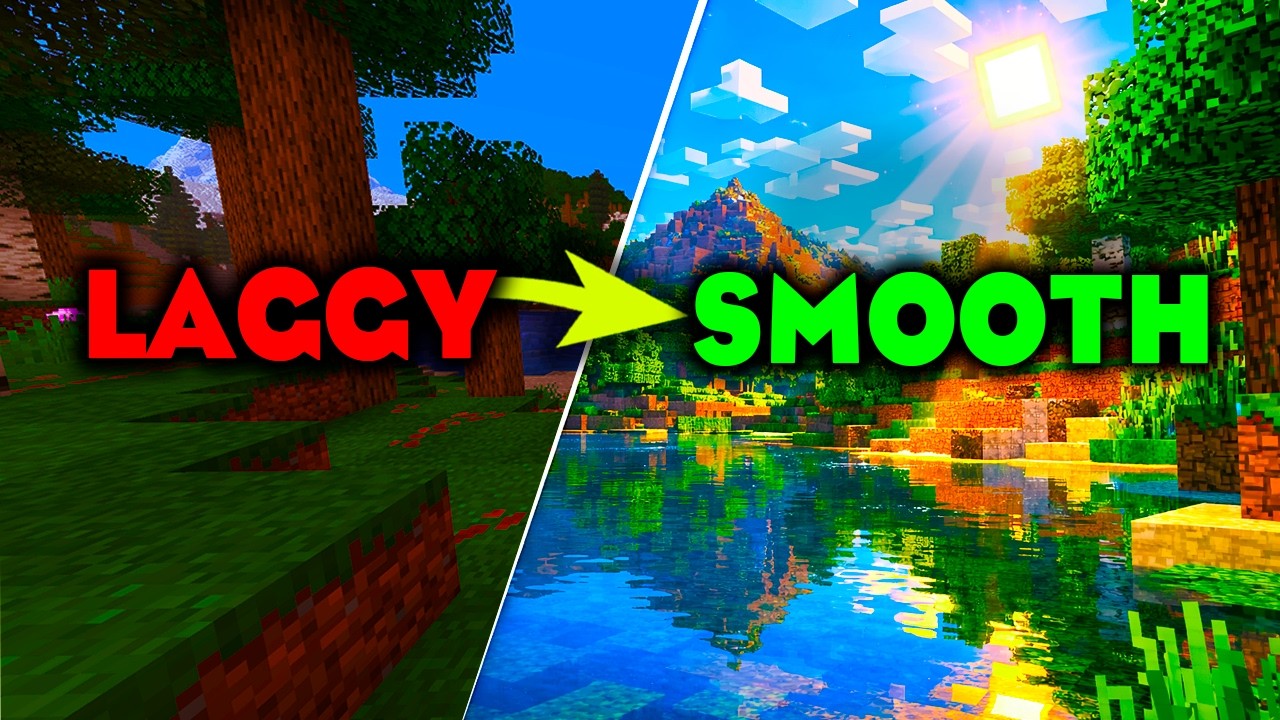
Why Minecraft is LAGGY — And How to Actually Fix It 1.21+
Автор: Alex_StoryMine
Загружено: 2026-03-27
Просмотров: 22487
Описание:
Your GPU is fine. Your settings are wrong.
In this video I break down the complete Minecraft optimization system — from diagnosing the real problem with Spark and F3, to dialing in every video setting that actually matters, picking the right mod loader, and building a performance mod stack that works.
No Windows tweaks. No BIOS. Just Minecraft.
Optimization mods explained (watch first): • 1000+ FPS Boost Mods in Minecraft 1.21.11 ...
What's covered:
How to read F3 and Spark profiler to find exactly what's killing your FPS
Every video setting explained — what it does and what to set it to
Fabric vs NeoForge vs Forge — which one and why
The full optimization mod stack: Sodium, Lithium, ImmediatelyFast, Entity
Culling, FerriteCore, C2ME, Dynamic FPS, ModernFix
Shaders without losing performance — Iris + Sodium setup
Surgical mods for specific problems: redstone lag, XP farms, chunk freezes, chest-heavy bases
Riptidium — the modpack I personally use every day
Spark keyword list (CTRL+F in the report):
Tick overload → ServerLevel.tick / World.tickEntity / Entity.tick / MobEntity.tick / SpawnHelper / ServerChunkManager.tick / World.tickBlockEntities / GoalSelector.tick
Client-side overload → LevelRenderer / ChunkRenderDispatcher / RenderSystem
Links:
→ Riptidium: https://modrinth.com/modpack/riptidium
→ Spark: https://modrinth.com/mod/spark
→ Iris: https://modrinth.com/mod/iris
→ Complementary Reimagined: https://modrinth.com/shader/complemen...
→ VulkanMod: https://modrinth.com/mod/vulkanmod
------------
Timings
0:00 Intro
0:17 Why Is Minecraft Lagging? (F3 + Spark)
5:54 Settings That Actually Matter
10:53 Pick the Right Loader
12:49 Shaders Without Killing FPS
13:57 Mods That Fix Specific Problems
16:21 The Modpack I Use Every Day
17:52 Before vs After — Tell Me
#minecraftmods #minecraftoptimization #minecraftguide #minecraftjavaedition #minecraftfabric
Повторяем попытку...
Доступные форматы для скачивания:
Скачать видео
-
Информация по загрузке: