Akai EWI and Audio Modeling Camelot Setup for Live Horn Section
Автор: Frans Absil Music
Загружено: 2025-07-25
Просмотров: 508
Описание:
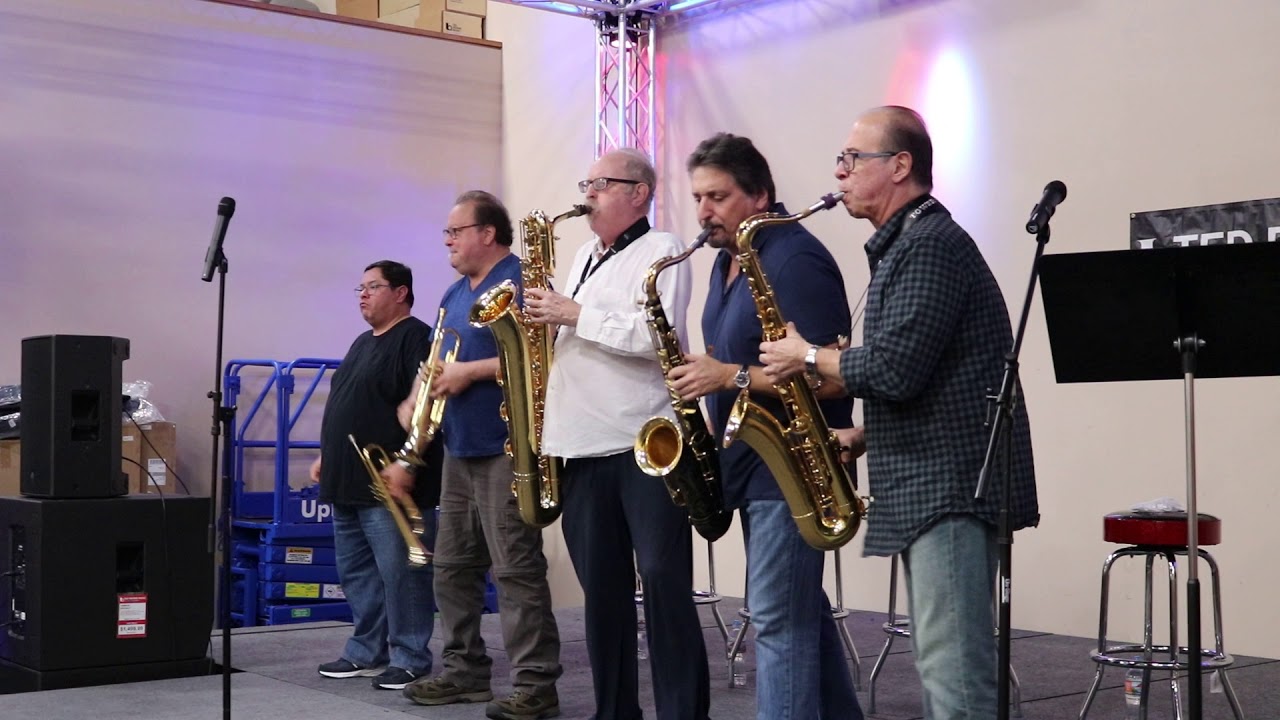
This tutorial discusses and demonstrates the hardware and software setup for live playing a horn section with the Akai Electronic Wind Instrument (EWI) as MIDI input controller and using the Audio Modeling Camelot software on a MacBook Pro. The typical horn section is a 4- to 7-piece combination of brass (trumpet, trombone) and saxophones. From a reduced score for each song a spreadsheet is compiled that determines the EWI mapping. There is extensive use of the note-to-chord feature in Camelot to perform multipart chords with the monophonic EWI. Humanisation parameter settings yield a more realistic horn section live performance. The setup is demonstrated with audio fragments from a realtime recording.
Contents:
00:00 What this video is about
00:28 Introduction, project goal
01:04 System hardware setup, Akai EWI, iPad, Mac with Camelot, audio interface
02:21 Live horn section creation process in four steps
02:29 Step 1: Transcription, from audio to reduced score in Dorico
03:31 Step 2: EWI mapping, select EWI playing range for musical elements
04:36 Step 3: Create EWI part from note mapping table, add grand staff to score
05:06 Step 4: Create Camelot project, plugins, implement note-to-chord mapping, humanise
07:35 Audio examples, record audio into Cubase, add rhythm section instrument plugins
08:00 Example 1: demonstrate note-to-chord mapping, discuss the EWI part and performance
08:00 Example 2: same aspects as in example 1
12:38 Conclusion, lessons learned
#Camelot #HornSection #AkaiEWI
Support video tutorial production on this channel?
PayPal https://www.fransabsil.nl/htm/archive...
Patreon / fransabsil
Website https://www.fransabsil.nl
Повторяем попытку...
Доступные форматы для скачивания:
Скачать видео
-
Информация по загрузке: